
Browser games · Bytonian Mods
More ways to play YouTube Playables.
A setup guide by Bytonian Mods
Bytonian Mods supports 473 YouTube Playables. Play in your browser and use the Windows app to choose your mods and customisation options.
Your game stays in the browser.
The extension connects the game tab you enable to the Windows app. You use the app to see and control its available options; the extension is not a standalone mod menu.
- Step 1
Set up the extension
Open Settings → Browser Extension in the Windows app. Choose Chrome or Edge and follow the guided installation. The app prepares the extension files and shows you how to add them through your browser’s extensions page.
- Step 2
Link your browser
Pin the Bytonian Mods extension so it is easy to find. Follow the app’s Link browser step, then paste the linking code into the extension. Keep the Windows app open while you play.
- Step 3
Enable your game tab
Open a supported YouTube Playable, click the Bytonian Mods extension and choose Enable this tab. The page reloads to connect. Return to the Windows app to choose the game’s available mods.
Connect before you start a session
Enabling a tab reloads the game. The first use of some features may reload it again, so finish anything you need to save before connecting or enabling those features.
Explore supported Playables
Browse all supported Playables →Open a game page to review its available content. Support for one Playable does not mean every game on YouTube has mods.
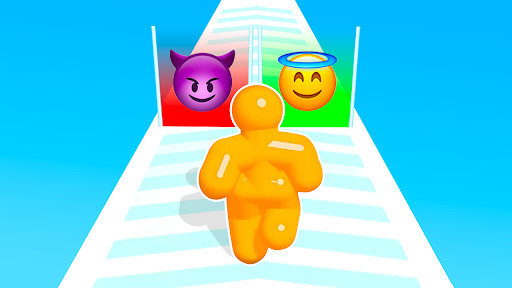
Tall Man Run
See available mods →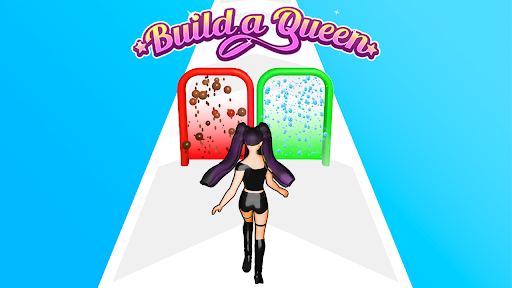
Build a Queen
See available mods →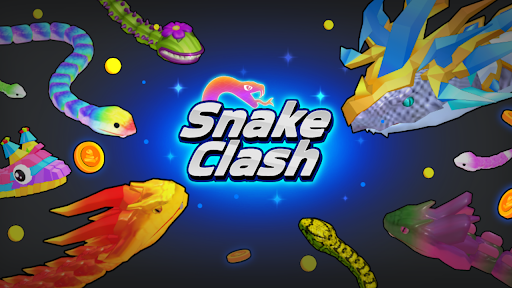
Snake Clash!
See available mods →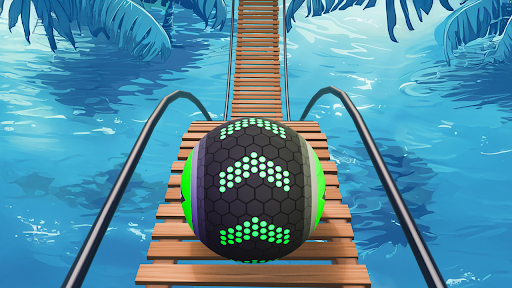
Going Balls
See available mods →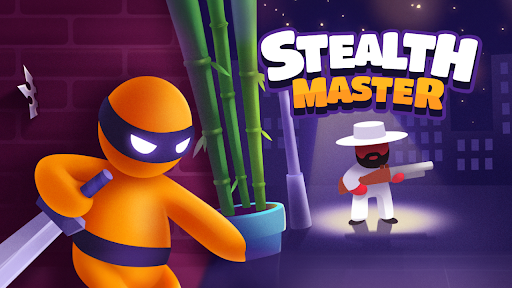
Stealth Master
See available mods →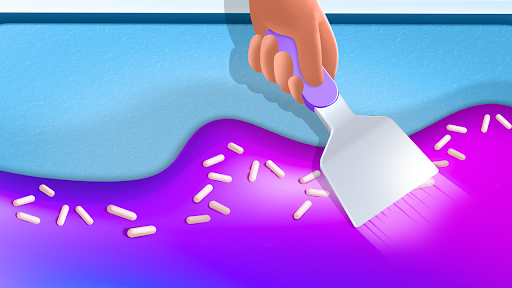
Dessert DIY
See available mods →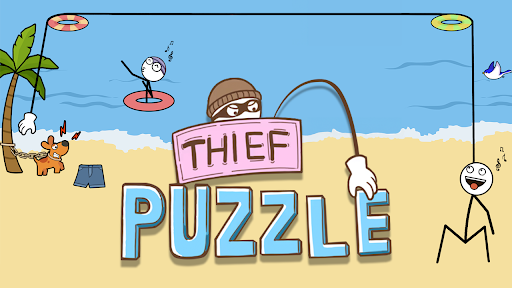
Thief Puzzle
See available mods →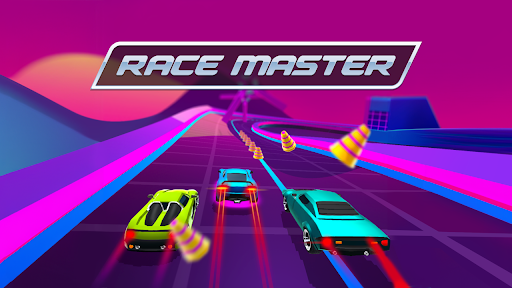
Race Master 3D
See available mods →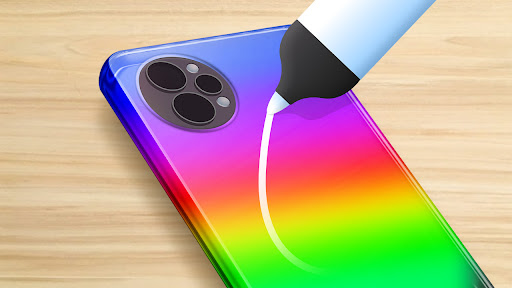
Phone Case DIY
See available mods →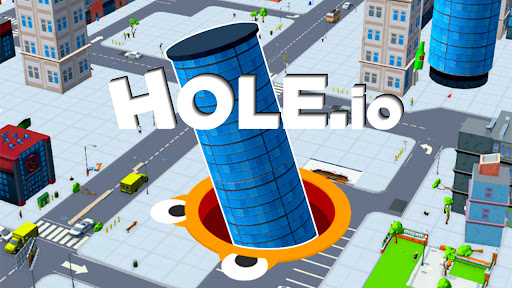
Hole.io
See available mods →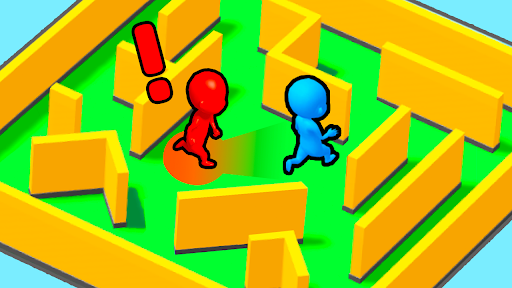
Hide N Seek
See available mods →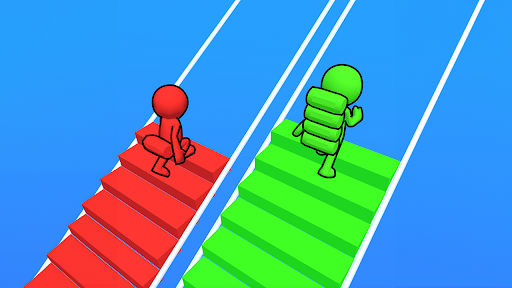
Bridge Race
See available mods →A few things to know
Does linking enable every tab?
No. Linking connects the extension to the app. You still choose Enable this tab on the game you want to use.
The browser is linked, but I don’t see mods.
Make sure the Windows app is open, the game is supported, and you selected Enable this tab in the extension. Connect only does not enable mods for that tab.
Is all the content free?
Access varies by game and content. Check the game page before purchasing; some content is free and other content requires a purchase or membership.
Stuck during setup? Get help from Bytonian Mods.