
Resources
1 optionRead or adjust your Coins with the free resource control.
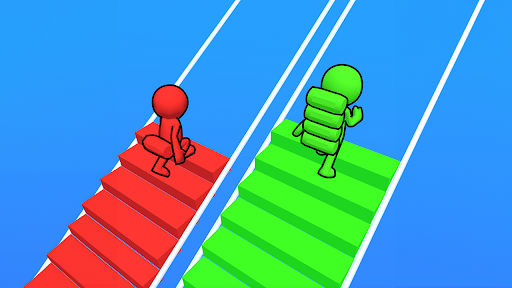
View resources →Choose your Bridge Race coin balance, or add bricks to the stack you carry while building toward the finish. The Coins control lets you check, set, add or subtract a balance; Brick stack gives you more blocks during an active race.
Requires the Windows app and the Bytonian Mods browser extension for Chrome or Edge. Browser setup guide
Start with free mods
Download Bytonian Mods for Windows and try these free features. Choose one to see how it works and any requirements.
Read your current Coins, add or subtract an amount, or set a new total.
Refresh the balance before making an adjustment. Values must be zero or above.
Resources contains the free Coins control for reading and changing your balance. Game Actions contains the Premium Brick stack feature for adding extra bricks during an active race. Choose the category that matches what you want to change.
Install the Bytonian Mods Windows app and set up its browser extension in Chrome or Edge. Open Bridge Race on YouTube Playables, connect the game, then choose your option in the app. Use the browser extension setup guide below for the connection steps.
Read or adjust your Coins with the free resource control.
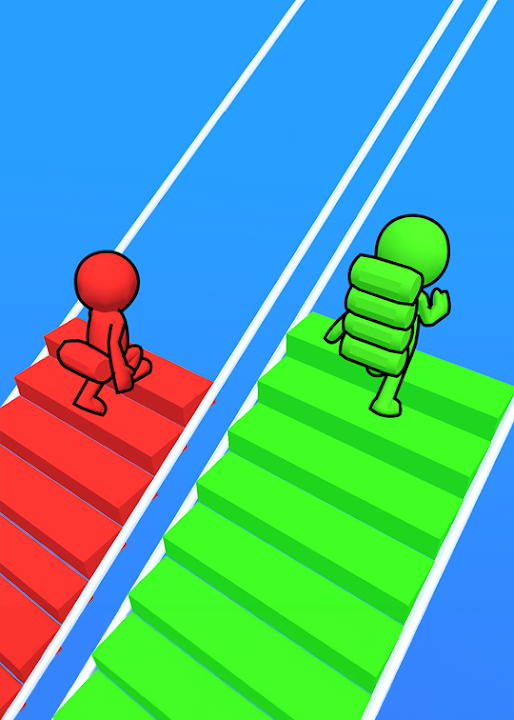
View resources →Add 1–1,000 bricks during a race; stand still away from a bridge and allow the pickup animation to finish.
View game actions →Download the Windows app and follow the setup prompts.
Set up the browser extension in Chrome or Edge, then open the supported YouTube Playable. Follow the connection guide if the game is already running.
Review the available options in the app and choose the ones that suit how you play.