
Customise
1 optionOne level selector covering puzzles 1 to 10.
View customisation options →Pick a puzzle to revisit or jump ahead with the free level selector. Stretch the thief's arm around each scene's obstacles to reach the target; choosing a level still leaves the solution to you.
Requires the Windows app and the Bytonian Mods browser extension for Chrome or Edge. Browser setup guide
Start with free mods
Download Bytonian Mods for Windows and try these free features. Choose one to see how it works and any requirements.
Open an early puzzle by choosing its level from 1 to 10.
Apply your choice and press Play after the game reopens.
Choose from the first ten puzzles. Selecting a puzzle does not complete it.
Choose an early puzzle
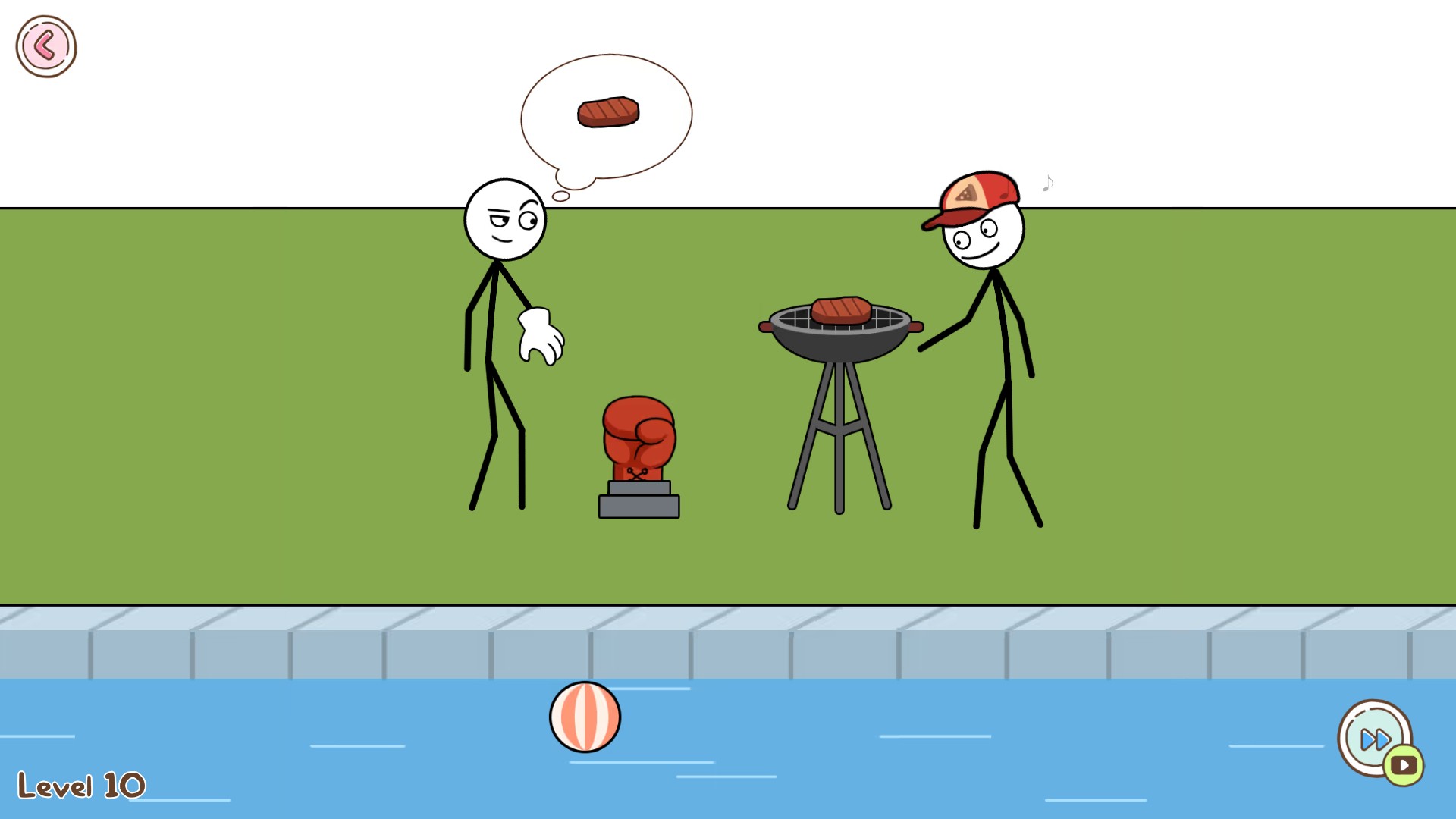
Pick the barbecue scene with the level selector, or choose another puzzle from levels 1 to 10.
Revisit an early challenge or jump ahead to another puzzle. The level selector changes which puzzle opens; it does not solve the puzzle for you.
Open Thief Puzzle through Bytonian Mods and let the game load. Choose a number from 1 to 10, apply your choice, then press Play when the game reopens.
One level selector covering puzzles 1 to 10.
View customisation options →Download the Windows app and follow the setup prompts.
Set up the browser extension in Chrome or Edge, then open the supported YouTube Playable. Follow the connection guide if the game is already running.
Open Customise in Bytonian Mods, choose an option and follow its instructions. Check the available values and any limits before making your change.