
Resources
1 optionSet, add or subtract Tall Man Run gems with the free Gems mod.
View resources →Steer through height and width gates, dodge obstacles and build up your runner for the bots ahead. Choose a mod below to change your gems, grow on demand or try a different way to move.
Requires the Windows app and the Bytonian Mods browser extension for Chrome or Edge. Browser setup guide
Start with free mods
Download Bytonian Mods for Windows and try these free features. Choose one to see how it works and any requirements.
Temporarily prevent bomb-related height and width loss for your current runner.
Turn on for an alive runner; switch off/on after respawn.
Other hazards, falls and boss damage are not covered. The extra shield effect is limited to two minutes.
Read your gem balance, add or subtract gems, or set a chosen balance.
Enter the amount you want in Gems.
Gems changes saved progress; it does not unlock every item automatically.
Gems lets you set your balance. Character Growth adds height or width during a run. Fly takes you above or beside the track; speed and bomb protection offer more ways to play.
Connect the Bytonian Mods extension to Tall Man Run on YouTube Playables, then enable the package you want. Gems and bomb protection are free; Character Growth, Fly and speed require premium access.
Return near the course before turning Fly off. Switch speed or bomb protection off and on after a new runner appears.
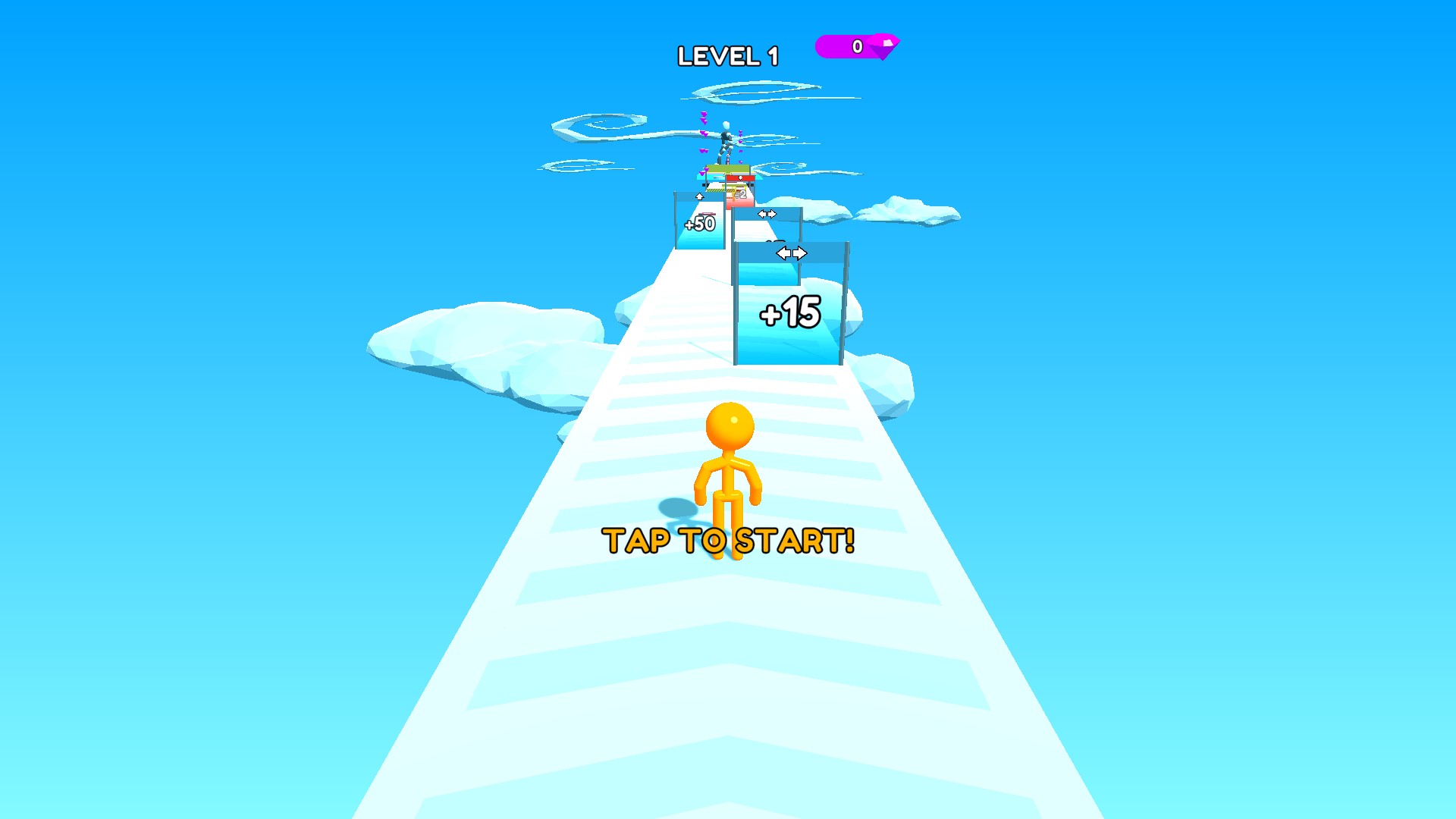
Grow through the gates in Tall Man Run
Steer along the raised course and choose gates that make your runner taller or wider.
Tall Man Run, but I Turned Him Into a Giant
See the runner grow to giant size in Tall Man Run.
Set, add or subtract Tall Man Run gems with the free Gems mod.
View resources →Grow taller or wider with Character Growth, or try adjustable speed from 25% to 300% for the current Tall Man Run runner.
View stat modifiers →Protect your runner's height and width from bombs.
View rule modifiers →Try Tall Man Run Fly to rise above or move beside the track. Includes editable movement keys and a fast movement modifier.
View ability modifiers →Download the Windows app and follow the setup prompts.
Set up the browser extension in Chrome or Edge, then open the supported YouTube Playable. Follow the connection guide if the game is already running.
Review the available options in the app and choose the ones that suit how you play.