
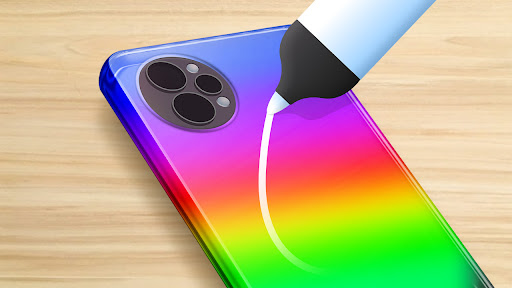
Customise
5 optionsCoins for purchases, a phone-order selector, and separate wall, interior and floor upgrade settings.
View all customisation options →Choose which phone case to decorate next, set coins for room upgrades and change the walls, floor or furnishings around your workbench. Keep decorating each case by hand with the game's normal glue, spray and finishing steps.
Requires the Windows app and the Bytonian Mods browser extension for Chrome or Edge. Browser setup guide

Start with free mods
Download Bytonian Mods for Windows and try these free features. Choose one to see how it works and any requirements.
Choose the wall upgrade level to change the room's wall finish.
Apply a level and return to the room to see its wall finish. Finish an order or make an ordinary room purchase to save the applied room settings.
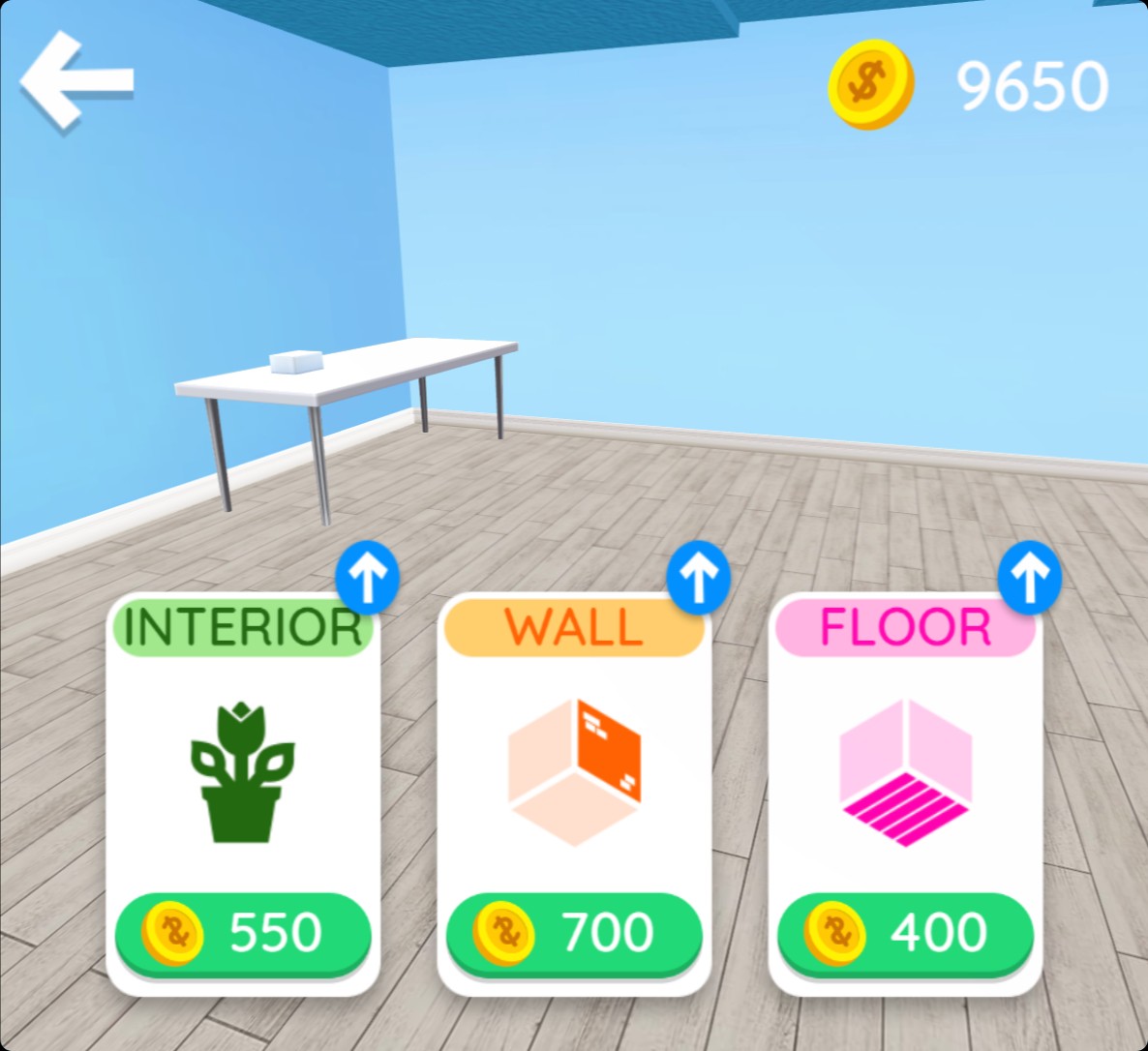
Coins after a wall upgrade
A normal 350-coin wall purchase leaves 9,650 coins from the 10,000 balance and turns the room's walls blue.
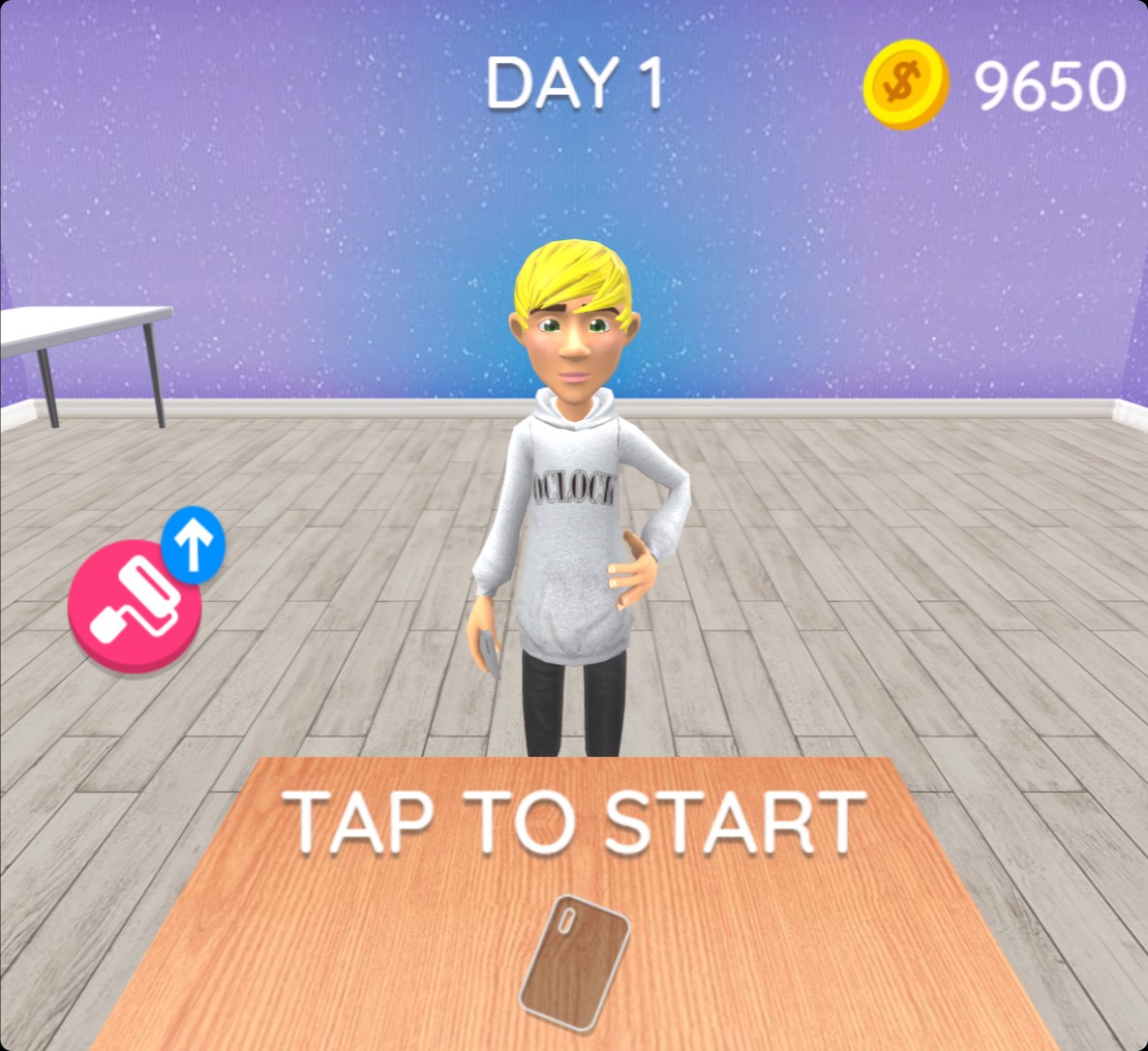
A new wall finish
Wall Upgrade changes the room from plain blue walls to a purple-and-blue patterned finish.
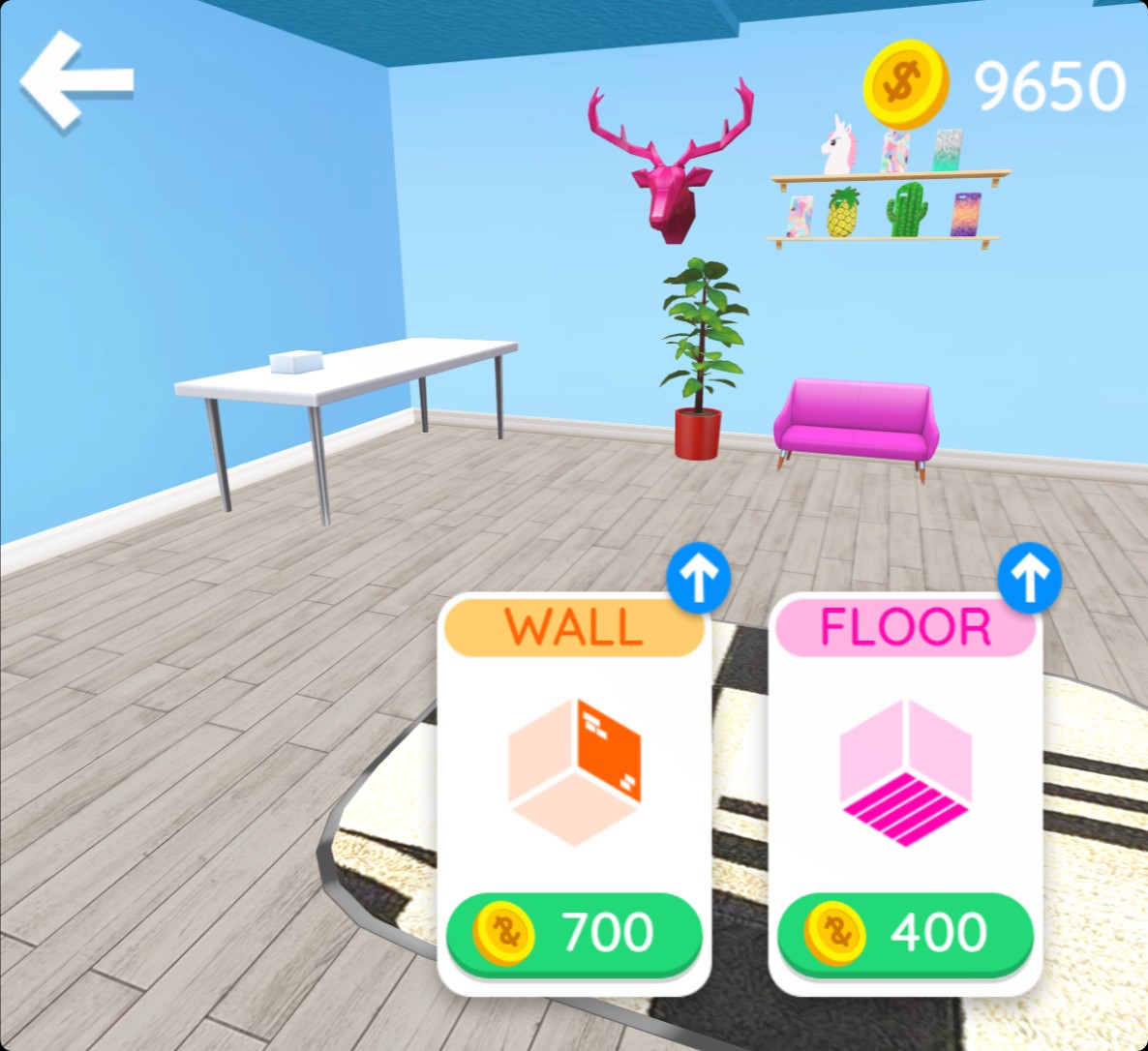
A fully furnished phone shop
Interior Upgrade adds the pink sofa, plant, rug, wall ornament and display shelves to your shop.
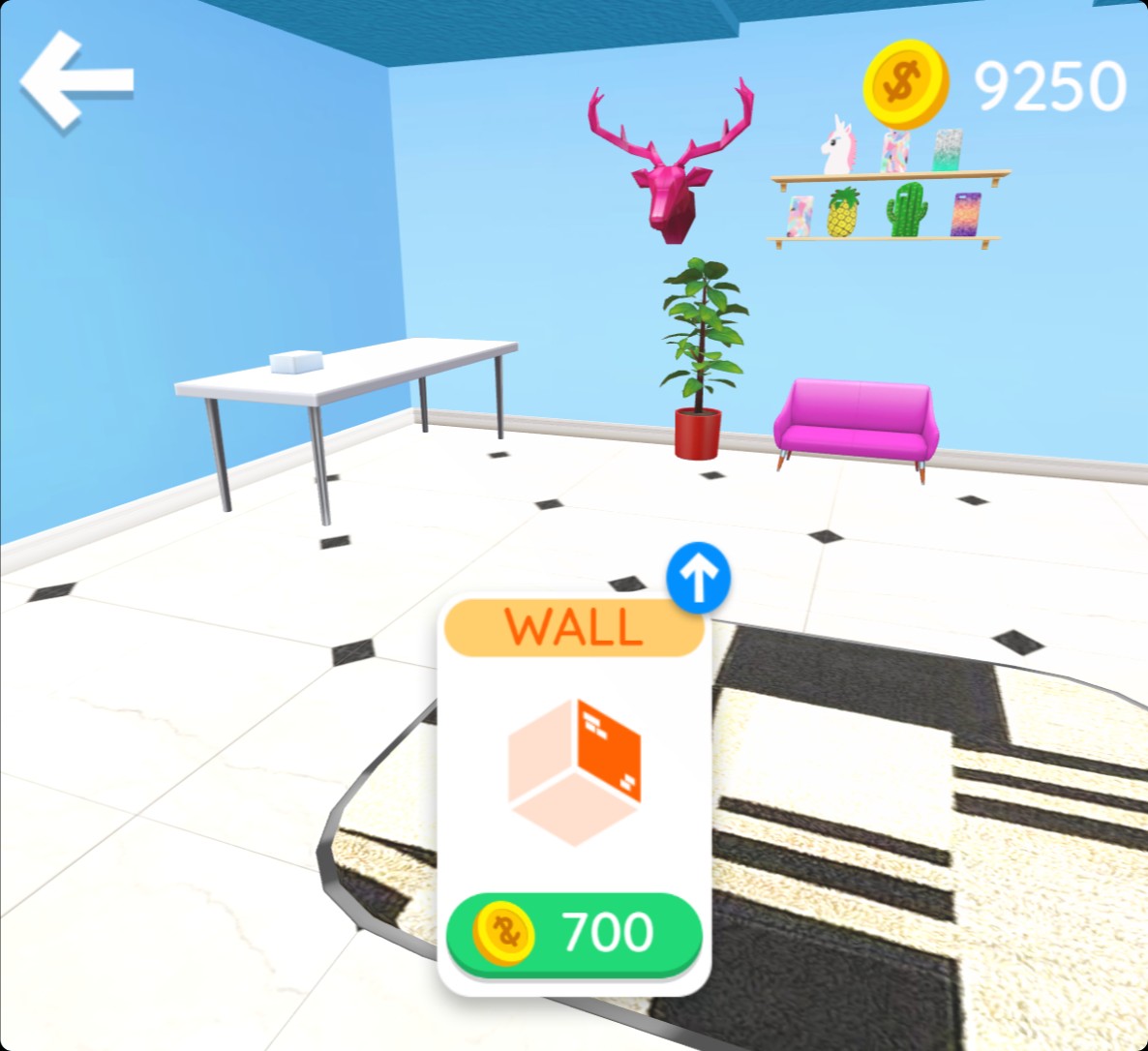
A new tiled floor for the shop
Floor Upgrade changes the room's flooring. The highest stage gives it white tiles with black diamond accents.
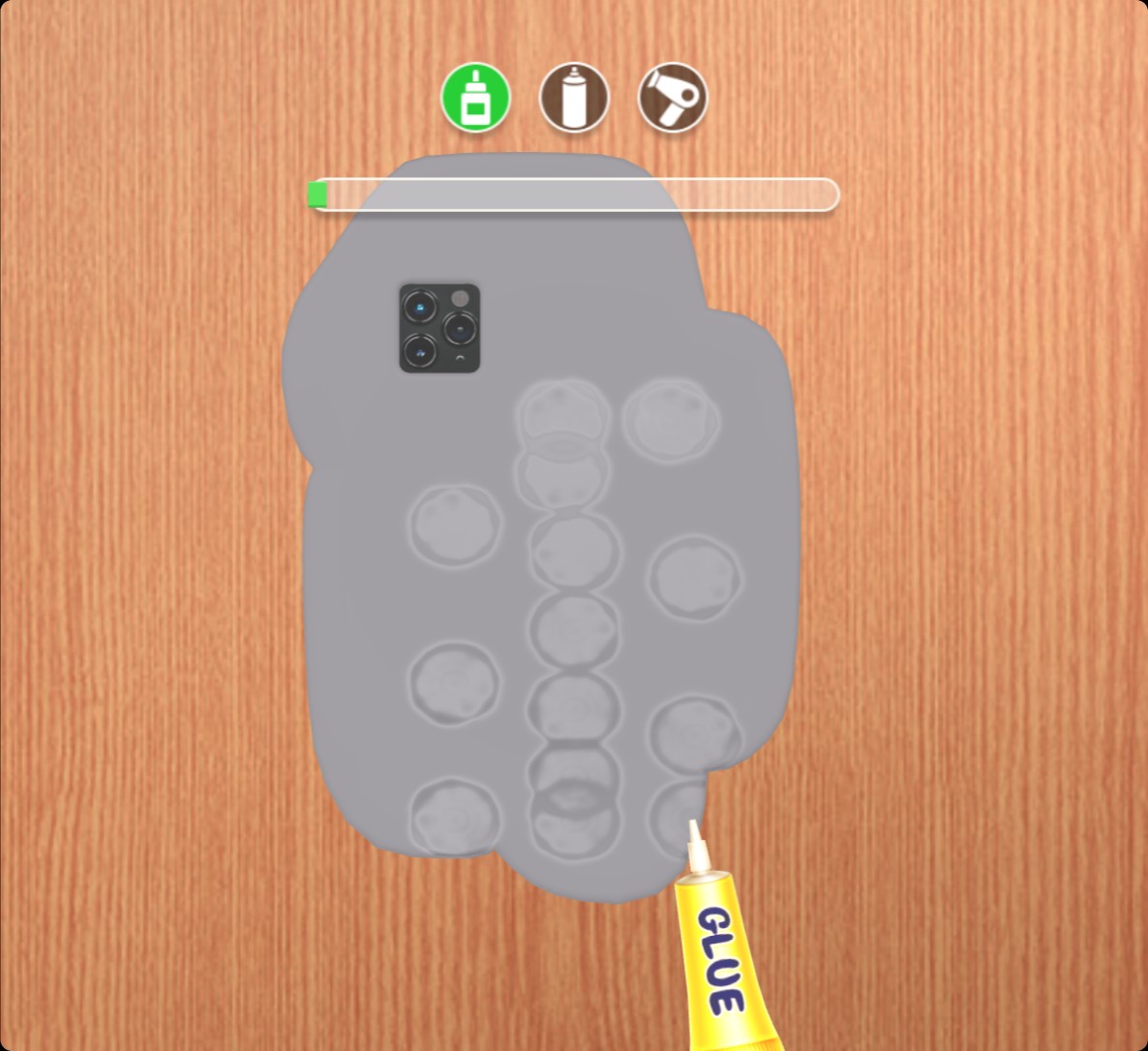
Choose a different phone case
Order Number selects the phone you decorate next. This order opens a cloud-shaped case, with normal glue work underway.
Keep creating each case through the game's normal decoration steps. Coins give you room to buy upgrades, while the order control lets you choose another phone case to decorate.
Wall, floor and interior controls let you choose the workspace's upgrade levels separately. Try a different finish or bring more furnishings into the room around your workbench.
Open Phone Case DIY in your linked browser, apply the choices you want, then start an order. After changing the room or order number, finish an order or make an ordinary room purchase so the game saves your choices.
Coins for purchases, a phone-order selector, and separate wall, interior and floor upgrade settings.
View all customisation options →Download the Windows app and follow the setup prompts.
Set up the browser extension in Chrome or Edge, then open the supported YouTube Playable. Follow the connection guide if the game is already running.
Open Customise in Bytonian Mods, choose an option and follow its instructions. Check the available values and any limits before making your change.