
Resources
2 optionsChange coins while playing or choose up to three keys.
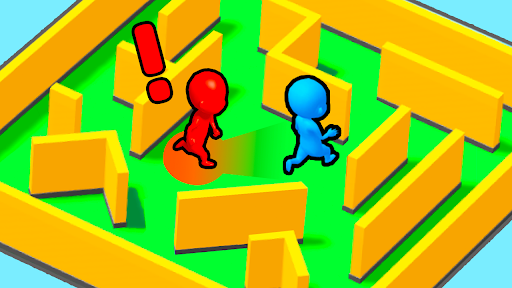
View resources →Choose your coin balance or keys for the next Hide N Seek round, then use a 30-second power when you need it in the maze. Invisibility helps you hide from seekers, while X-ray vision makes obscured characters easier to spot.
Requires the Windows app and the Bytonian Mods browser extension for Chrome or Edge. Browser setup guide
Start with free mods
Download Bytonian Mods for Windows and try these free features. Choose one to see how it works and any requirements.
Set your coins to a balance you choose, or add more while the game stays open.
Finish a round before closing or reloading; an unsaved change can be lost.
Choose a coin balance before your next round. This free option supports whole amounts from 0 to 1,000,000.
Enter your balance, then Apply & reload.
Finish a round before closing or reloading so the game can keep the change.
Choose your side
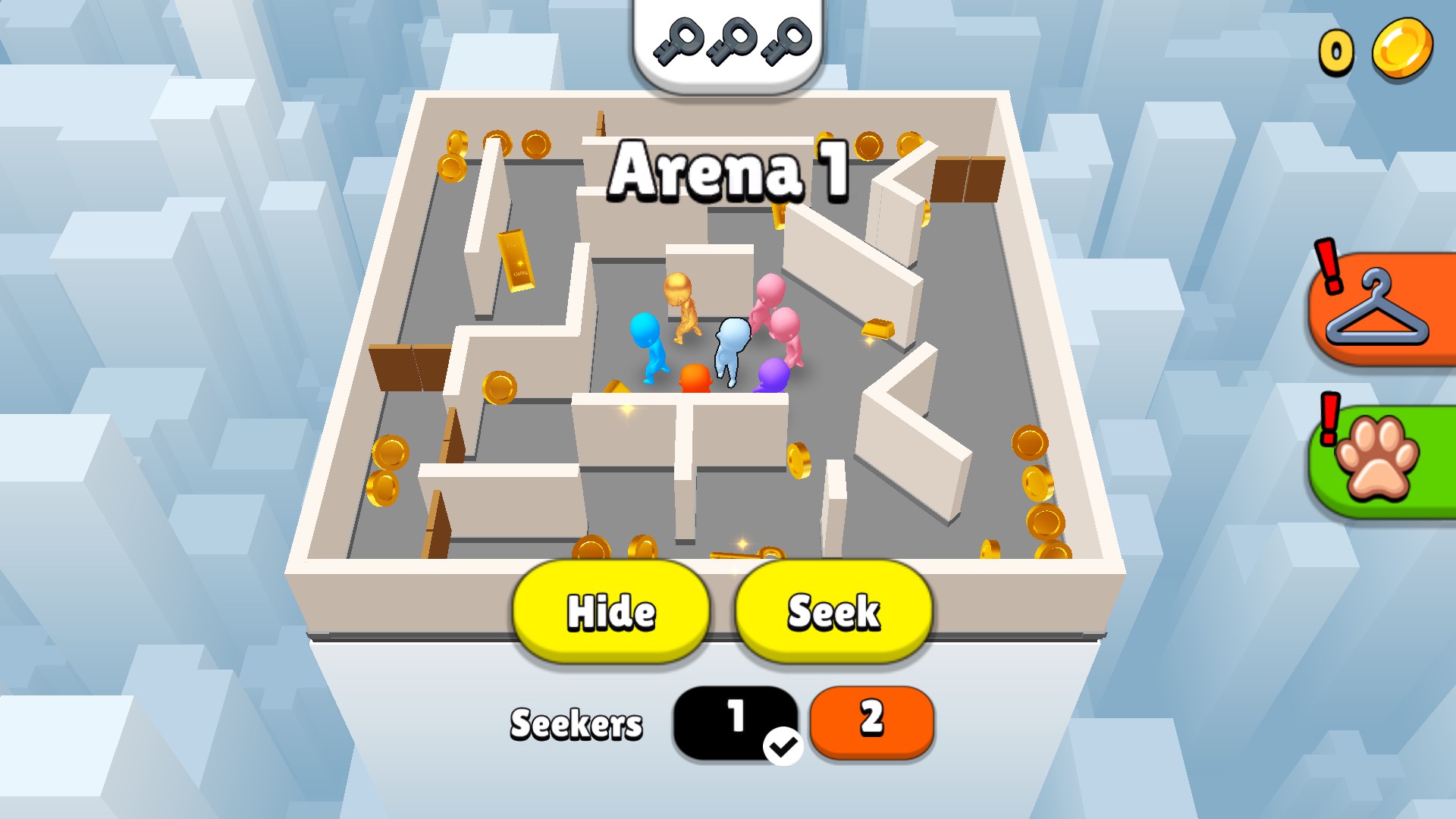
Hide from the seekers or hunt down the other players in Hide N Seek.
Customize lets you choose coins before returning to the game. Resources gives you coin and key controls while you play. For a different way through the maze, Game Actions has two powers that last 30 seconds.
Change coins while playing or choose up to three keys.
View resources →Choose coins for Apply & reload, then finish a round to keep the change.
View customisation options →Use 30-second invisibility or X-ray vision, with separate Stop controls.
View game actions →Download the Windows app and follow the setup prompts.
Set up the browser extension in Chrome or Edge, then open the supported YouTube Playable. Follow the connection guide if the game is already running.
Review the available options in the app and choose the ones that suit how you play.