
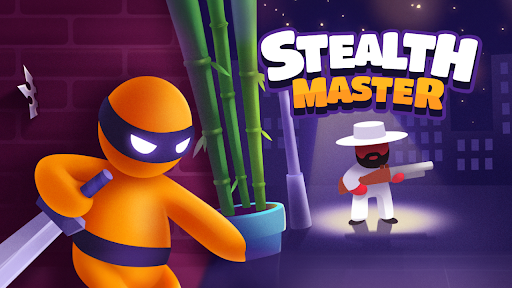
Resources
1 optionChange cash in your current game without restarting.
View resources →Choose how your ninja tackles each floor: build up cash, adjust movement speed, refill health or armour, or protect against enemy damage. Sneak from room to room, get close enough to strike and clear guards along the way.
Requires the Windows app and the Bytonian Mods browser extension for Chrome or Edge. Browser setup guide
Start with free mods
Download Bytonian Mods for Windows and try these free features. Choose one to see how it works and any requirements.
Set an exact cash balance or add and subtract from what you have. The counter updates straight away.
Whole amounts from 0 to 1,000,000. Reloading may restore the game's last saved balance.
Choose the cash balance you'll have after Apply & reload.
Complete the first floor before using this free option.
Whole amounts from 0 to 1,000,000.
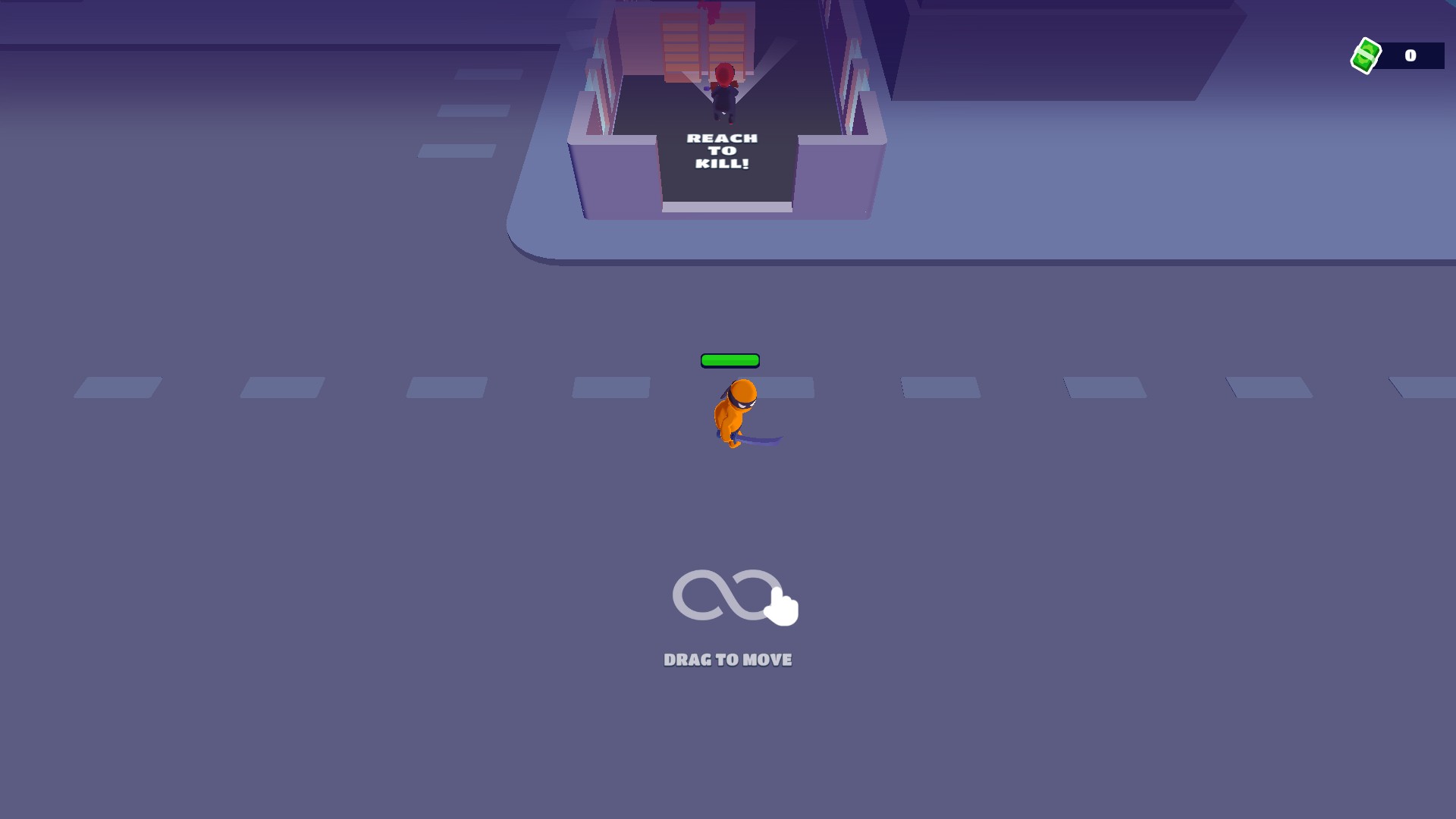
Sneak up on your first target
Guide your ninja towards the guards and get close enough to strike. Stealth Master starts with a simple drag-to-move tutorial.
Try the free cash controls first. For a different pace, the Stats tab lets you adjust movement speed, restore health or armour, and switch on protection against enemy attacks. Each is a separate choice, so you can keep the parts of the challenge you enjoy.
This collection is for Stealth Master on YouTube Playables. Open the game through the Bytonian Mods app to use the controls. It does not cover other games with the same name or the mobile edition.
Change cash in your current game without restarting.
View resources →Adjust speed, restore health or armour, or enable damage protection.
View all stat modifiers →Finish the first floor, then choose cash for Apply & reload.
View customisation options →Download the Windows app and follow the setup prompts.
Set up the browser extension in Chrome or Edge, then open the supported YouTube Playable. Follow the connection guide if the game is already running.
Review the available options in the app and choose the ones that suit how you play.