
Resources
1 optionSet or add cash while you play.
View resources →Choose your Race Master 3D cash balance before the next race, or change it while the game stays open. Two free controls let you decide when to make the adjustment as you move between the garage and the starting line.
Requires the Windows app and the Bytonian Mods browser extension for Chrome or Edge. Browser setup guide

Start with free mods
Download Bytonian Mods for Windows and try these free features. Choose one to see how it works and any requirements.
Set an exact cash balance, or add cash to your current total. The counter changes while the game stays open.
Use Set for the balance you want, or Add for the amount to increase it by. The supported total is 0 to 1,000,000 cash.
This changes the cash balance only. Nitro, shields and other currencies are separate.
Choose the cash balance you want after Apply & reload.
Enter a whole number from 0 to 1,000,000, then Apply & reload.
Start the game once before using this option. It changes cash only; it does not unlock cars or add nitro or shields.
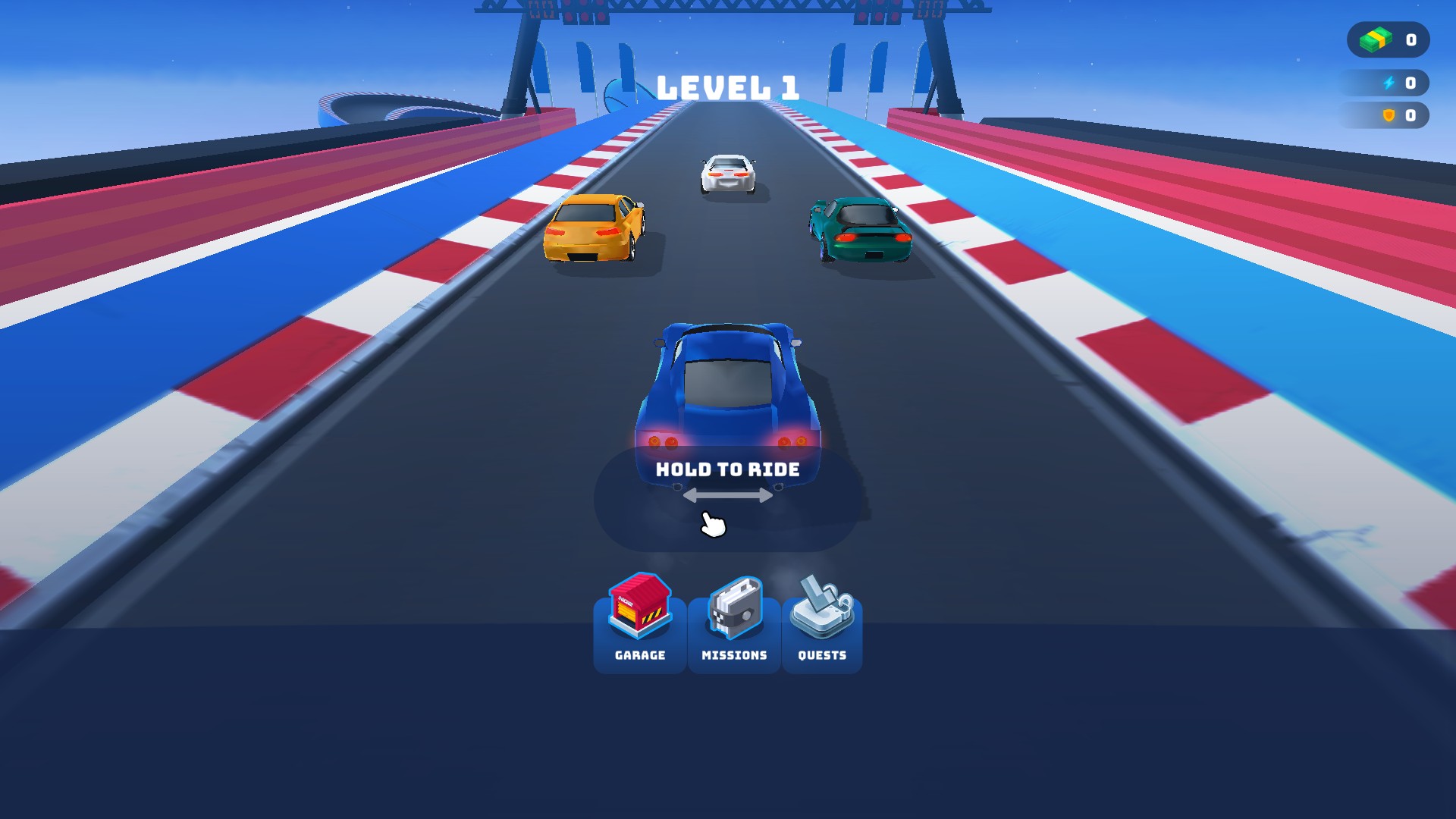
Race Master 3D at the starting line
Line up for the next race, with the garage just a tap away.
Use Customize to set a balance and Apply & reload. Prefer to keep the game open? The Cash card in Resources can set a total or add an amount, with the new balance shown on screen.
Set or add cash while you play.
View resources →Apply a chosen cash balance before returning to the track.
View customisation options →Download the Windows app and follow the setup prompts.
Set up the browser extension in Chrome or Edge, then open the supported YouTube Playable. Follow the connection guide if the game is already running.
Review the available options in the app and choose the ones that suit how you play.