
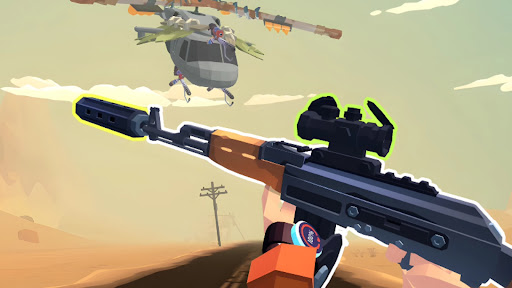
Choose your firing pace
Keep shooting without emptying the magazine, or give your current weapon a faster firing pace. Infinite ammunition and Rapid fire are separate controls, so you can choose the change that suits the chase.
Requires the Windows app and the Bytonian Mods browser extension for Chrome or Edge. Browser setup guide
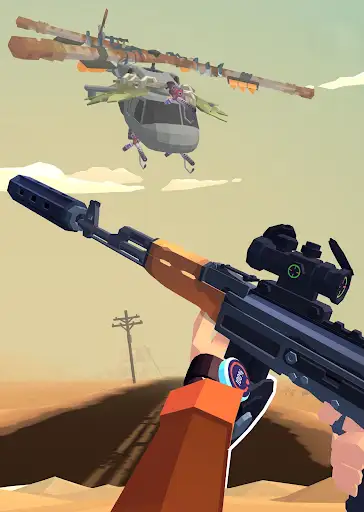
Infinite ammunition
Activate Infinite ammunition during a road battle to keep firing without using up the current magazine.
Rapid fire
Choose a Shots per minute value, then apply Rapid fire to your equipped weapon. Higher values increase its firing speed. Use the setting during a road battle.
Available rule modifiers
Infinite ammunitionPremium
Keep firing without emptying your current weapon's magazine.
Activate Infinite ammunition during a road battle.
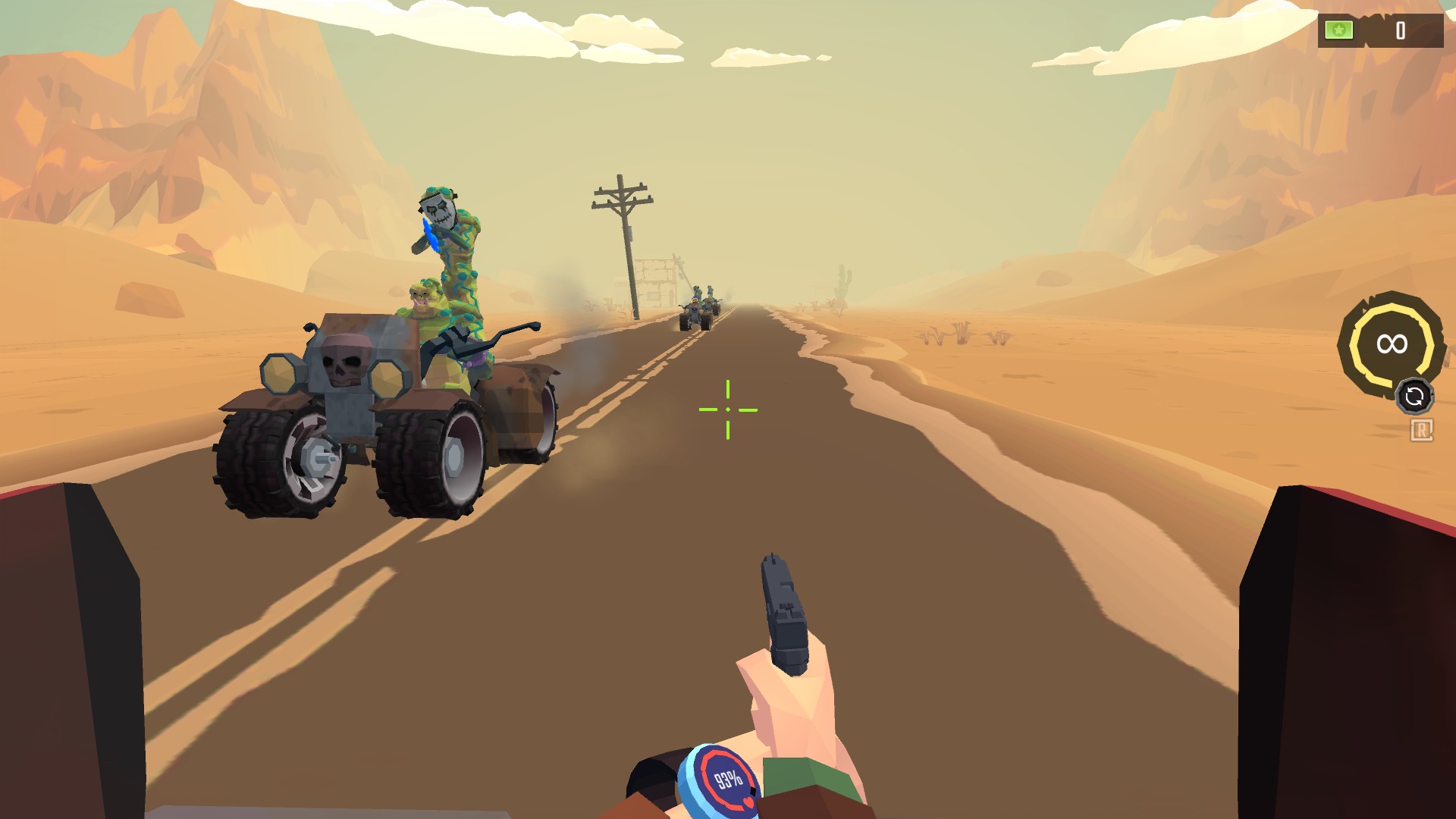
Keep firing through the zombie chase
Keep your current weapon firing without emptying the magazine, with an infinity symbol replacing the round counter.
Rapid firePremium
Give your current weapon a faster firing pace for the chase.
Choose Shots per minute, then apply Rapid fire during a road battle.
More ways to customise Zombie Rage: Merge 3D
- Zombie Rage: Merge 3D resources
Set the loaded ammunition in your current weapon.
- Zombie Rage: Merge 3D game actions
Protect Grandpa while you aim and shoot.
Using these features
Choose the feature in the Windows app after connecting your game. Check its requirements before making a change.
Setup for Zombie Rage: Merge 3D →