
Resources
1 optionSet the loaded ammunition in your current weapon.
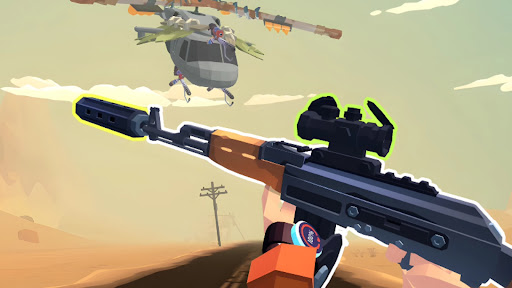
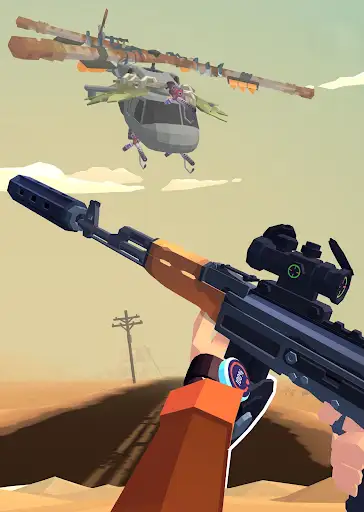
View resources →Keep Grandpa in the fight as zombie riders chase his truck along the desert road. Choose protection for the battle, load extra rounds or change how quickly your current weapon fires.
Requires the Windows app and the Bytonian Mods browser extension for Chrome or Edge. Browser setup guide
Start with free mods
Download Bytonian Mods for Windows and try these free features. Choose one to see how it works and any requirements.
Protect Grandpa from enemy damage while you focus on aiming and shooting.
Use Invulnerability during a road battle.
Invulnerability helps Grandpa withstand the chase. Ammunition lets you choose the rounds in your current magazine, while Infinite ammunition keeps it from running empty. Rapid fire gives you a faster firing pace.
Open Zombie Rage: Merge 3D through Bytonian Mods and enter a road battle. Enable the control you want, choose an amount where offered and use its action. Keep aiming and shooting with the game's usual controls.
Set the loaded ammunition in your current weapon.
View resources →Keep the magazine full and adjust your current weapon's firing speed.
View rule modifiers →Protect Grandpa while you aim and shoot.
View game actions →Download the Windows app and follow the setup prompts.
Set up the browser extension in Chrome or Edge, then open the supported YouTube Playable. Follow the connection guide if the game is already running.
Review the available options in the app and choose the ones that suit how you play.