
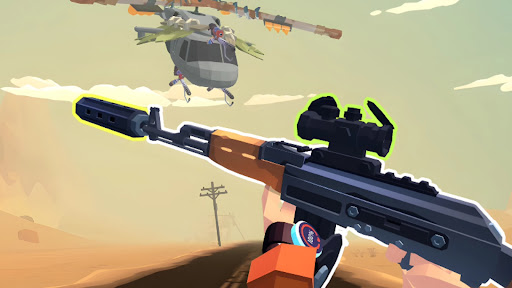
Choose your loaded rounds
Give your current weapon more rounds to work with during the chase. Ammunition lets you choose the amount loaded in its magazine.
Requires the Windows app and the Bytonian Mods browser extension for Chrome or Edge. Browser setup guide
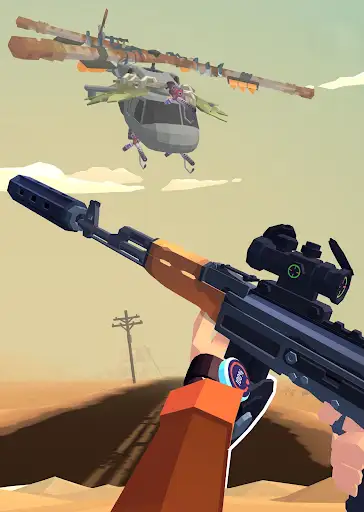
More rounds at hand
Enter a road battle with a weapon equipped, refresh its ammunition amount and choose the number of loaded rounds. For shooting without an empty magazine, see Infinite ammunition on the firing controls page.
Available resources
AmmunitionPremium
Choose how many rounds are loaded in your current weapon.
Equip your weapon in a road battle, refresh the ammunition amount and set the rounds you want.
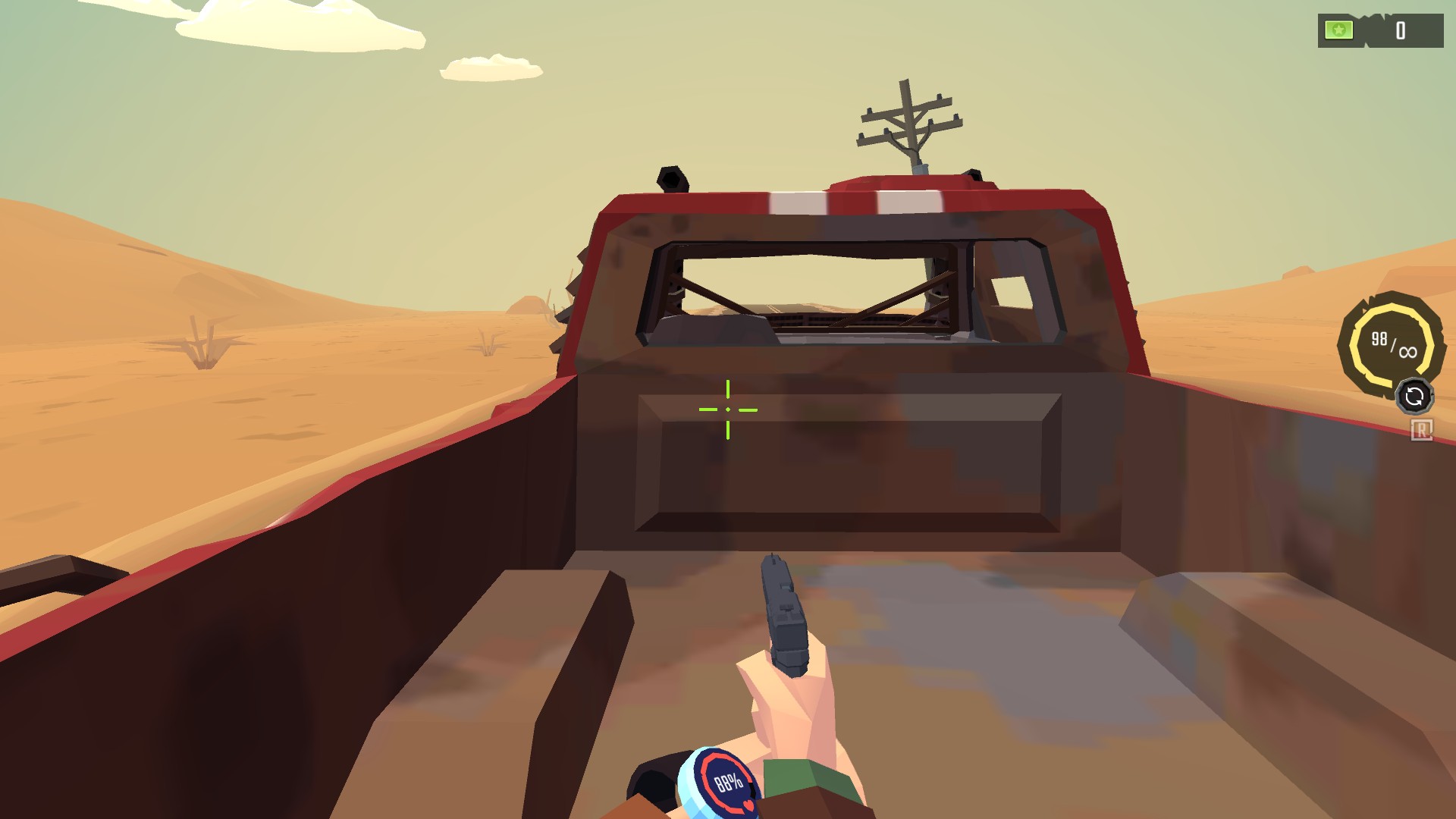
More rounds for the zombie chase
Choose how many rounds are loaded in your current weapon. The pistol's ammunition display shows 98 rounds remaining.
More ways to customise Zombie Rage: Merge 3D
- Zombie Rage: Merge 3D rule modifiers
Keep the magazine full and adjust your current weapon's firing speed.
- Zombie Rage: Merge 3D game actions
Protect Grandpa while you aim and shoot.
Using these features
Choose the feature in the Windows app after connecting your game. Check its requirements before making a change.
Setup for Zombie Rage: Merge 3D →