
More control when the guards spot you
A slower pace can make corners easier to judge; a faster one gets your ninja across the room quickly. Adjust movement speed from 50% to 300%, or keep the normal pace and give yourself another chance with Restore Health, Restore Armour or protection against enemy attacks.
Requires the Windows app and the Bytonian Mods browser extension for Chrome or Edge. Browser setup guide
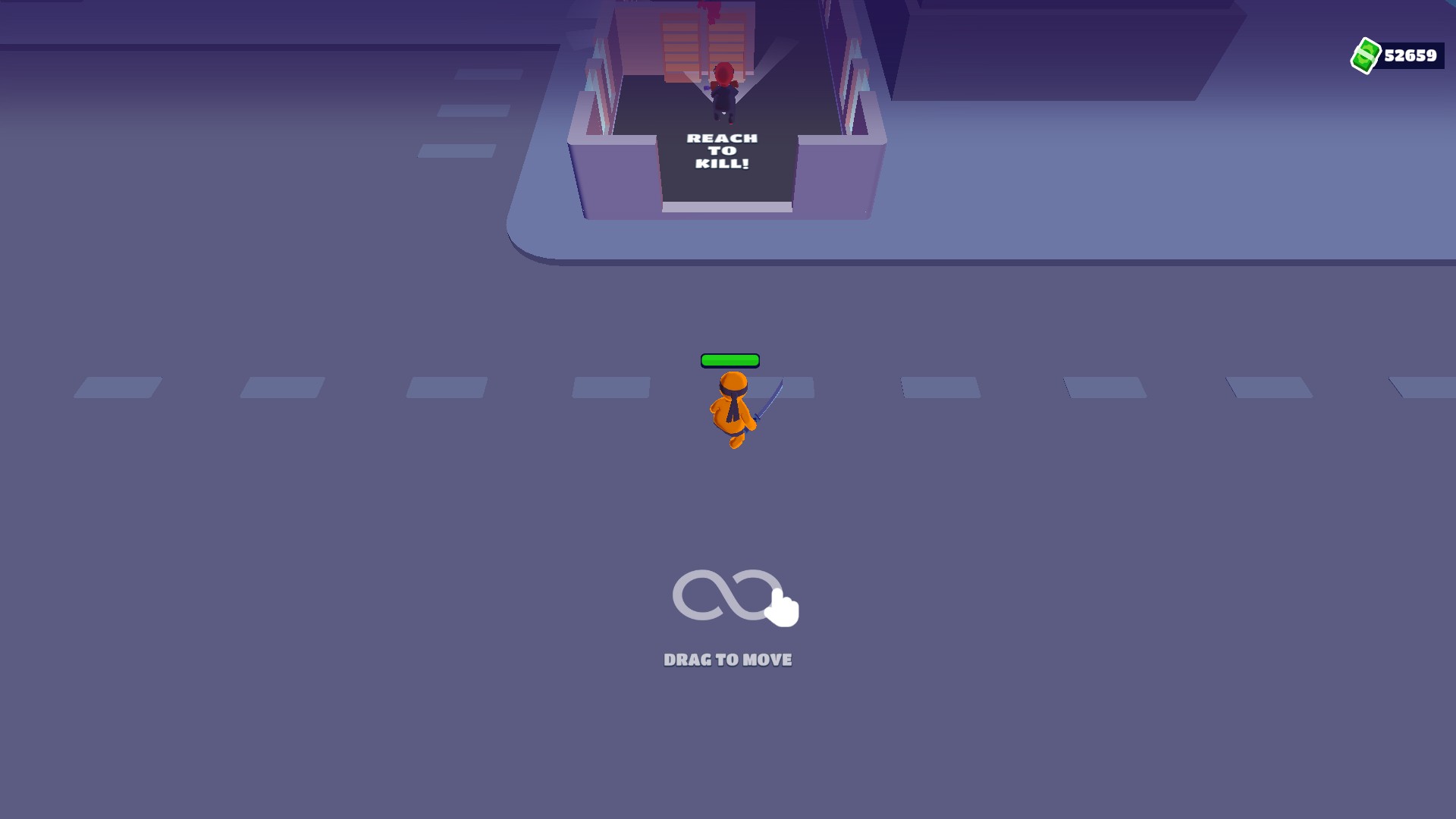
Health back to full
One press of Restore Health refills the ninja's health. The green bar is full again, ready to get back into the run.
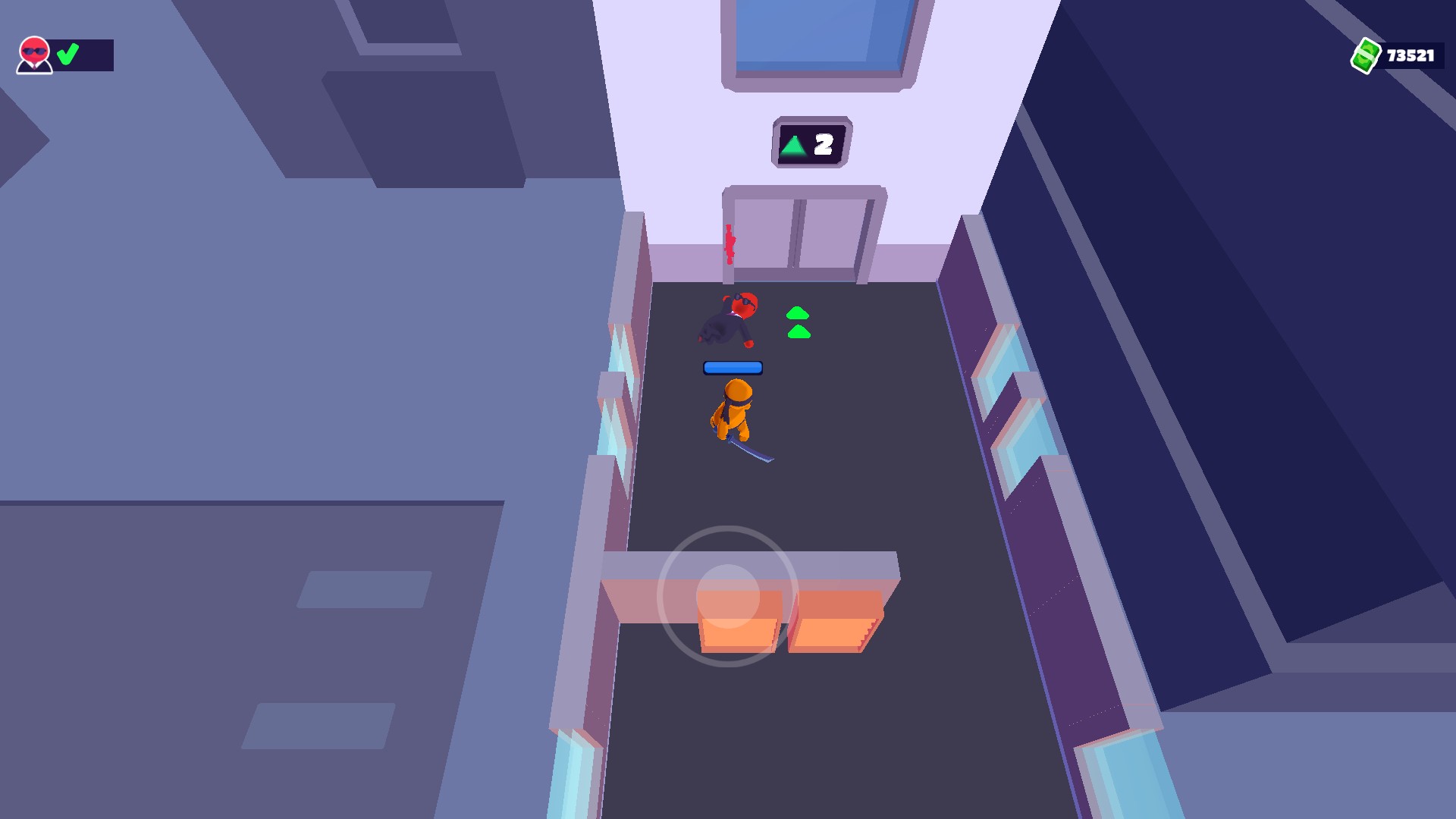
Armour topped up for the next room
Restore Armour refills the ninja's armour. The full blue bar above the player shows the result before heading to the lift.
Keep the challenge you like
Speed and protection have their own switches. The restore buttons refill your current health or armour up to the game's limit when you need them. They don't revive a defeated ninja: start another run first.
These are separate Premium packages. You can use one without turning on the others, and switch speed or protection off when you want to return to normal play.
Available stat modifiers
Damage protectionPremium
Keep enemy attacks from reducing your ninja's health while protection is on.
Protection isn't a revive button. Start a new run if your ninja has already been defeated.
Movement speedPremium
Use your chosen movement speed while you play. Switch this off to return to the normal pace.
Restore armourPremium
Refill your armour up to the game's current limit without changing your health.
Start another run first if your ninja has been defeated.
Restore healthPremium
Refill your current health to its full limit, ready for the next guard.
Use it while your ninja is still alive. It does not revive a defeated player.
More ways to customise Stealth Master
- Stealth Master resources
Change cash in your current game without restarting.
- Stealth Master customisation options
Finish the first floor, then choose cash for Apply & reload.
Using these features
Choose the feature in the Windows app after connecting your game. Check its requirements before making a change.
Setup for Stealth Master →