
Choose a campaign puzzle
Load a chosen campaign puzzle from 1 to 205 with Choose Puzzle. Set its number and activate the control to enter that scene; the task is still yours to solve.
Requires the Windows app and the Bytonian Mods browser extension for Chrome or Edge. Browser setup guide

Pick the scene you want
Choose a puzzle number from 1 to 205; the default is 6, which opens the switch puzzle. Selecting a scene leaves its puzzle for you to solve.
Available progression systems
Choose puzzlePremium
Load a selected campaign puzzle.
Choose a number, then activate the action.
Selects a puzzle scene rather than solving the puzzle.
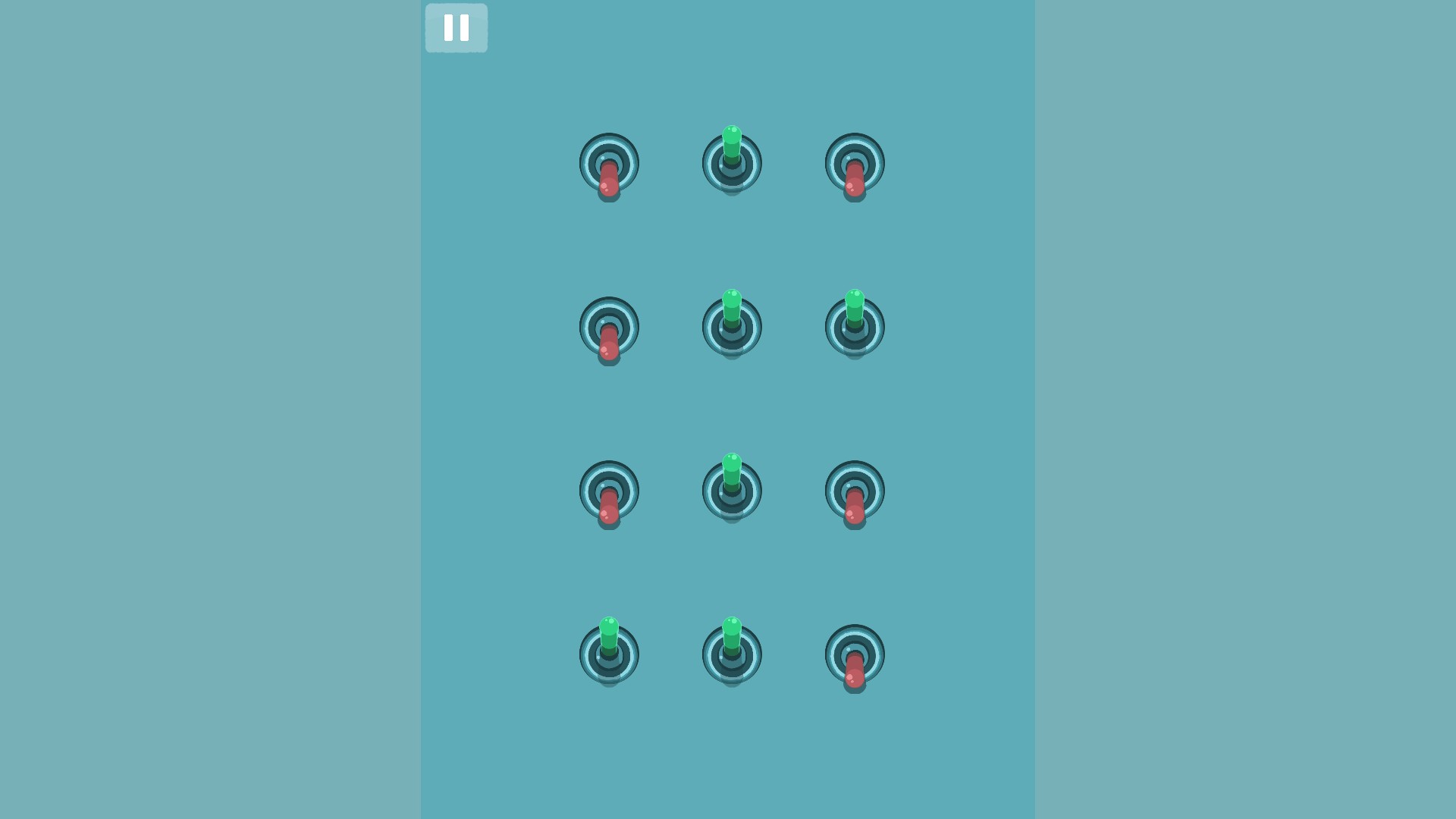
Pick puzzle six
Choose Puzzle loads the switch puzzle when set to 6.
More ways to customise Satisdom
- Satisdom game actions
Restart the current Satisdom scene for another attempt, or skip a puzzle and use Continue to move on.
Using these features
Choose the feature in the Windows app after connecting your game. Check its requirements before making a change.
Setup for Satisdom →