
Retry or skip a Satisdom puzzle
Start the current scene again with free Retry Puzzle. When you want to move past a task, premium Skip Puzzle brings up its completion screen so you can continue.
Requires the Windows app and the Bytonian Mods browser extension for Chrome or Edge. Browser setup guide

Give the puzzle another try
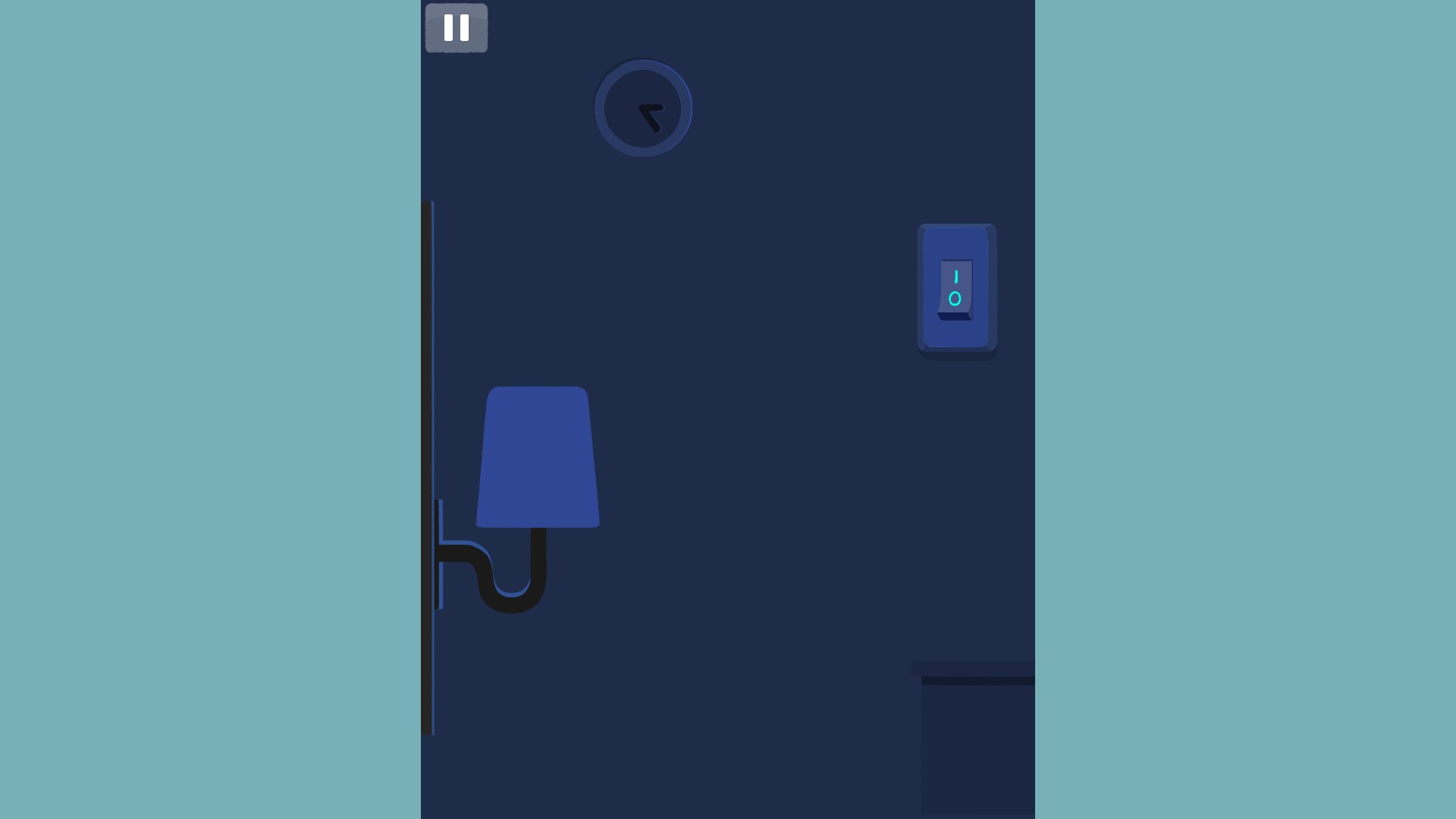
Use Retry Puzzle to start the same scene again. In the lamp puzzle, the light turns off so you can solve it from the beginning.
Move on from a tricky task
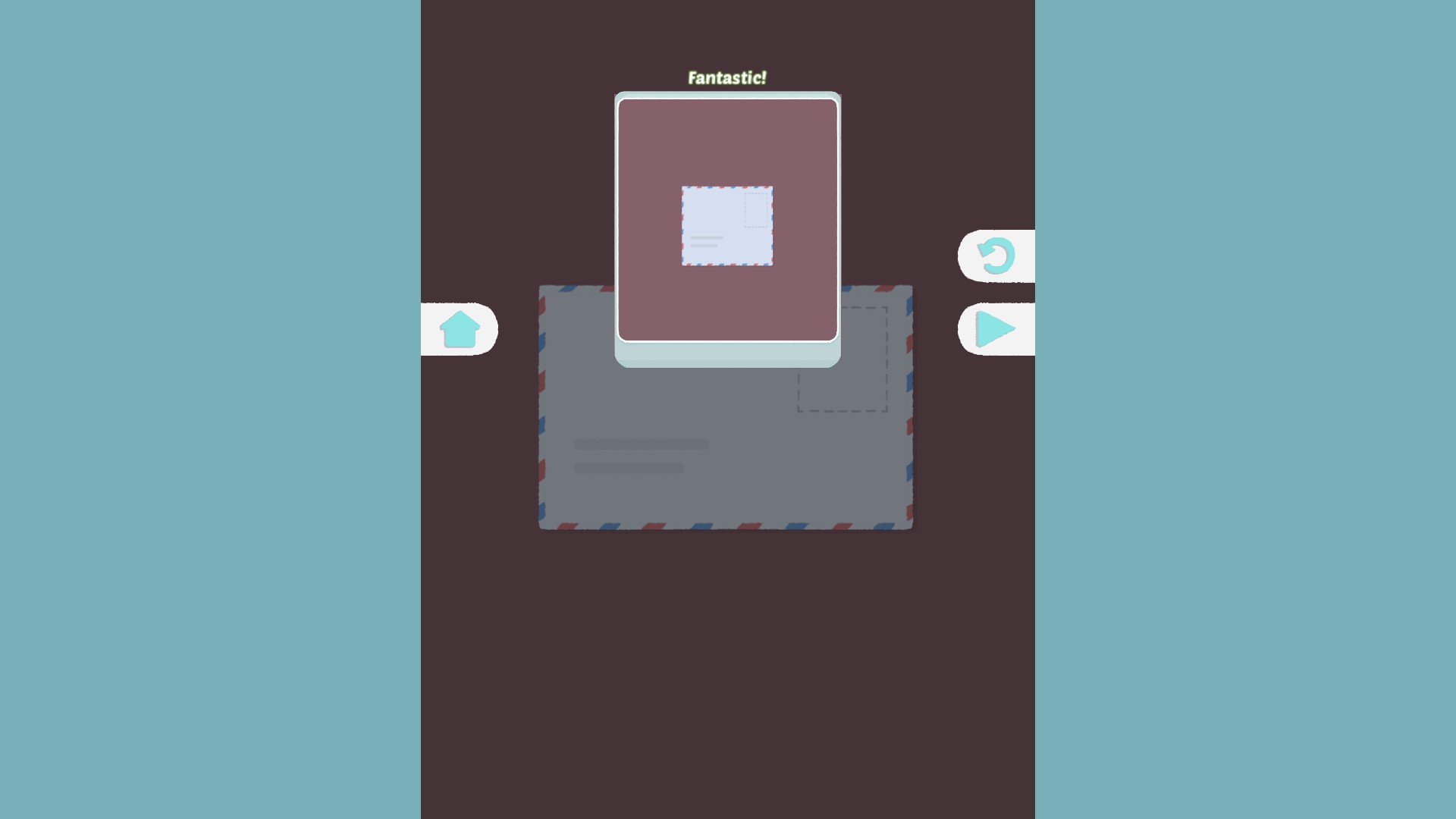
Use Skip Puzzle to reach the completion screen without placing the envelope's stamp. Press the game's Continue button to move on.
Available game actions
Retry puzzleFree
Restart the current puzzle for another attempt.
Activate while the puzzle is loaded.
Restarts the current puzzle.
Start the puzzle again
Retry resets this completed lamp puzzle to its dark starting state.
Skip puzzlePremium
Skip the current puzzle and reach its completion screen.
Activate, then press the game's Continue button.
Use the game's Continue button after skipping.
Move past a tricky puzzle
Skip Puzzle brings up the completion screen. Use the game's Continue button to move on.
More ways to customise Satisdom
- Satisdom progression systems
Choose a Satisdom campaign puzzle number from 1 to 205 and load its scene.
Using these features
Choose the feature in the Windows app after connecting your game. Check its requirements before making a change.
Setup for Satisdom →