
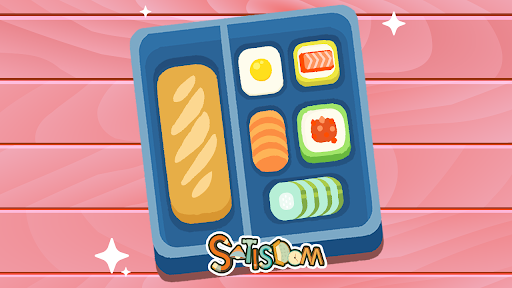
Game Actions
2 optionsRestart the current Satisdom scene for another attempt, or skip a puzzle and use Continue to move on.
View game actions →Retry the current Satisdom puzzle for another attempt, skip to its completion screen, or load a chosen campaign scene. Each puzzle gives you a small task, from lighting a lamp to stamping an envelope or arranging switches.
Requires the Windows app and the Bytonian Mods browser extension for Chrome or Edge. Browser setup guide

Start with free mods
Download Bytonian Mods for Windows and try these free features. Choose one to see how it works and any requirements.
Restart the current puzzle for another attempt.
Activate while the puzzle is loaded.
Restarts the current puzzle.
Retry Puzzle is free when you want another attempt. Premium Skip Puzzle reaches the completion screen, while Choose Puzzle loads a selected campaign scene.
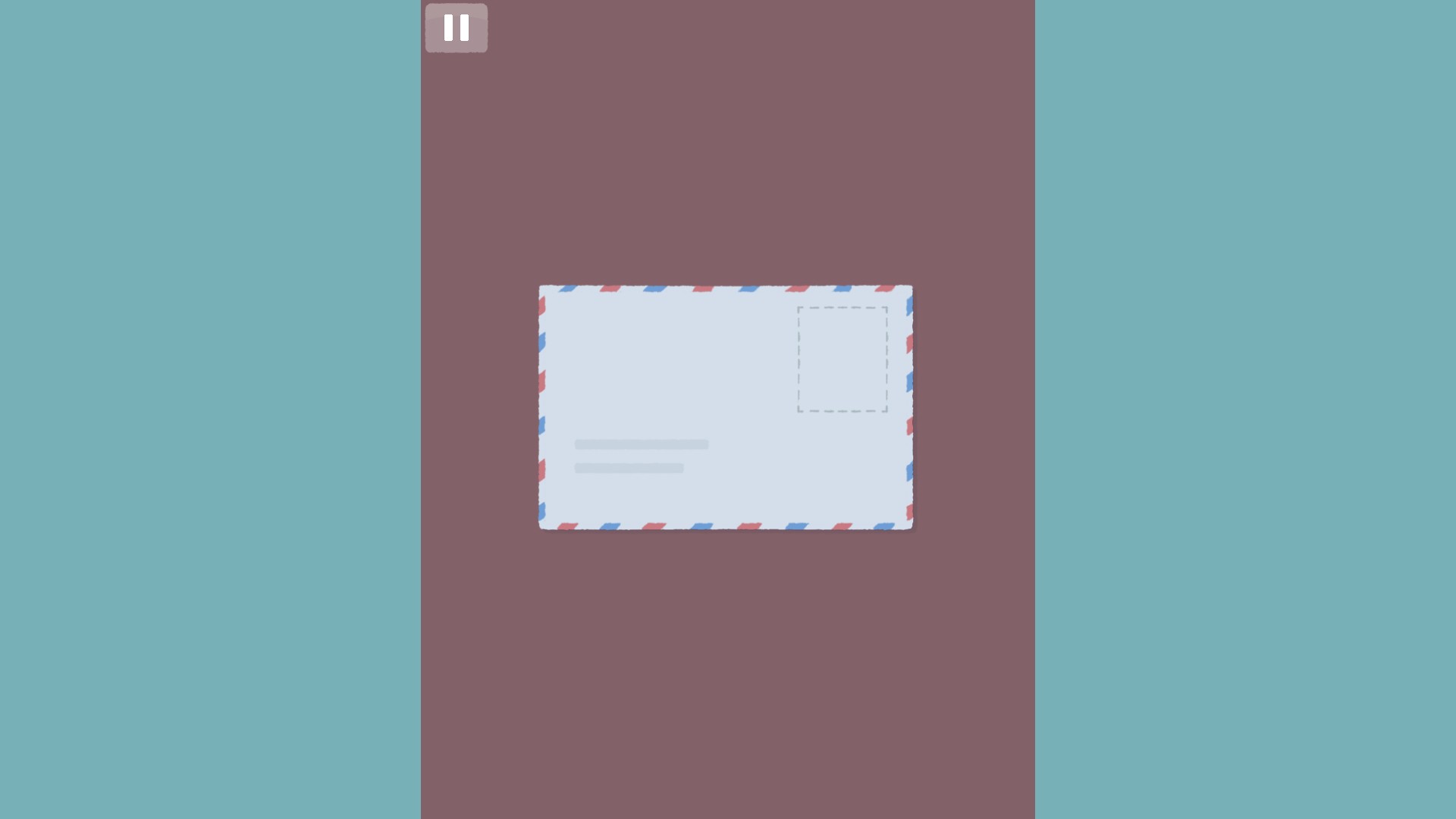
A small task, a satisfying finish
Place a stamp on the envelope in one of Satisdom's everyday puzzles.
Restart the current Satisdom scene for another attempt, or skip a puzzle and use Continue to move on.
View game actions →Choose a Satisdom campaign puzzle number from 1 to 205 and load its scene.
View progression systems →Download the Windows app and follow the setup prompts.
Set up the browser extension in Chrome or Edge, then open the supported YouTube Playable. Follow the connection guide if the game is already running.
Review the available options in the app and choose the ones that suit how you play.