

Set a skill level for a selected Para
Choose a skill for a household Para and enter the level you want. Give them a head start in Cooking or bring their skill back down for a slower playthrough.

Available stat modifiers
Gain Next Skill LevelFree
Give the selected Para just enough experience to reach the next level in one skill.
Select one Para from your household, choose a skill, then press Gain Next Skill Level.
The skill must be available to that Para and below its maximum.
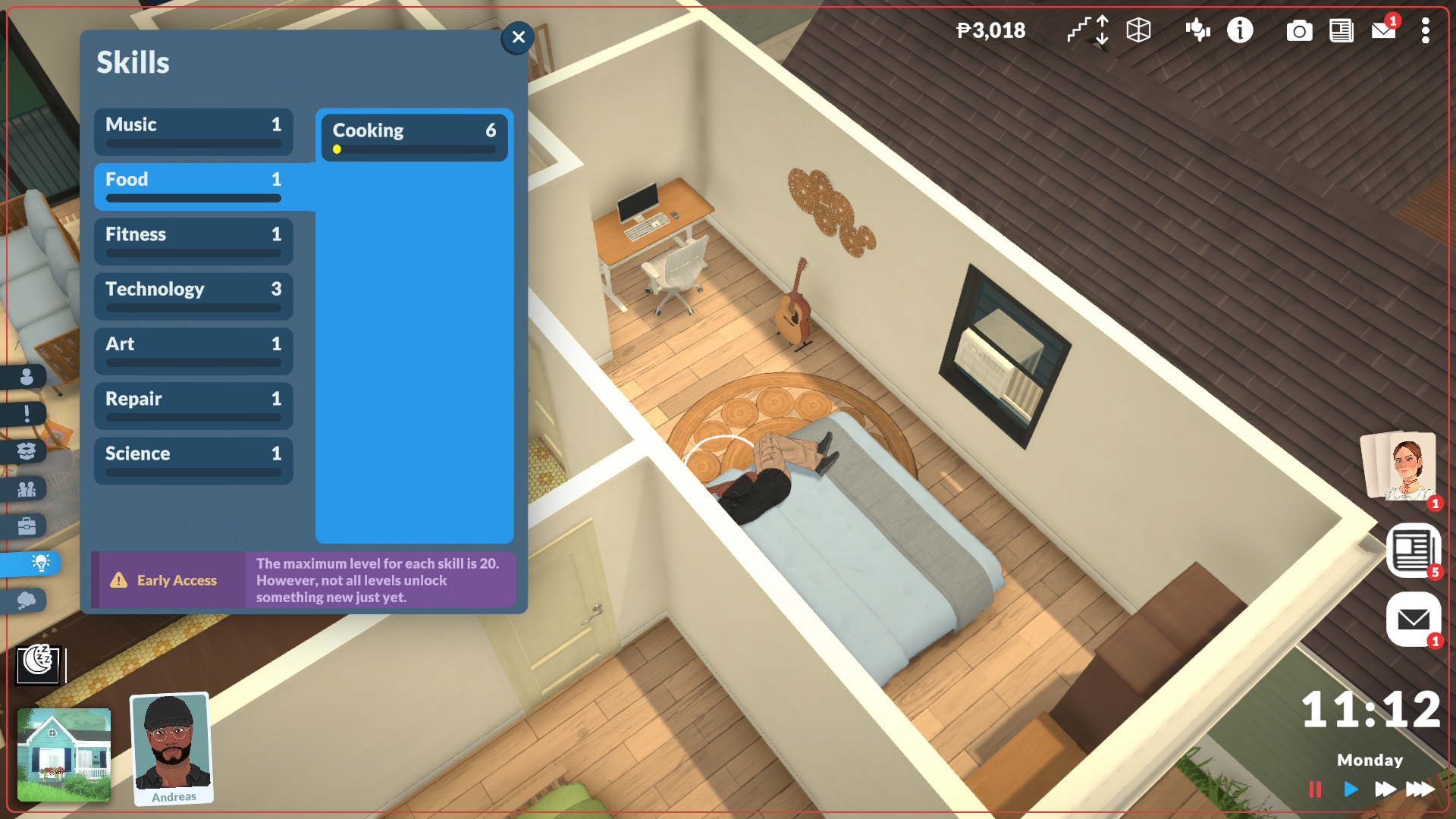
Cooking reaches level 6
Gain Next Skill Level fills the remaining experience for the selected Para’s next Cooking level.
Set Skill LevelFree
Set the level of an available skill for the selected Para.
Changing a level resets partial progress toward the next level.
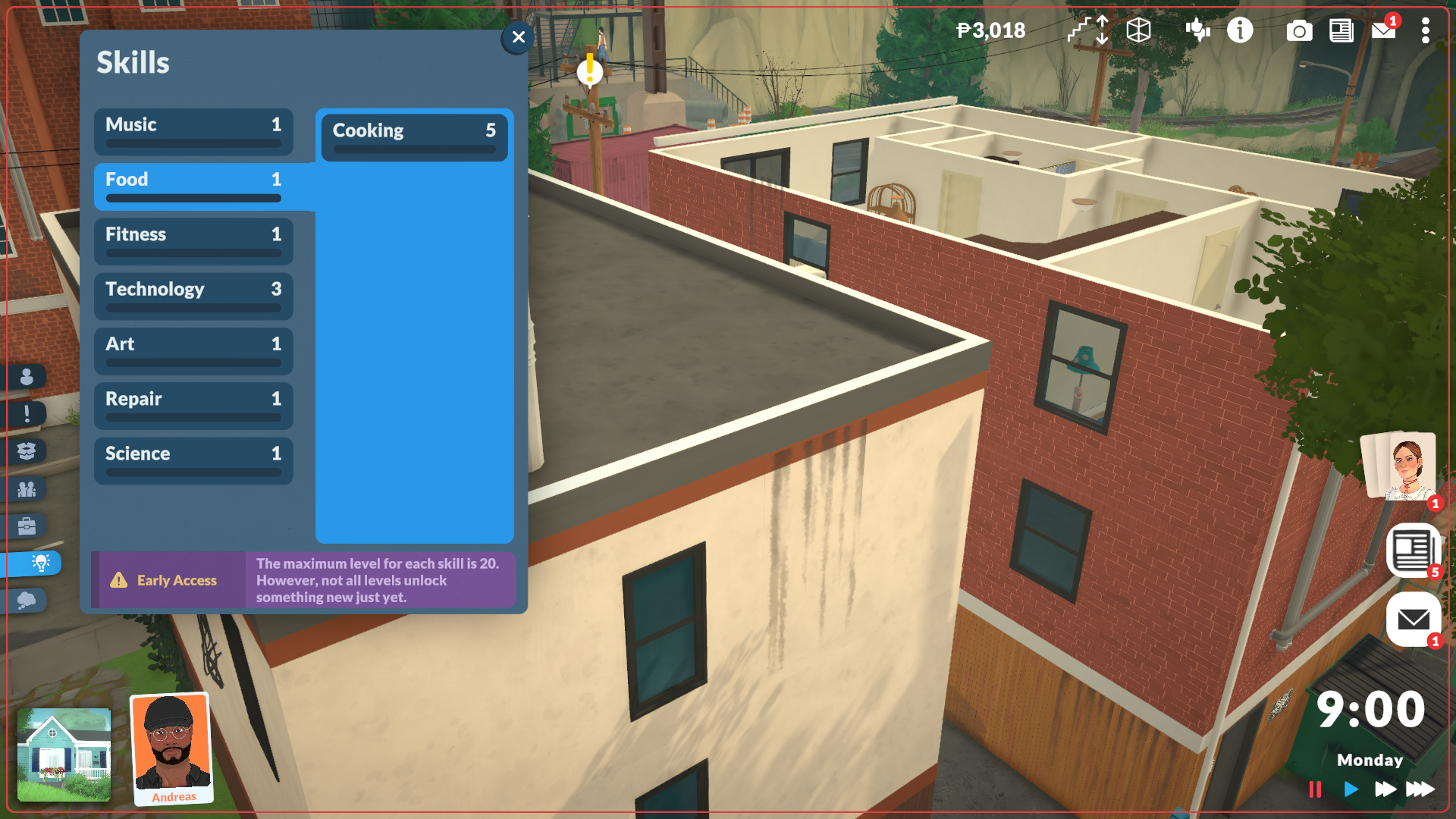
Set a Skill Level in Paralives
Choose a skill and set its level for the selected Para. Cooking rose from level 1 to level 5 in this household.
More ways to customise Paralives
- Paralives resources
Set the household balance or adjust a chosen need for one Para.
- Paralives rule modifiers
Use household appliances during billing outages while normal bills and usage charges continue.
- Paralives presentation modifiers
Hide simple Paramaker hover hints while editing a Para.
- Paralives game actions
Find actions for needs relief, repairs and cleaning, work schedules, active wants and Para recovery.
- Paralives progression systems
Prepare the selected character's next personality level-up.
Using these features
Choose the feature in the Windows app after connecting your game. Check its requirements before making a change.
Setup for Paralives →