

Keep your home and your Paras moving
Use Game Actions to get through chores, plan your day or help a Para recover. The household actions affect your lots. Recovery and wants actions start with the Para you select.

Take care of your home
Repair broken fixtures, clean dirty items, restore placed spoiled food or settle bills that have arrived.
Choose how far to advance
Skip Time advances by a number of hours. Advance to Hour moves to a time of day, and Skip to Before Work brings a selected Para to five minutes before their next shift.
Check the target before using an action
Select the intended Parafolk before using Clear needs. Its separate Clear all needs control has a wider scope, so use it only when you want to relieve needs across characters.
Available game actions
Add Vacation DayFree
Add a vacation day to the selected Para’s active jobs.
Select a Para with an active job. Book the day separately in the game’s schedule.
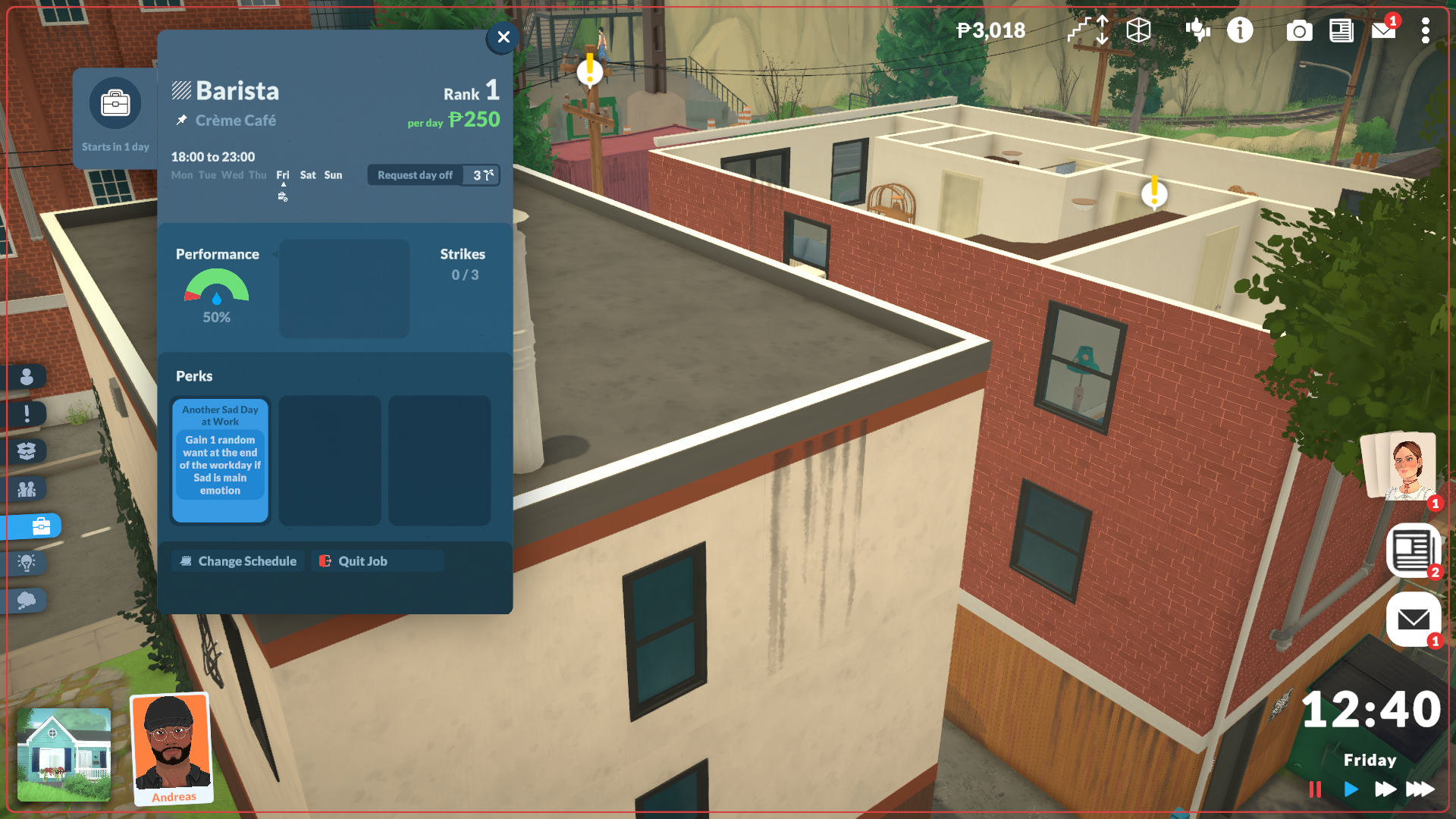
Add a Vacation Day in Paralives
Give the selected Para another available vacation day. The Barista panel shows three days available after adding one, with the existing day off still marked on the schedule.
Advance to HourFree
Advance to an hour on the 24-hour clock.
Choose a 24-hour clock hour. If it has passed, the clock advances to its next occurrence.
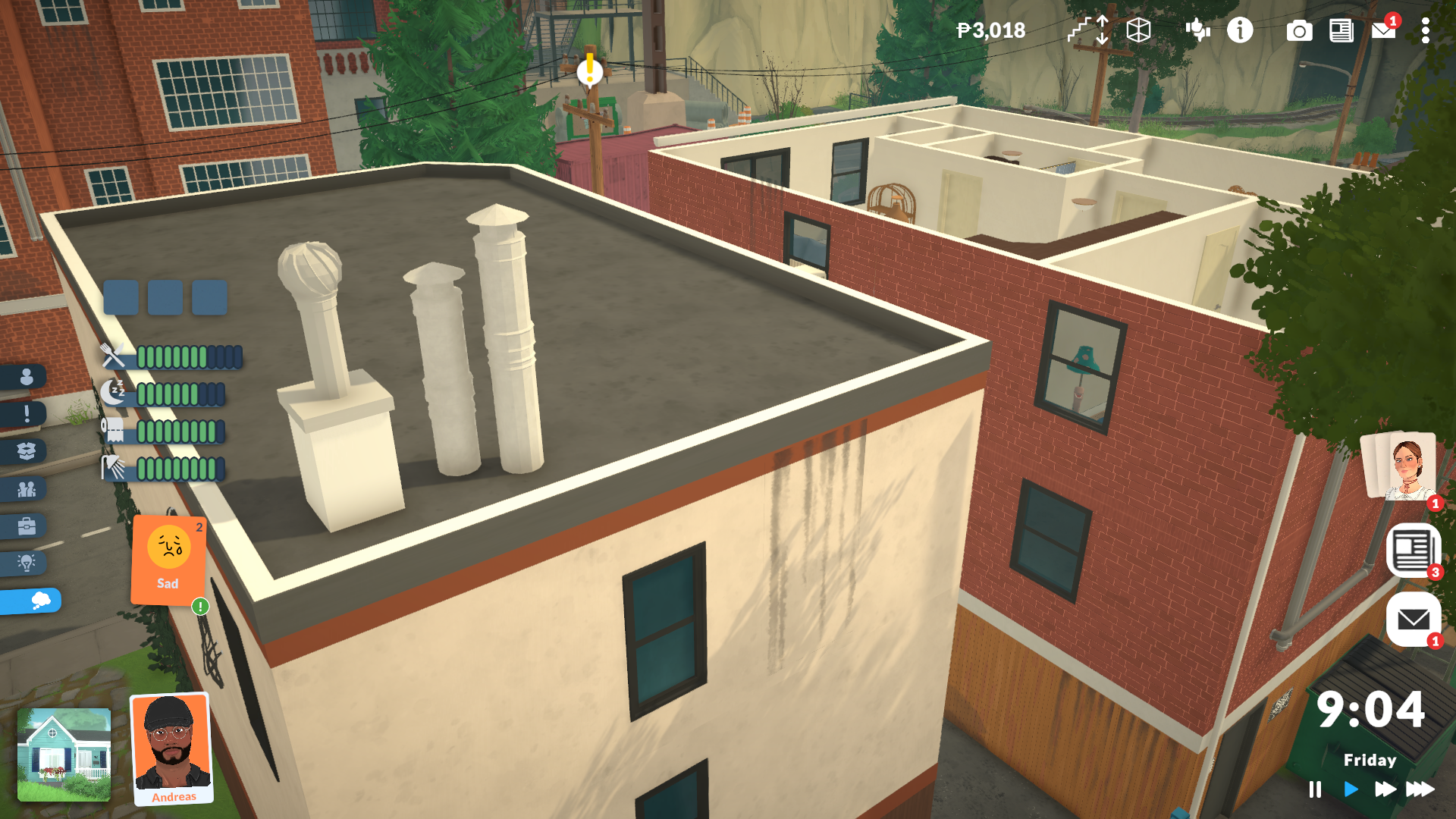
Advance to Hour in Paralives
Set a target hour and move the household clock forward to its next occurrence. Here, the clock has reached Friday morning after advancing to 9 a.m.
Age Up Selected ParaFree
Advance one selected household Para to their next life stage when you want to move their story along.
Select one household Para and use Age Up Selected Para. Review their name and next life stage in the game, then choose Yes to age them up or No to keep their current stage.
The action advances one life stage at a time. A Para at their final life stage cannot advance further.
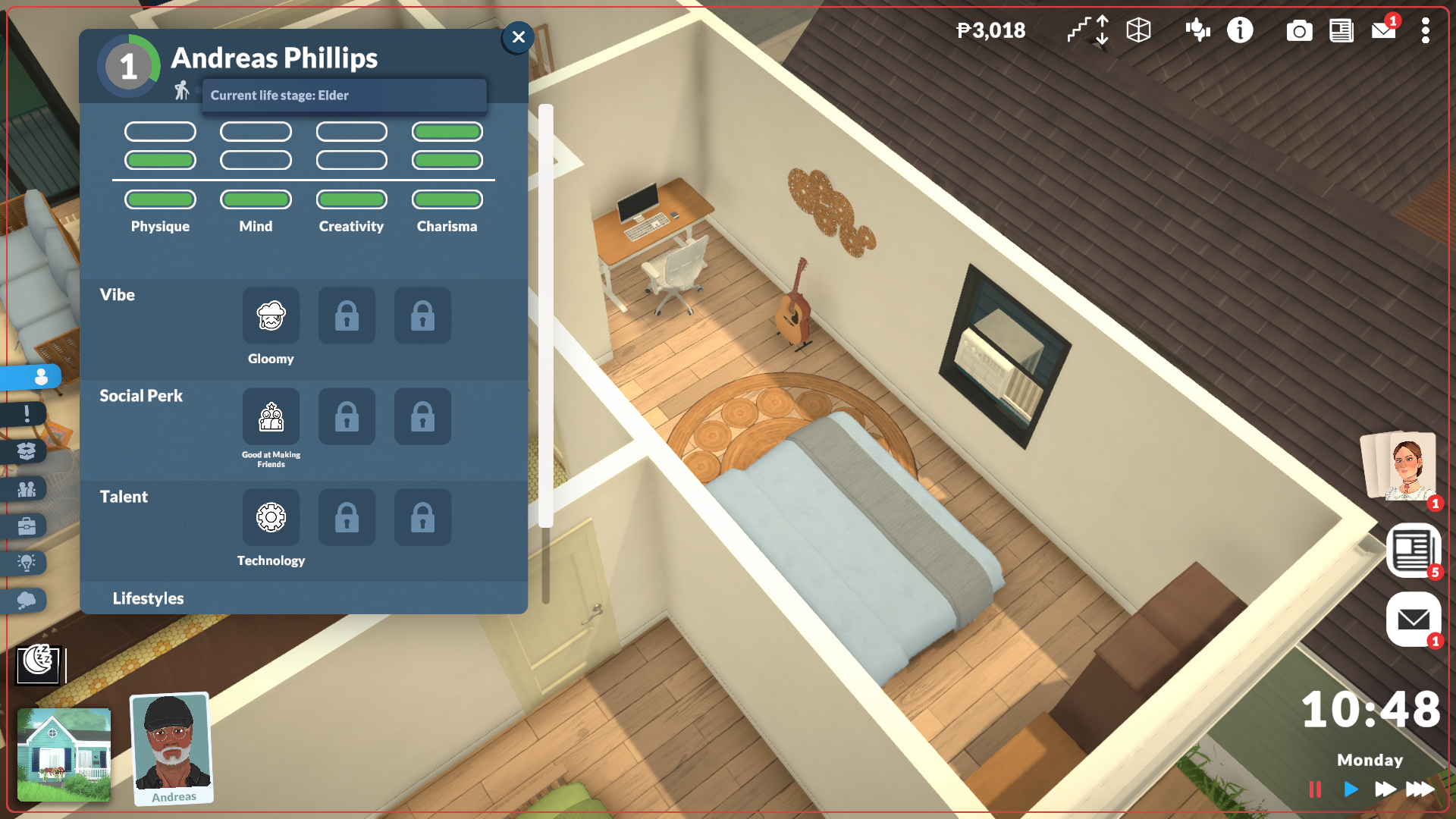
Advance a selected Para to Elder
Confirm the next life stage for the selected Para.
Cancel Selected InteractionsFree
Clear current interactions from selected Paras’ queues.
A Para may choose another action afterward through normal autonomy.
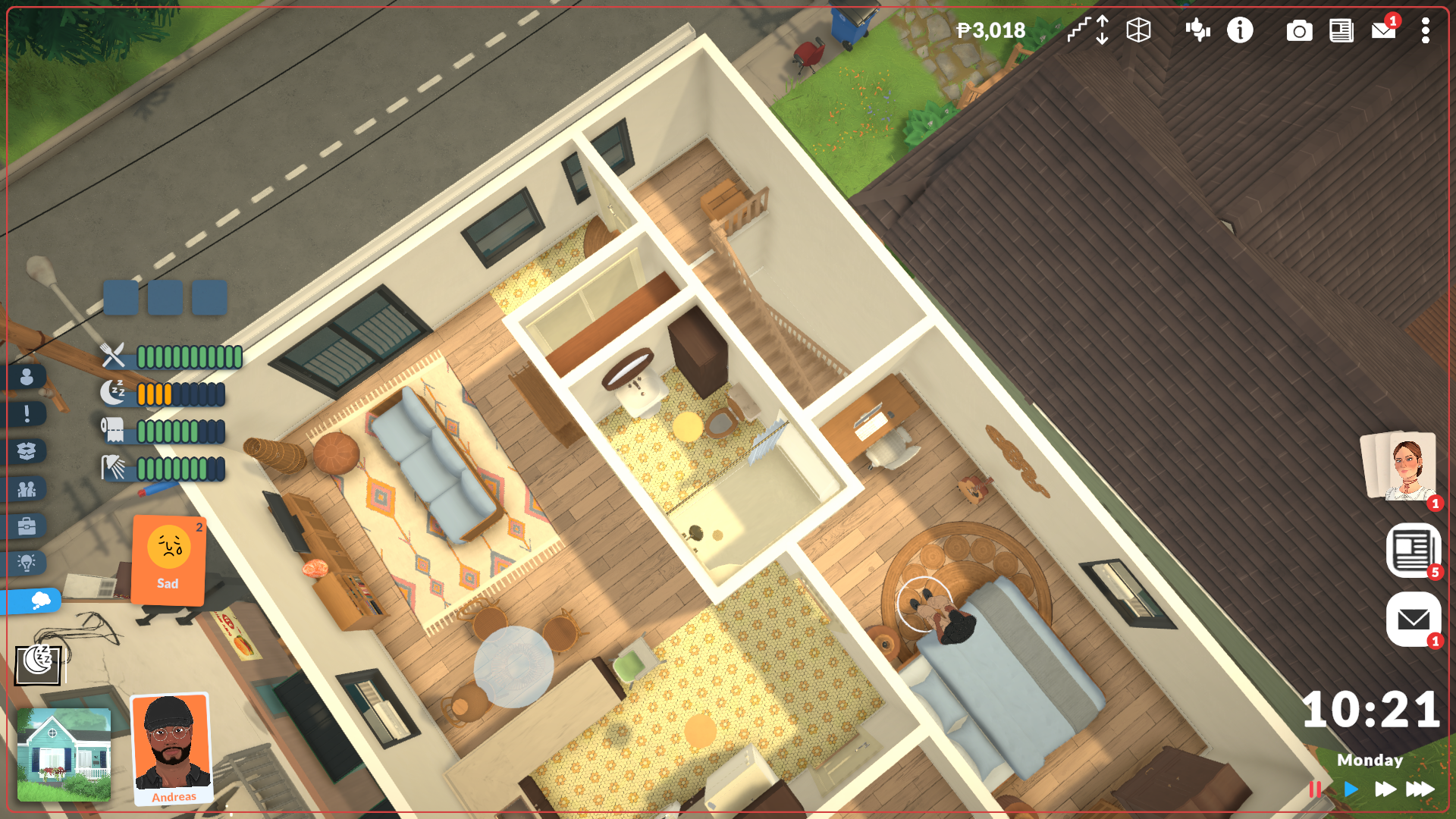
Cancel Selected Interactions
Andreas’s Cook interaction cleared from the queue. He then chose Sleep on his own.
Clean Household ItemsFree
Remove dirt from objects on the loaded household’s lots.
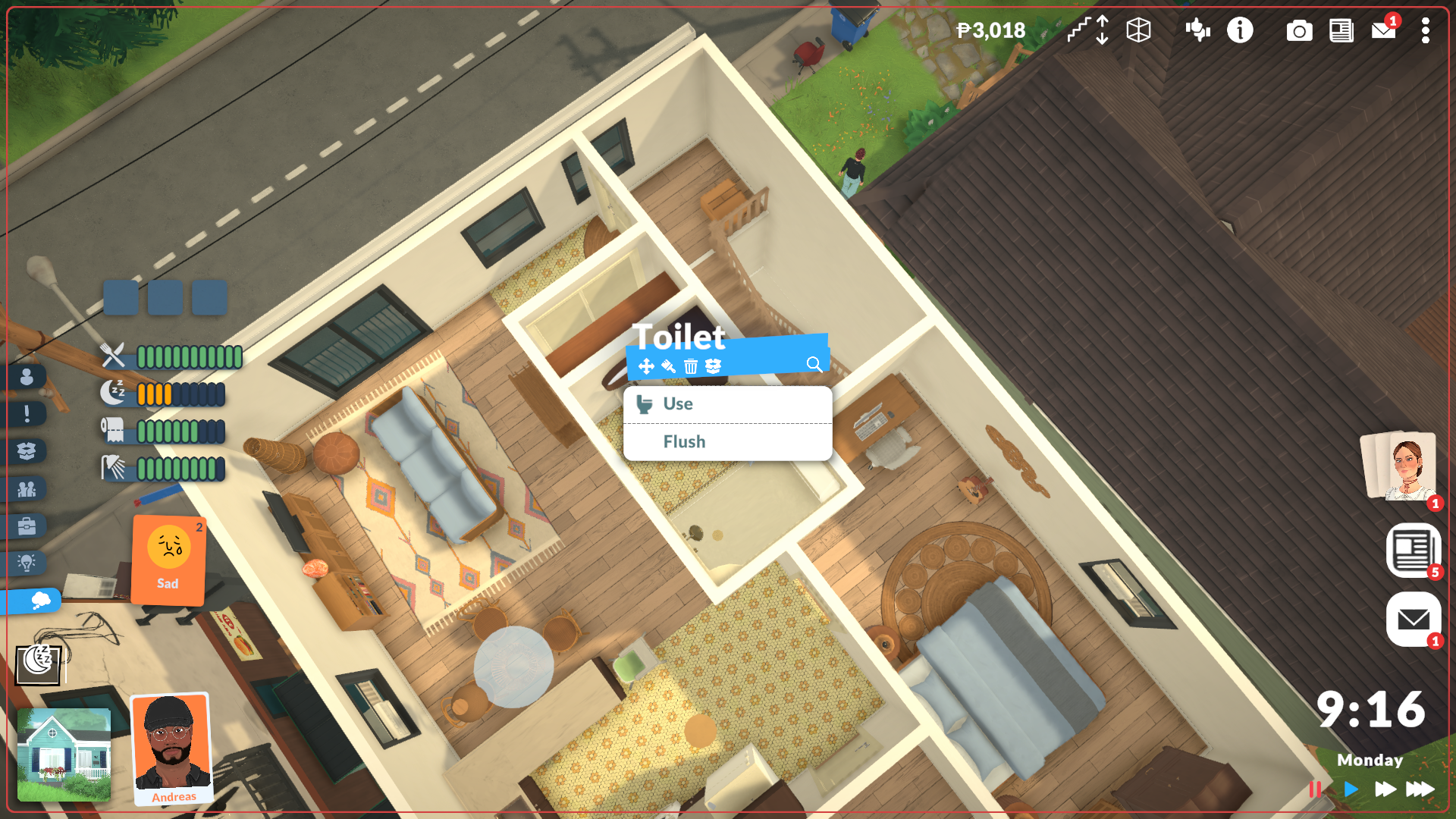
Clean Household Items
After cleaning, the toilet's menu shows Use and Flush. The Clean action is gone.
Clear needsFree
Relieve the currently selected character's needs so you can return to the activities you want to focus on.
Select the intended character, then use Clear needs. The separate Clear all needs control applies needs relief more widely across characters.
The main action targets your selection. Use the all-character control deliberately when you want its broader effect.
Complete Current WantsFree
Complete the selected Para’s active wants through the normal reward path.
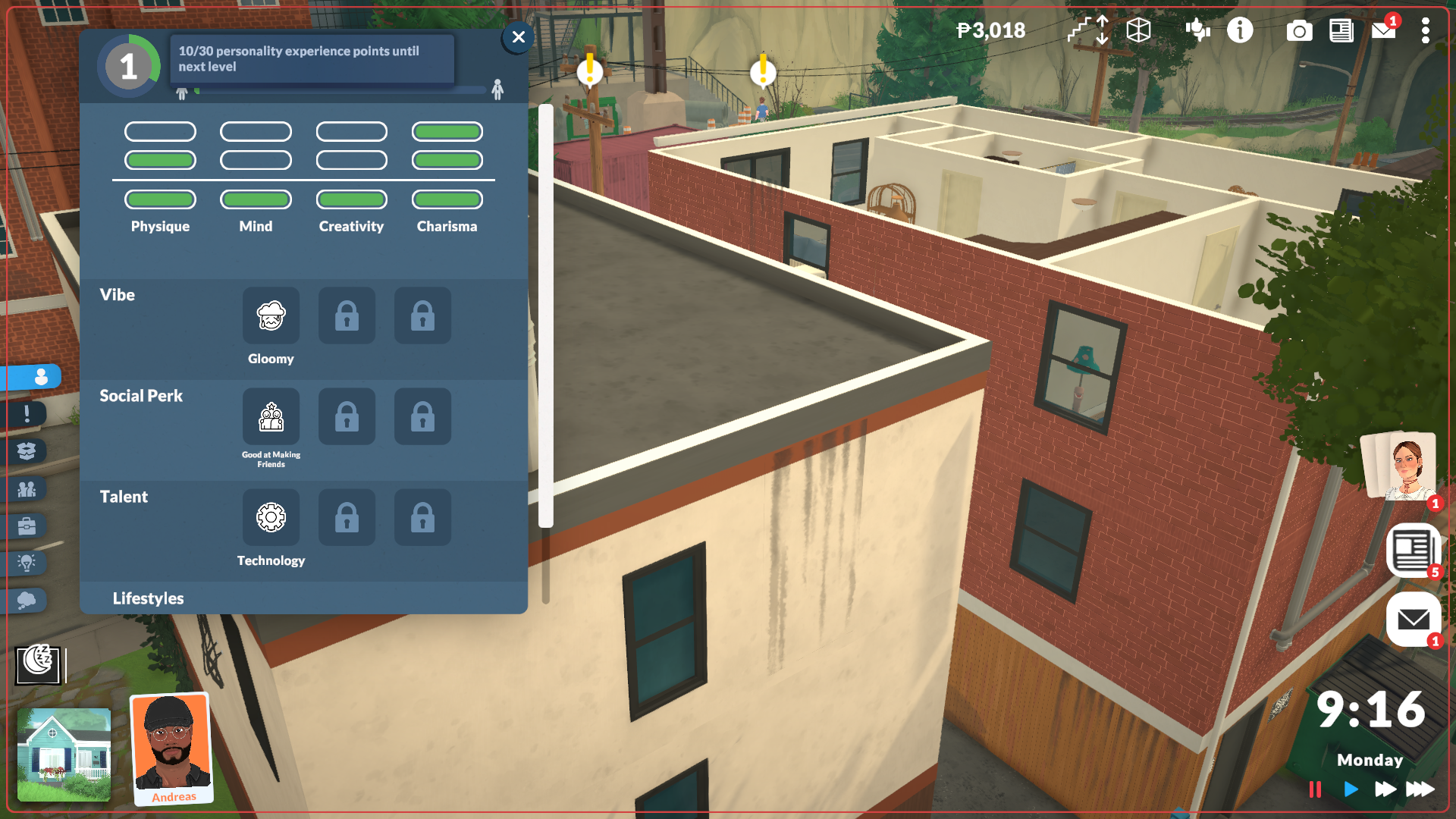
Complete Current Wants in Paralives
Complete your selected Para’s active wants and earn their normal rewards. Completing the snack want added 10 personality experience points in this test.
Extinguish Household Item FiresFree
Put out active item fires on the lots your household owns.
Use Extinguish Household Item Fires while playing the affected household.
The action covers burning items. Para fires use the separate recovery action.
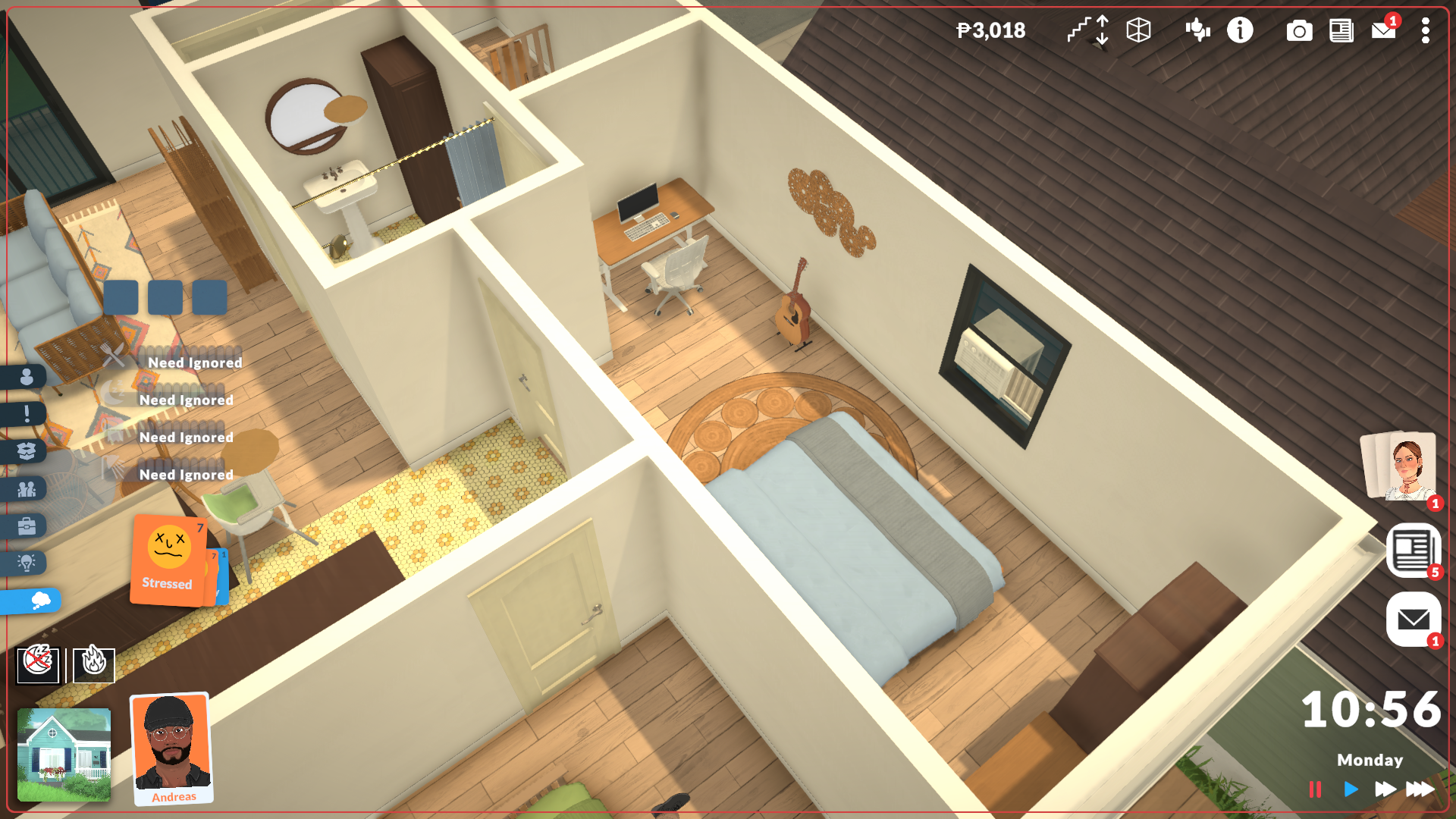
Put out household item fires
Extinguish an active item fire on your household’s lot.
Extinguish Selected ParasFree
Put out flames on selected household Paras.
Select the affected household Paras, use the action and resume the game if it is paused.
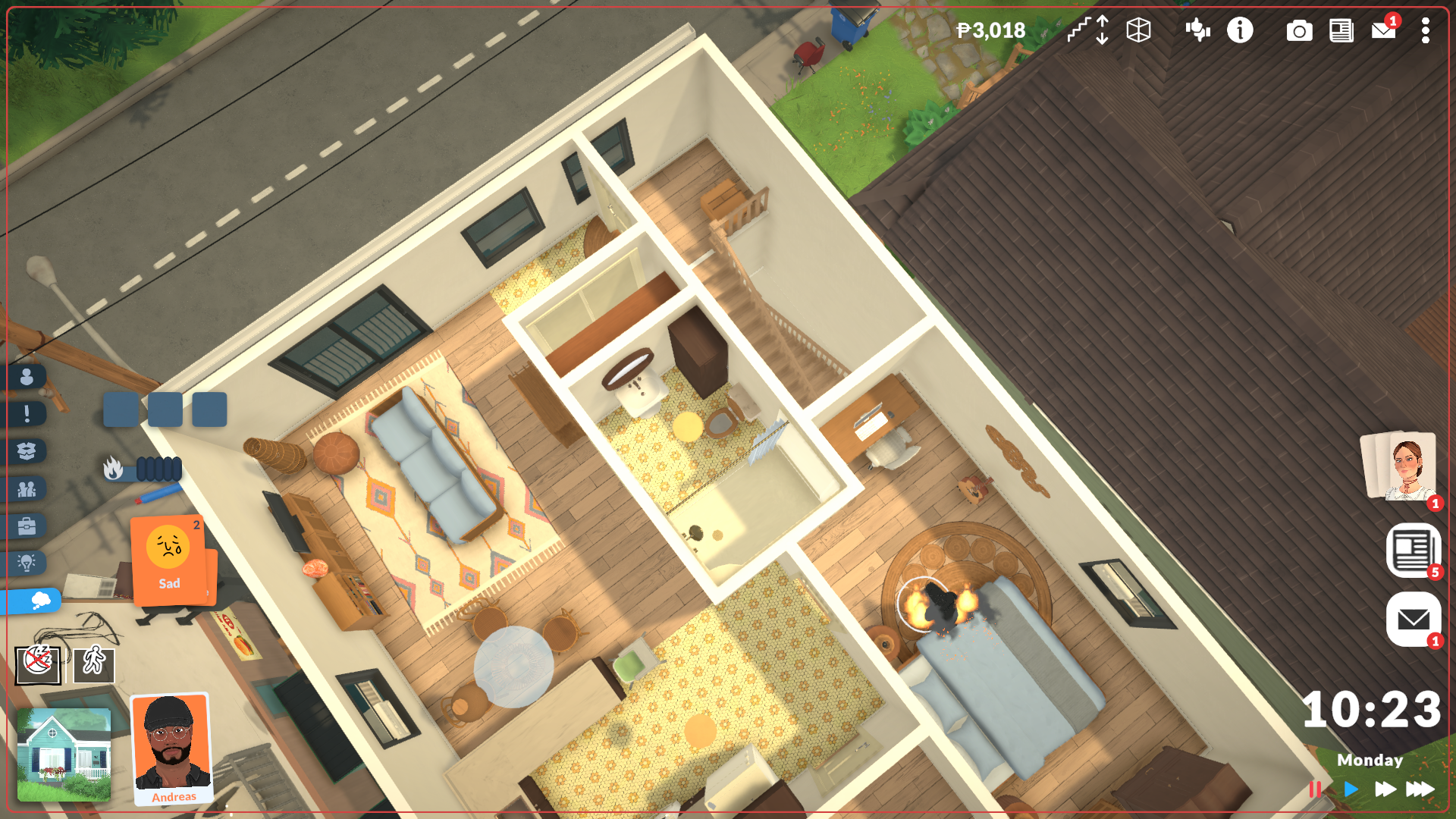
Before Extinguish Selected Paras
Andreas is on fire. His usual needs are temporarily replaced by the fire meter.
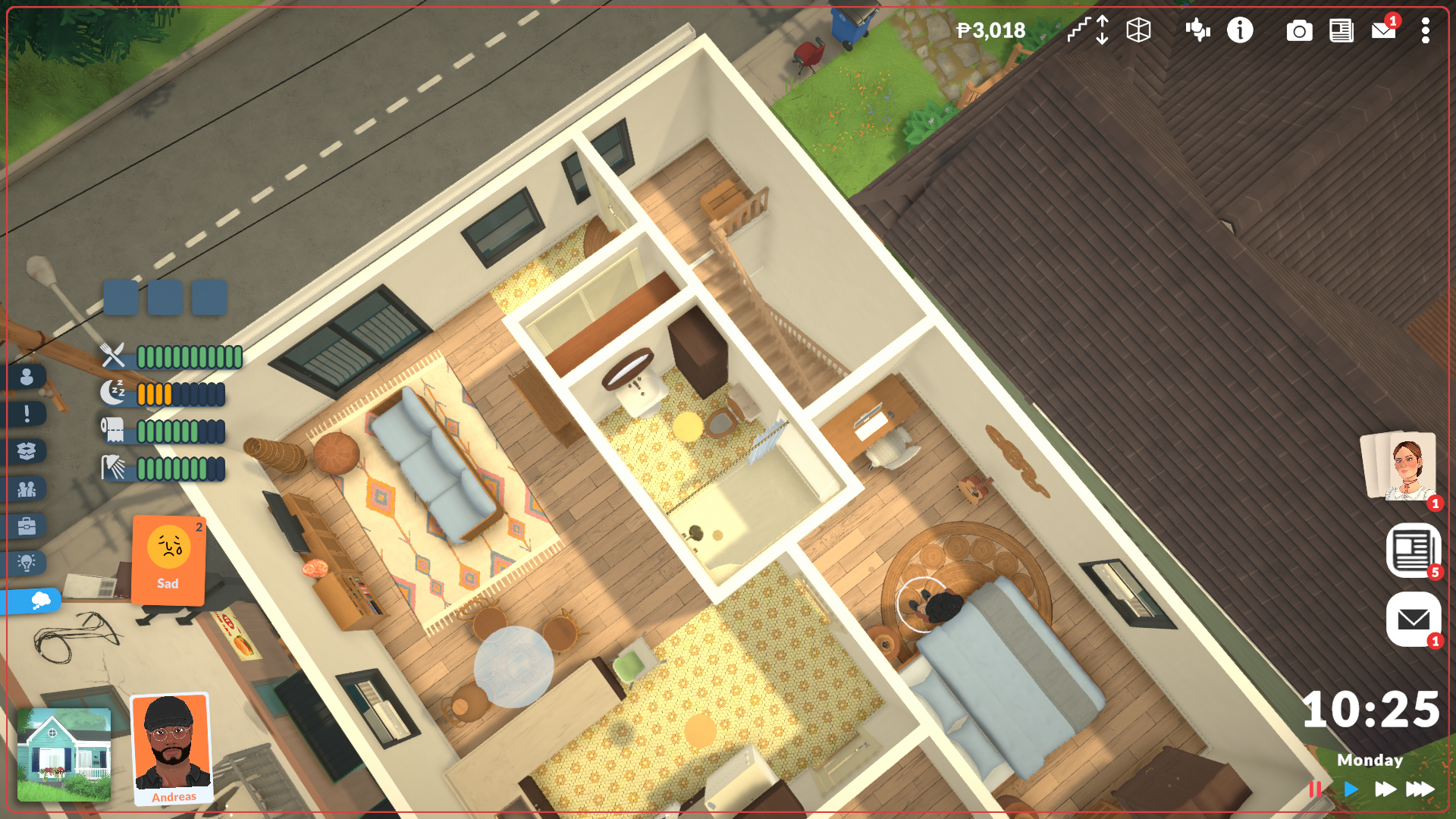
After Extinguish Selected Paras
The flames and the fire meter disappear. Andreas’s usual needs return.
1 / 2Household Inventory BrowserFree
Search stock furniture, décor and other home items and add the ones you choose to your Household Inventory.
Open Inventory in the Bytonian Mods app, search or pick a category, set a quantity and select an item.
Items go to your household inventory. This browser offers stock home products.
What you can spawn
- Hobbies (13)
- Including Muchi (Hobby Music Piano Grand), Muchi (Hobby Music Guitar), Muchi (Hobby Music Piano Upright), Meli-Melo, Fite (Hobby Sport Treadmill).
- Surfaces (147)
- Including Nodiko (Surface Side Table Scandinavian Drawers), Polichi (Surface Counter Slab Corner), Bidobodi (Surface Counter Beadboard Corner), Richito (Surface Table Restaurant Square Cloth), Iconomi (Surface Table Folding Plastic).
- Seating (87)
- Including Gaspi (Seating Chair Outdoor Adirondack), Komiko (Seating Couch Eclectic Cactus), Gaspi (Seating Chair Camping), Miki (Seating Chair Miki), Kofi (Seating Chair Outdoor Cafe Straps).
- Appliances (31)
- Including Kofi (Appliance Small Coffee Machine Espresso), Iconomi (Appliance Oven Low End), Iconomi (Appliance Small Toaster Low End), Gaspi (Appliance Barbecue Cocotte), Chiti (Appliance Barbecue Park).
- Lighting (90)
- Including Bikomo (Lighting Pendant Rustic Rusted), Modino (Lighting Lamp Floor Modern Tripod), Raki Taki (Lighting Ceiling Fan Eclectic), Modino (Lighting Lamp Wall Modern Cylinder), Modino (Lighting Lamp Table Modern Bulb).
- Plumbing (22)
- Including Chiwaki (Plumbing Bathtub Clawfoot), Midio (Plumbing Shower Square Cabin Glass), Bikomo (Plumbing Toilet Country), Chiwaki (Plumbing Bathtub Soaking), Midio (Plumbing Tub Shower Freestanding).
- Decor (293)
- Including Luki (Decor Misc Lucky Cat), Toshio, Patina (Decor Rug Terrazzo), Bibilo (Decor Misc Candle Jar), Chili (Festivities Holidays Table Lamp Star).
- Beds (15)
- Including Induchiku (Bedding Industrial Open Frame), Iconomi (Bedding Thrifted Platform), Farimi (Bedding Farmhouse Bed), Midi Cheniti (Bedding Mid Century Panel), Kidi (Bedding Kid Bear).
- Storage (57)
- Including Furispi (Storage Bookshelf Uneven Box), Iconomi (Storage Bookshelf Basic), Nodiko (Surface Shelf Wall Simple), Induchiku (Storage Bookshelf Industrial Pipes), Midi Cheniti (Storage Closet Mid Century3 Door).
- Kids (27)
- Including Puchi (Kid Plush Bear Broken), Unpaka (Clutter Hobby Unpacking Hen), Buki (Kid Book Educative), Puchi (Kid Potty Basic), Kidi (Kid Toy Rings).
- Clutter (293)
- Including Giki (Clutter Hobby Stamp Folder), Giki (Clutter Hobby Plush Slime), Bigo (Clutter Health Cane), Spiti (Clutter Kitchen Bowl Fruit), Biki.
- Electrical Devices (34)
- Including Monitoki (Electronic TVWall Mounted), Wall Plug, Piti Firizi (Electric Pedestal Fan), Minico, Spike (Electronic Audio Sound Bar).
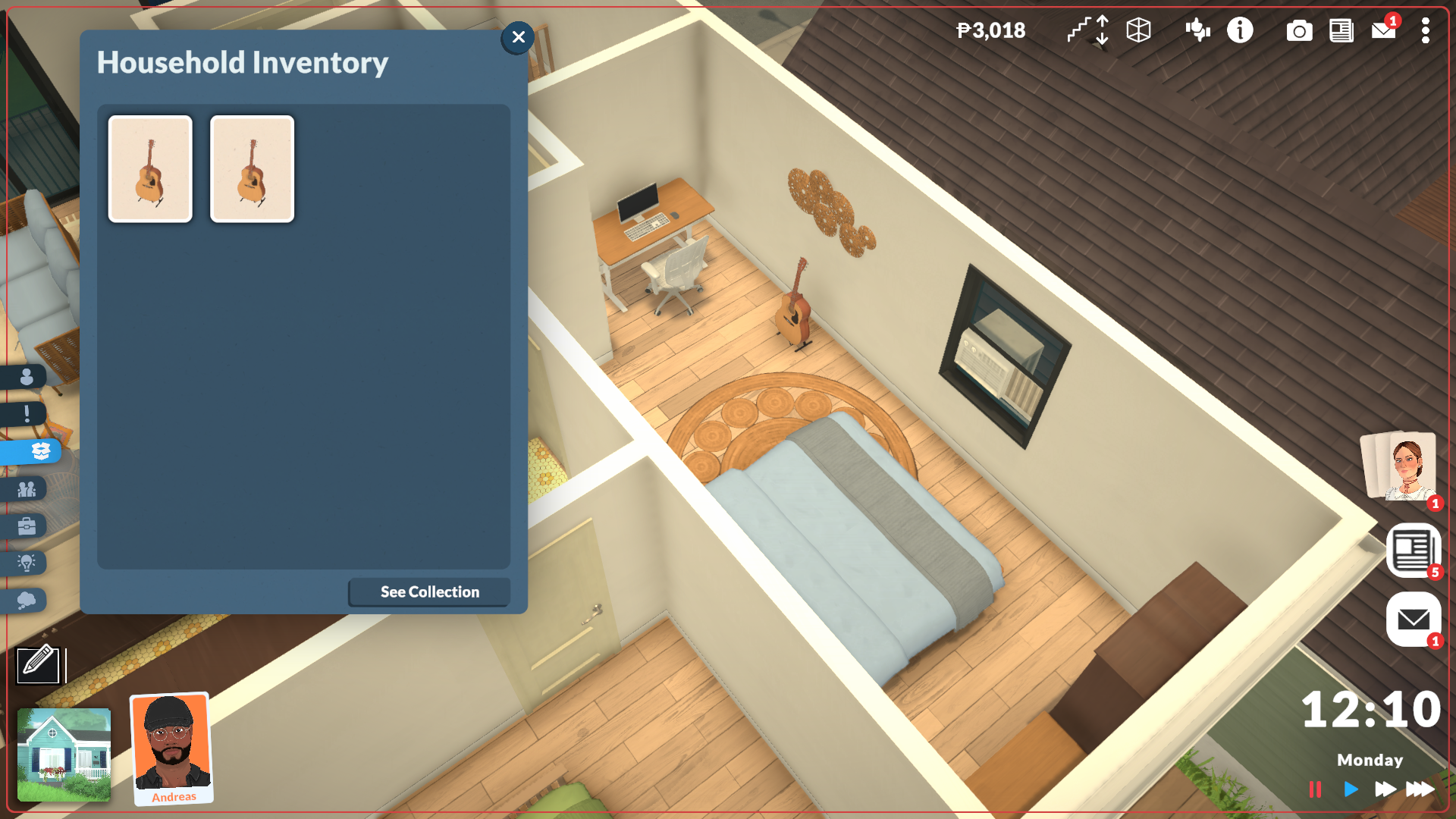
Add items to your Household Inventory
Choose an item and quantity in the free Inventory browser, then find the items in your household inventory.
Learn All RecipesFree
Teach the selected Para all visible recipes with one confirmation.
Select one Para in your household, press Learn All Recipes, then confirm in the game.
The game's cooking requirements still apply.
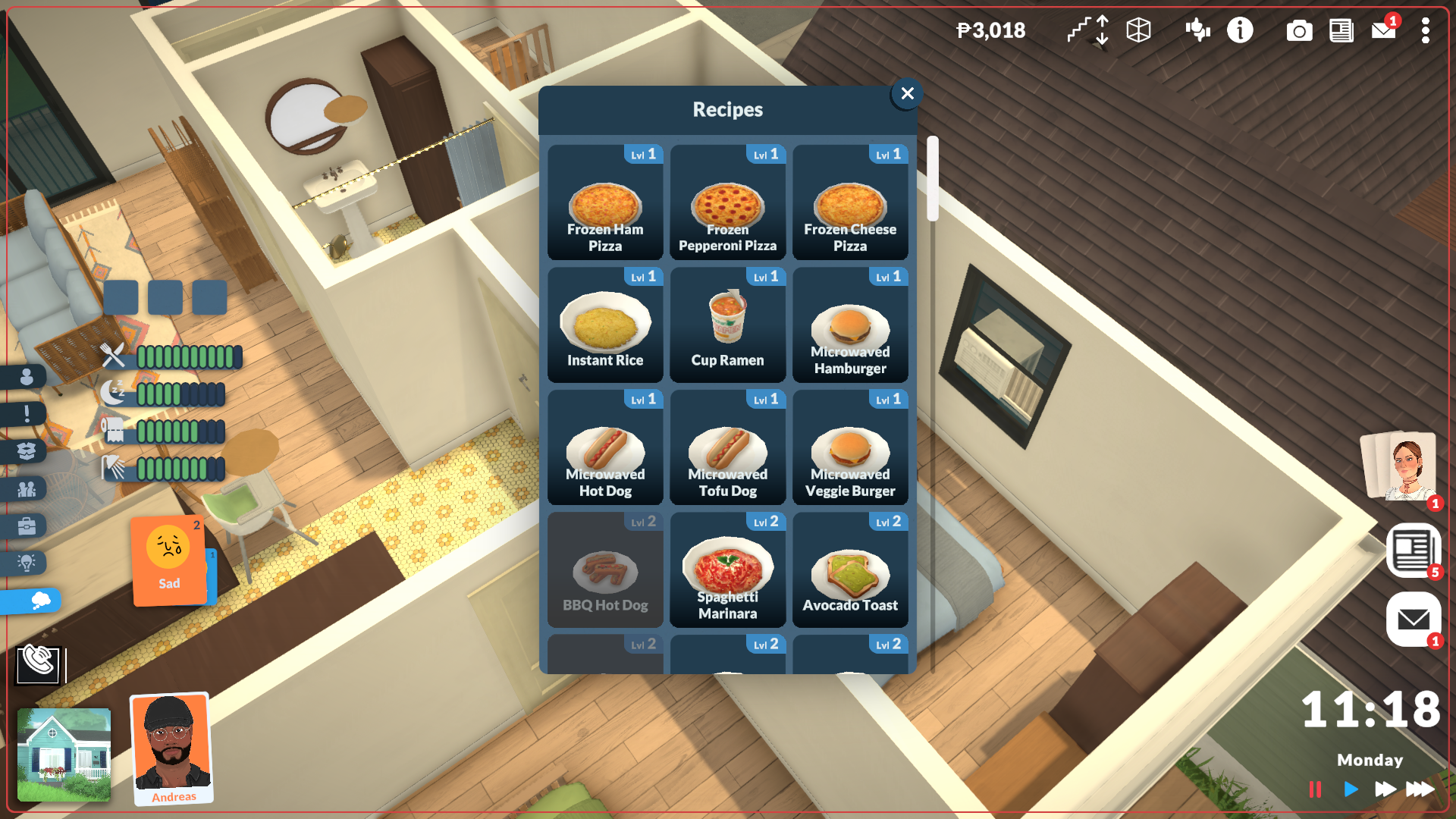
Learn recipes for one selected Para
The selected Para’s Recipes panel fills with newly learned dishes. The game still applies its normal cooking requirements.
Ready a Career UpgradeFree
Make one upgrade point available for the selected Para’s active job.
Select the job in the Career panel and use Ready a Career Upgrade. Open Upgrade to pick your reward.
An existing upgrade point stays available and a second point is not added.
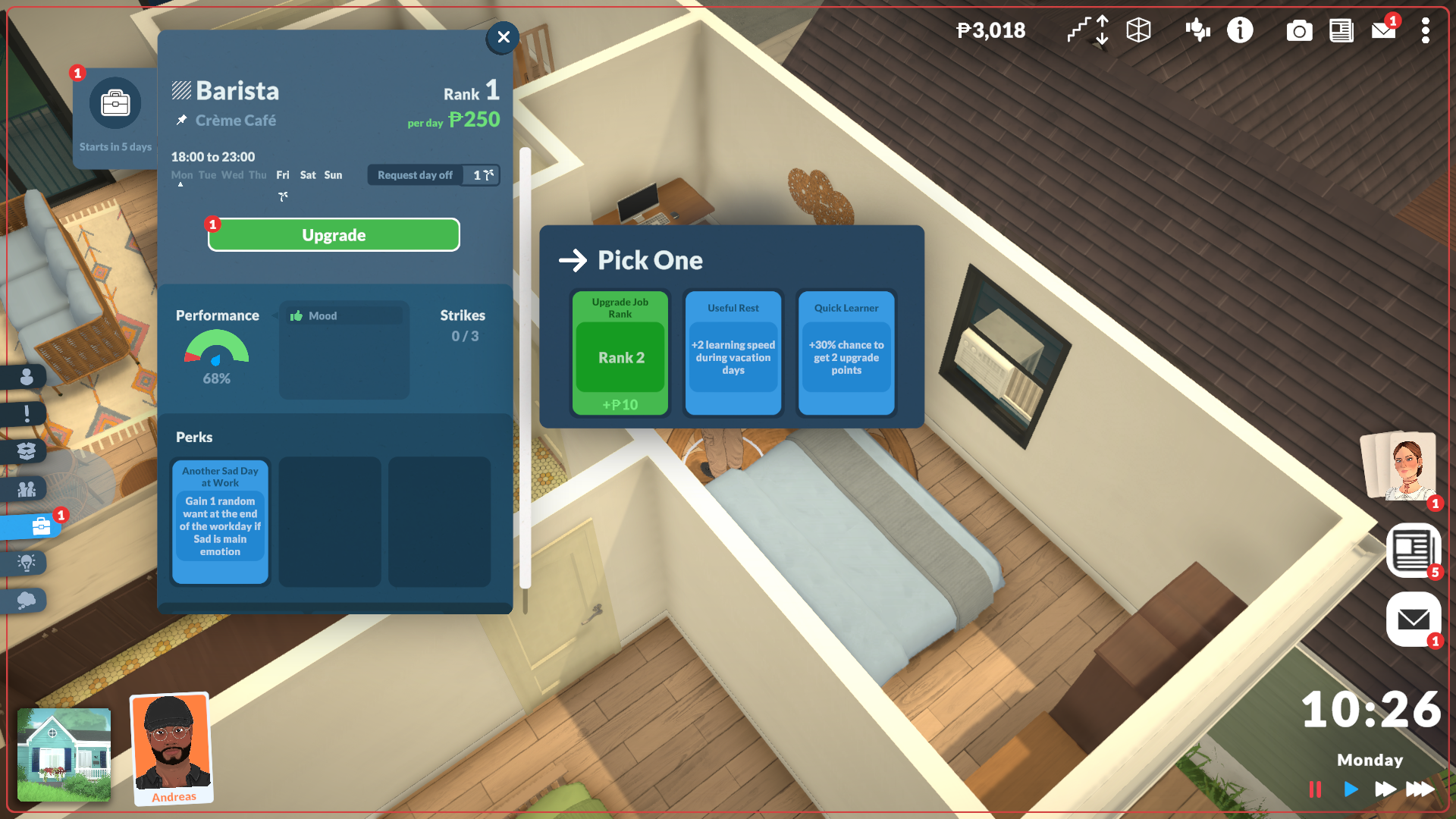
Ready one career upgrade
The selected job gets one upgrade point. Open Upgrade in Career to choose an offer.
Ready a Story CardFree
Make a story-card offer available for your household and decide what to do with it yourself.
Use Ready a Story Card, then open the game’s story-card button to see the offer.
Story cards must be enabled in the game settings. An offer that’s already waiting stays available.
A story-card offer is ready
Use Ready a Story Card to make an offer available for your household.
Remove a Job StrikeFree
Remove the latest strike from the active job shown in your Para’s Career panel.
Select one Para from your household, open Career, choose an active job, then press Remove a Job Strike.
The selected job must already have a strike.
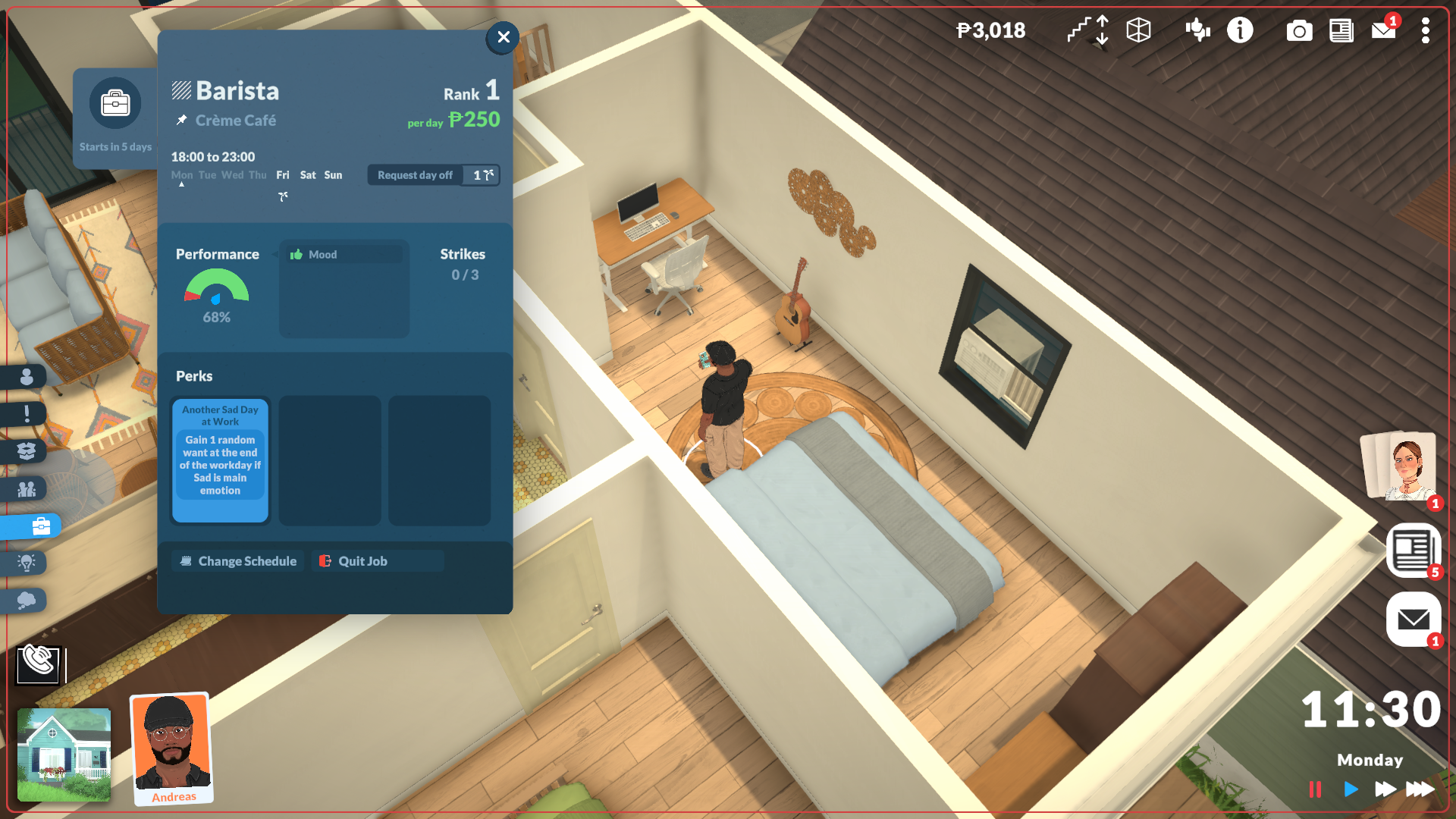
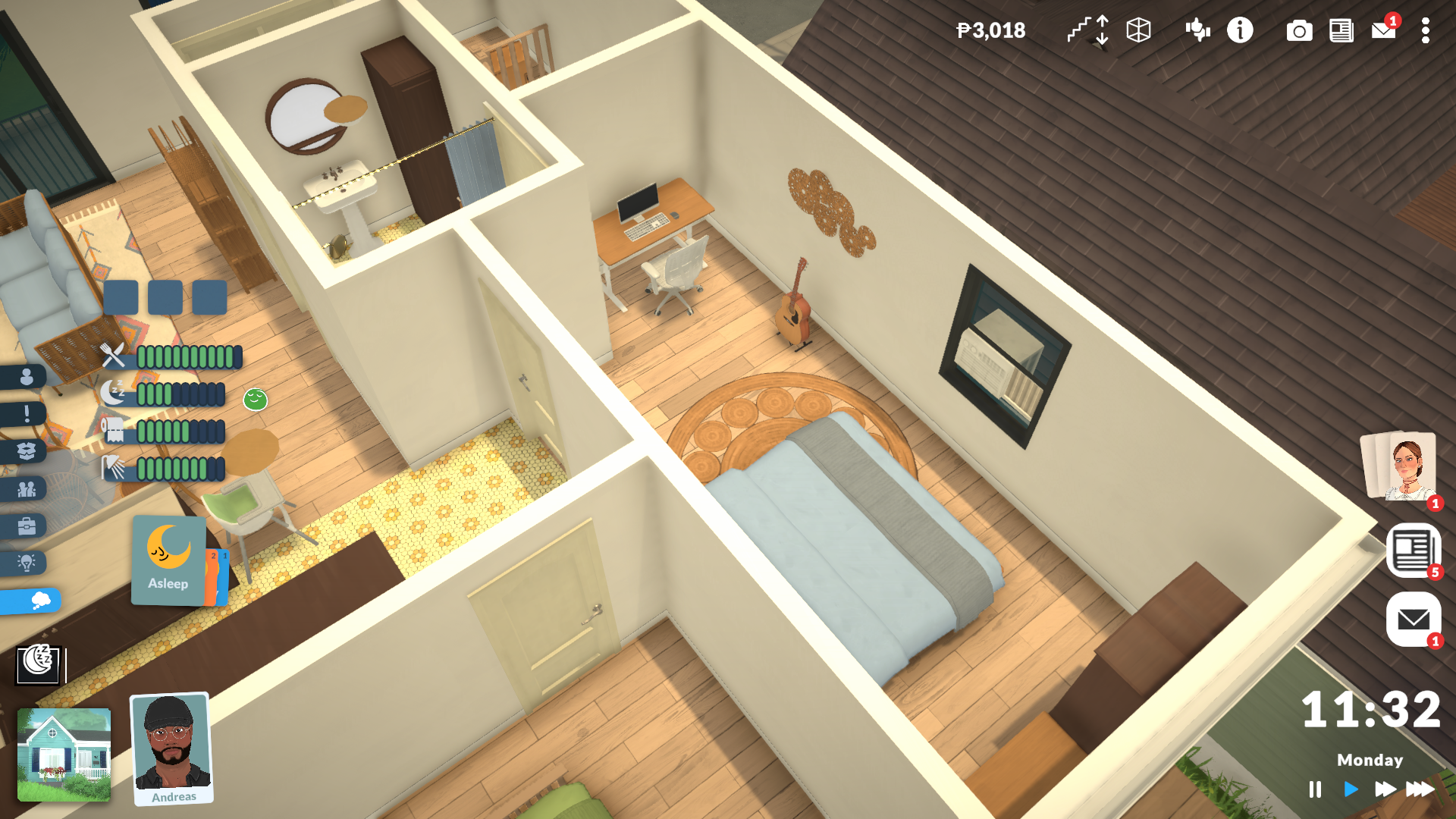
Remove a strike from the selected job
The Barista job returns to zero strikes after the action.
Repair Household ItemsFree
Repair broken objects on the loaded household’s lots.
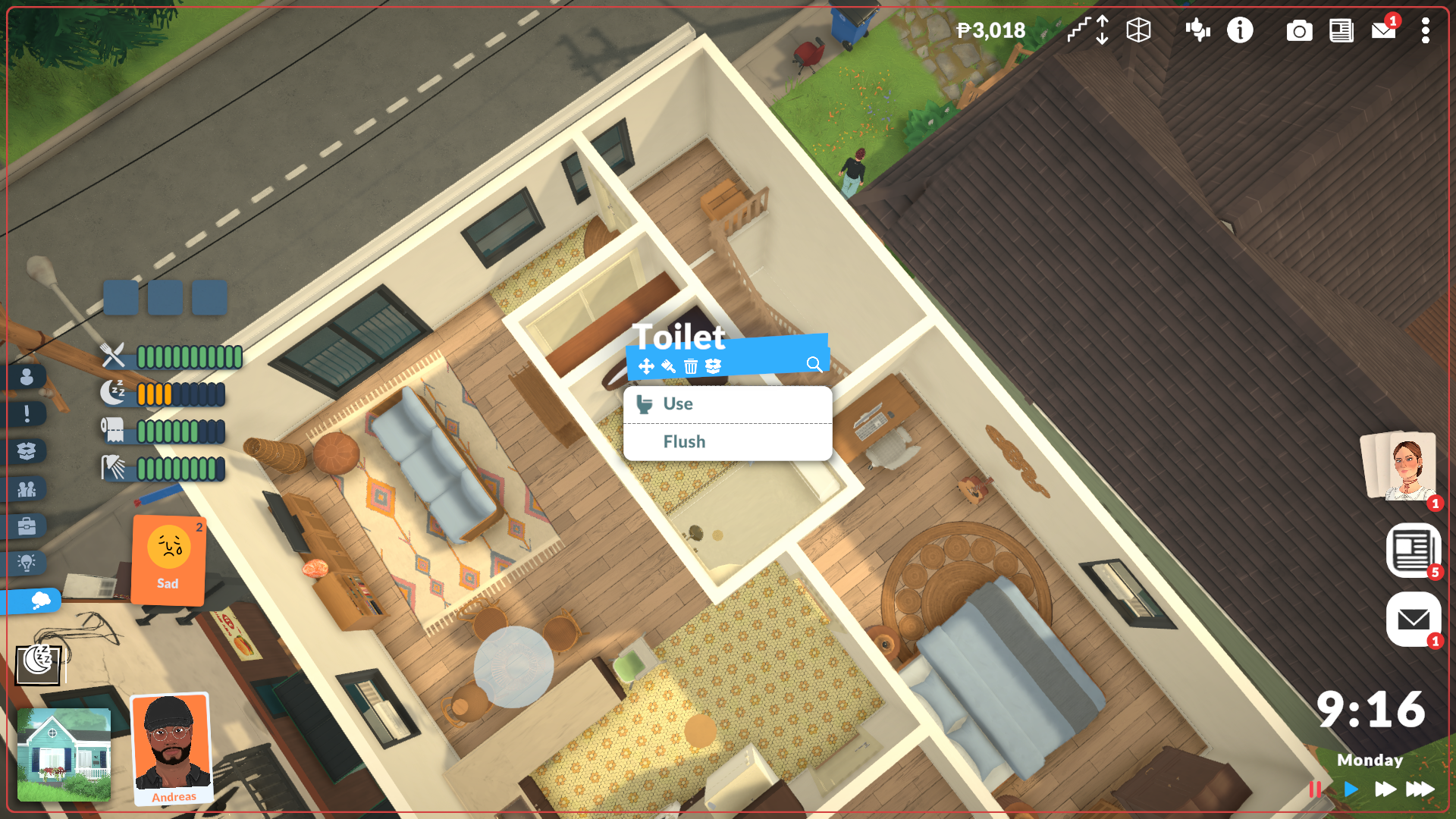
Repair Household Items in Paralives
Restore broken fixtures on your household’s lots. After the repair, this toilet’s Use and Flush actions are available again.
Reroll Career OffersFree
Draw a fresh set of career upgrade offers for the selected active job and keep the upgrade point available.
Open the job’s upgrade choices in the Career panel before using Reroll Career Offers.
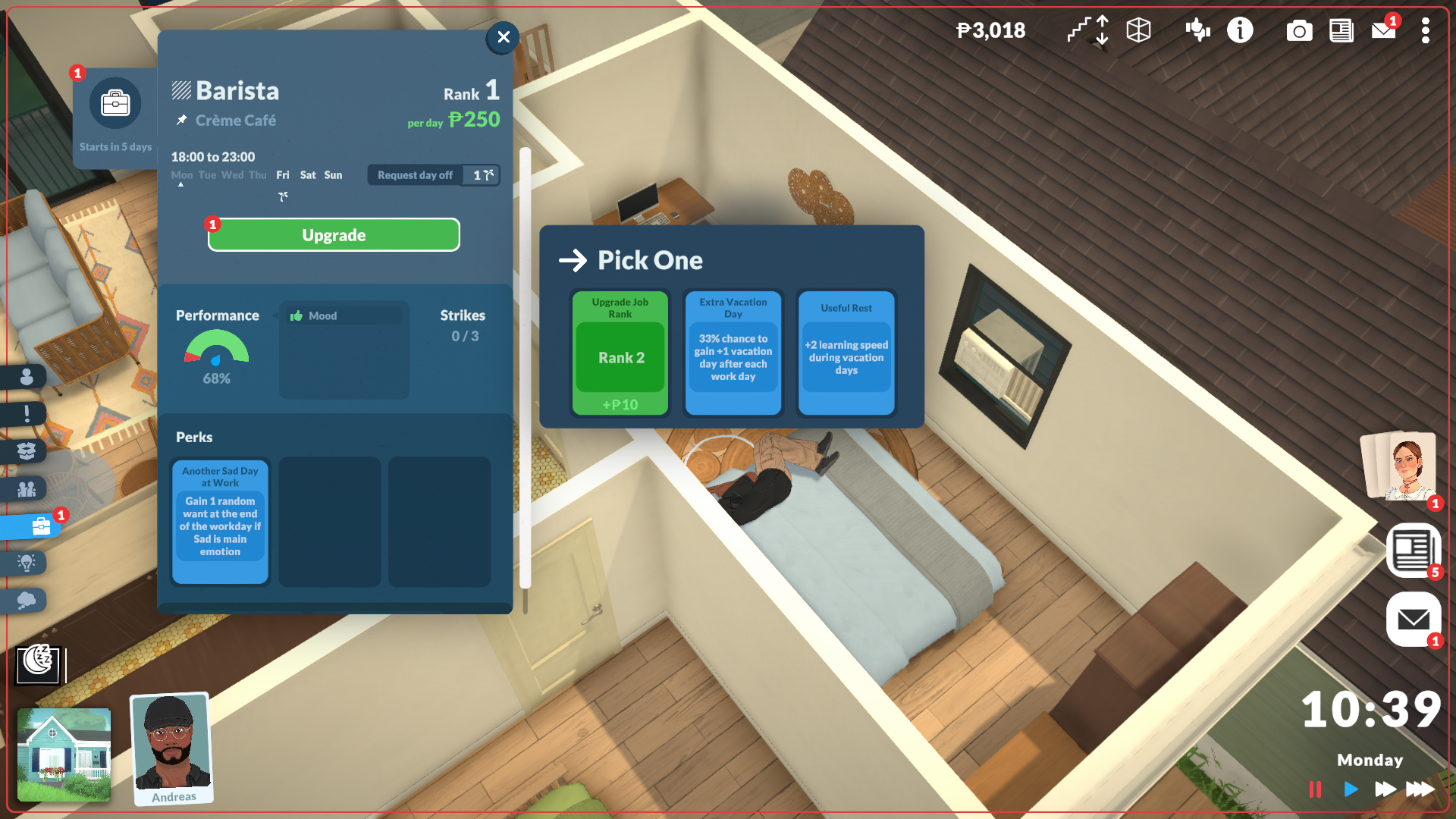
Reroll your pending career offers
New Barista upgrade choices appear while one point is still available.
Restore Spoiled FoodFree
Clear spoilage from food placed on the household’s lots.
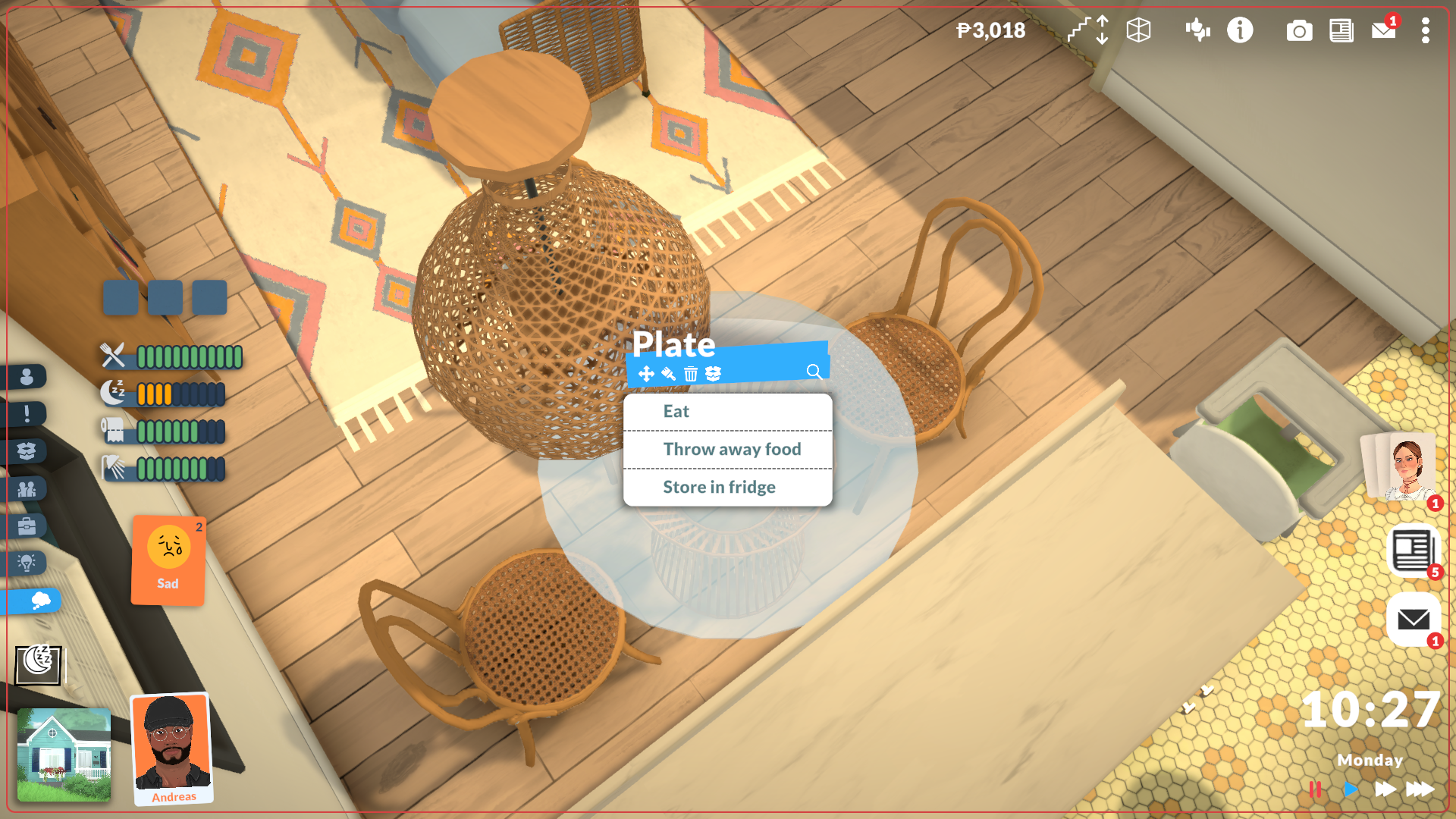
Restore Spoiled Food
The restored plate stays on the dining table with its usual food actions.
Skip TimeFree
Advance the game clock by a chosen number of hours to move to a later time.
Set Hours before using Skip Time. The default is 24 hours, equal to one day.
Skip Time changes the clock by the selected number of hours.
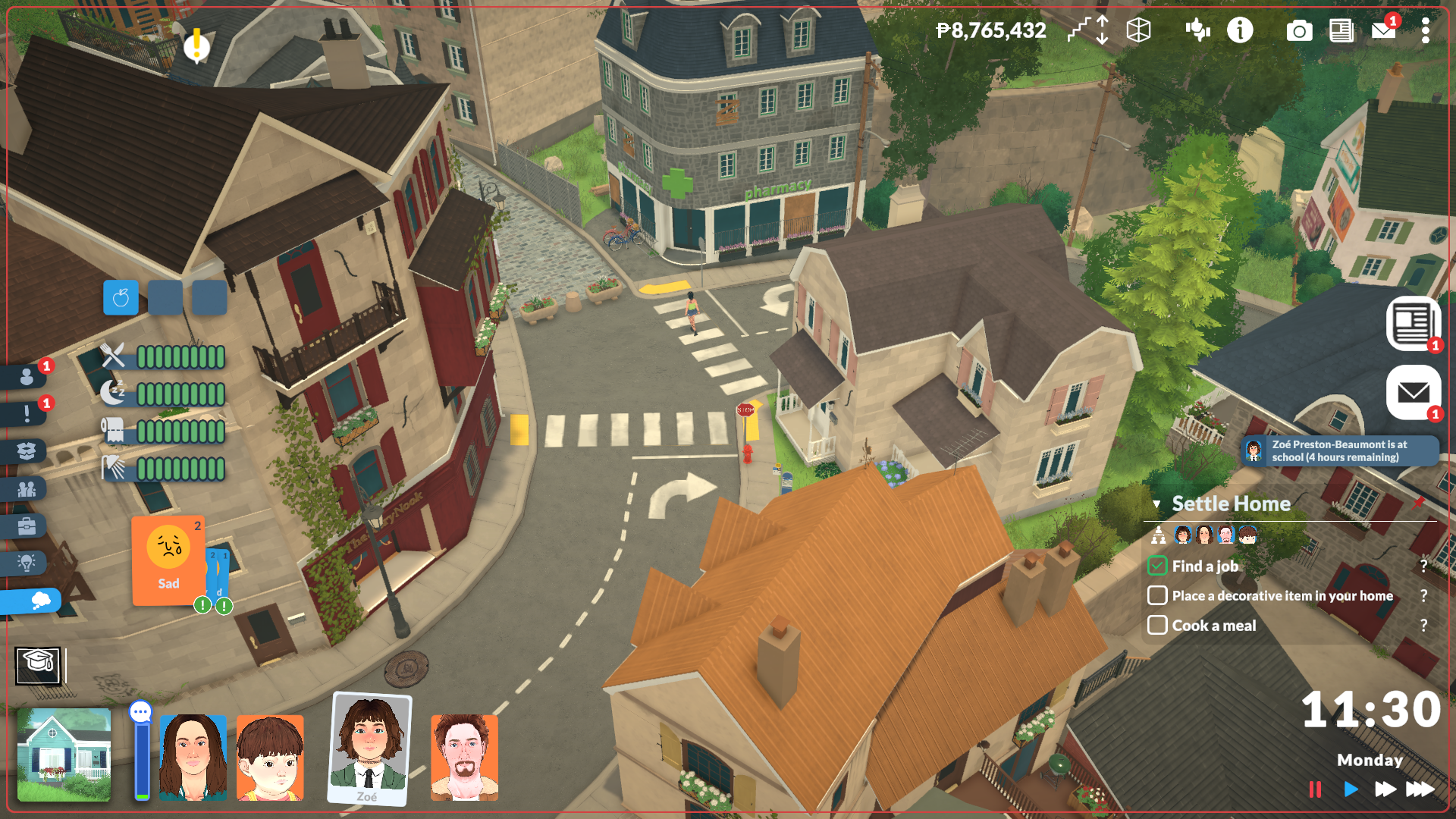
Skip ahead by an hour
Move the in-game clock forward with Skip Time. The clock now shows 11:30.
Skip to Before WorkFree
Jump to five minutes before the selected Para’s next shift.
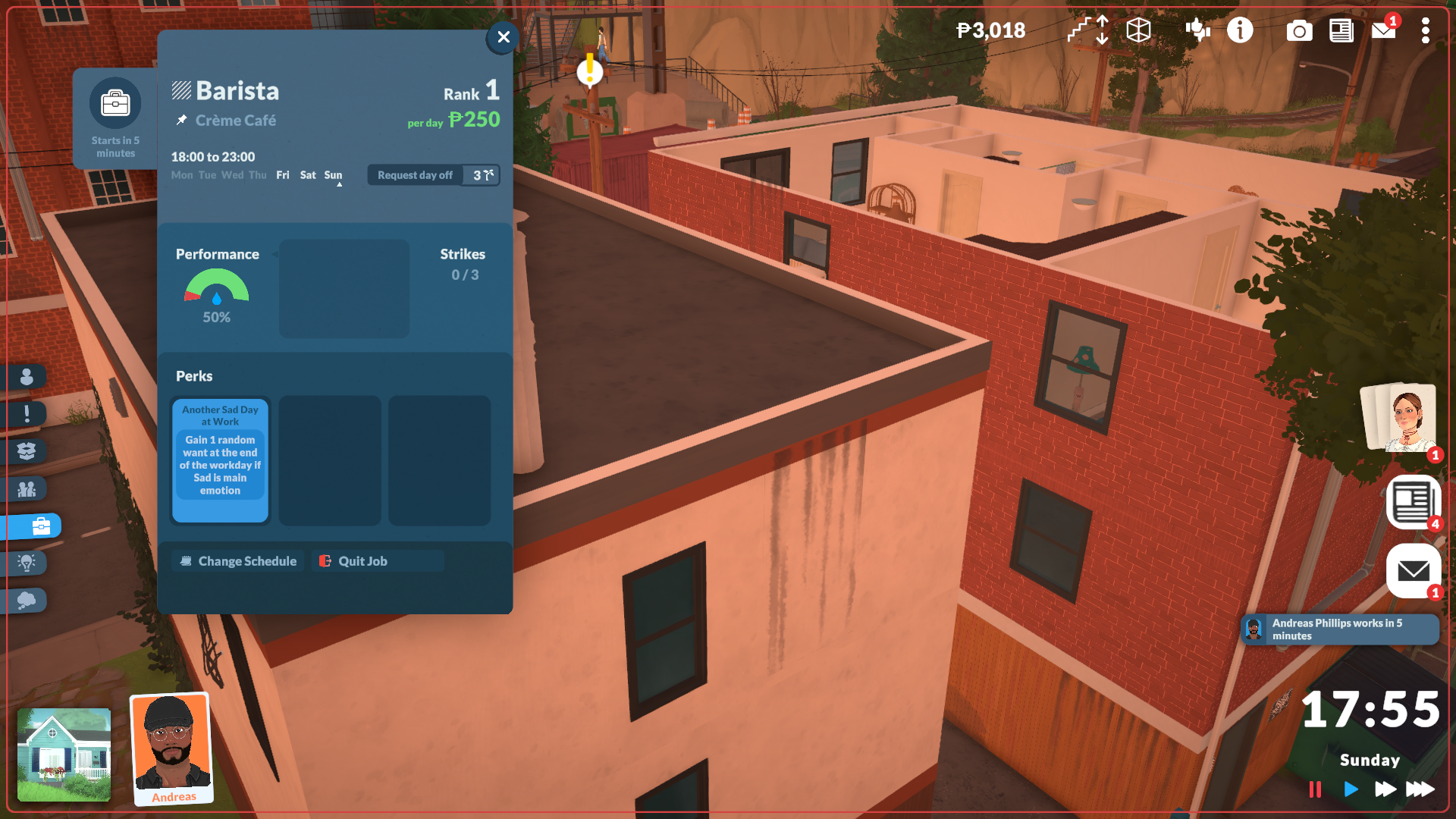
Skip to Before Work in Paralives
Jump to five minutes before the selected Para’s next shift. The Barista shift starts at 18:00, and the game confirms work starts in five minutes at 17:55.
Unstuck Selected ParasFree
Move selected household Paras back onto walkable ground.
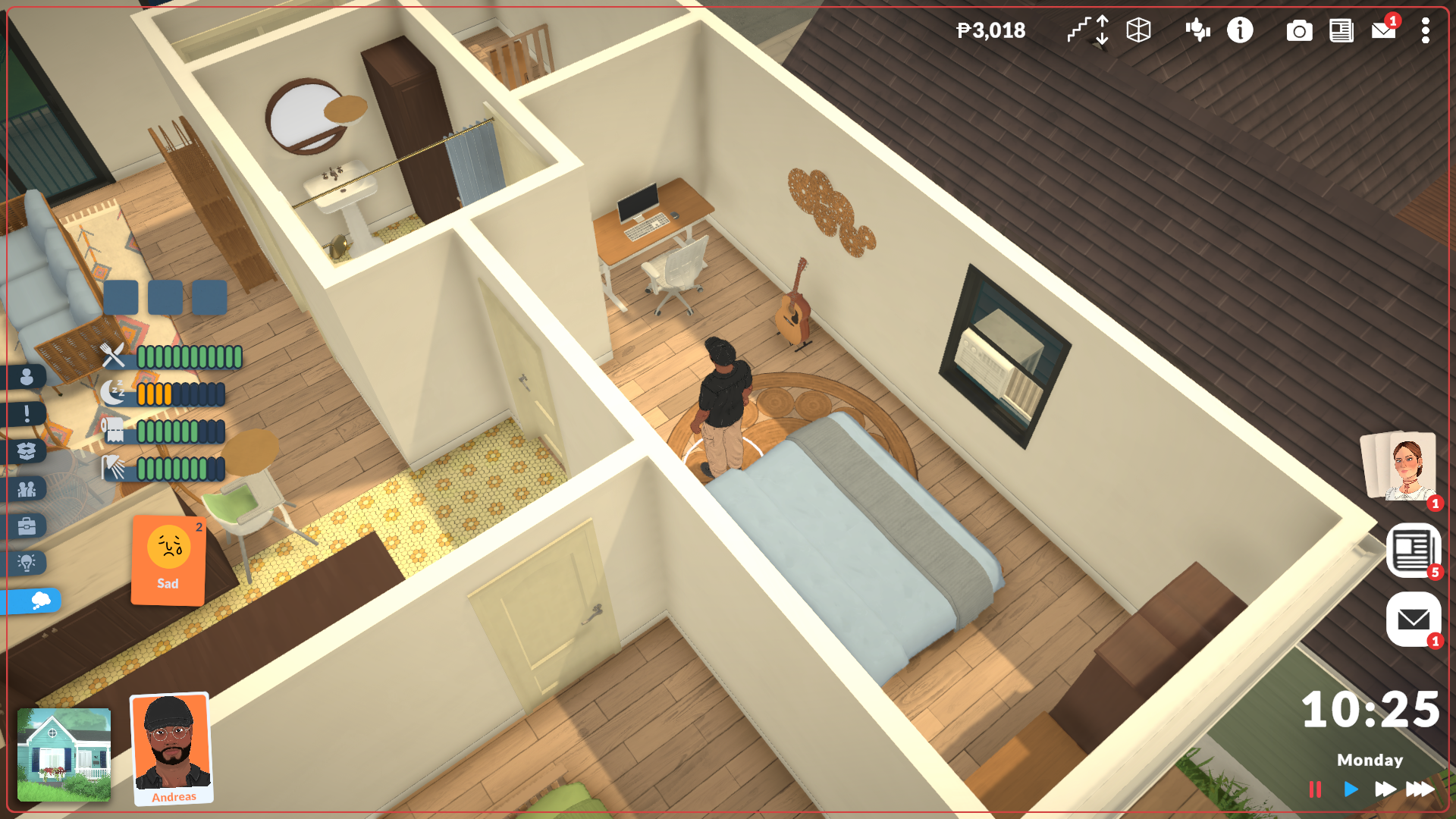
Unstuck Selected Paras
Unstuck returns Andreas to the walkable floor beside his bed.
Waive Household BillsFree
Settle the household’s issued bills without spending Paradimes.
Covers issued, unpaid bills. Unissued charges can still arrive later.
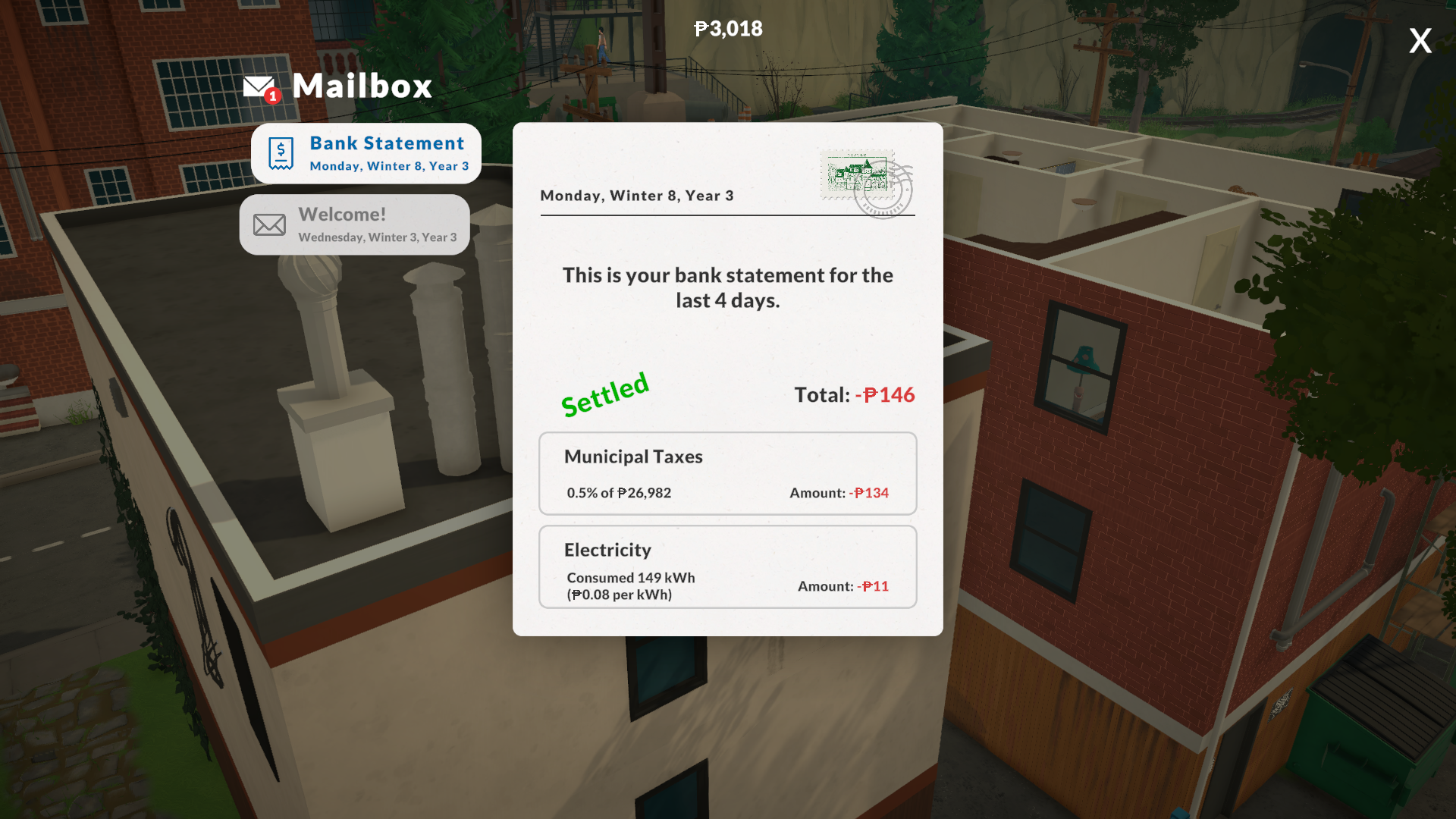
Waive Household Bills in Paralives
Settle issued household bills without spending Paradimes. The mailbox marks this ₱146 bill as settled, and the household still has ₱3,018.
More ways to customise Paralives
- Paralives resources
Set the household balance or adjust a chosen need for one Para.
- Paralives stat modifiers
Set an available skill to an allowed level for the selected household Para.
- Paralives rule modifiers
Use household appliances during billing outages while normal bills and usage charges continue.
- Paralives presentation modifiers
Hide simple Paramaker hover hints while editing a Para.
- Paralives progression systems
Prepare the selected character's next personality level-up.
Using these features
Choose the feature in the Windows app after connecting your game. Check its requirements before making a change.
Setup for Paralives →