

Resources
2 optionsSet the household balance or adjust a chosen need for one Para.
View resources →Build a home and shape your Parafolks’ lives with more control over the everyday details. Change your household budget, help a stuck character or make time for their next shift.

Start with free mods
Download Bytonian Mods for Windows and try these free features. Choose one to see how it works and any requirements.
Set the current household's Paradimes balance. Add money for your plans or lower the amount for a stricter budget.
Open the household you want to change and choose the desired Paradimes amount.
Changes the current household's money, rather than every household's funds.
Keep appliances usable on your household’s lots during a utility outage caused by overdue bills.
Turn on Keep Household Utilities On while playing your household.
Invoices remain due, and normal usage charges continue.
Relieve the currently selected character's needs so you can return to the activities you want to focus on.
Select the intended character, then use Clear needs. The separate Clear all needs control applies needs relief more widely across characters.
The main action targets your selection. Use the all-character control deliberately when you want its broader effect.
Make the selected character ready for a personality level-up when you want to advance their development.
Select the Parafolk you want to develop, then use Level up personality.
Prepares the selected character to level up. It does not select rewards or change every character at once.
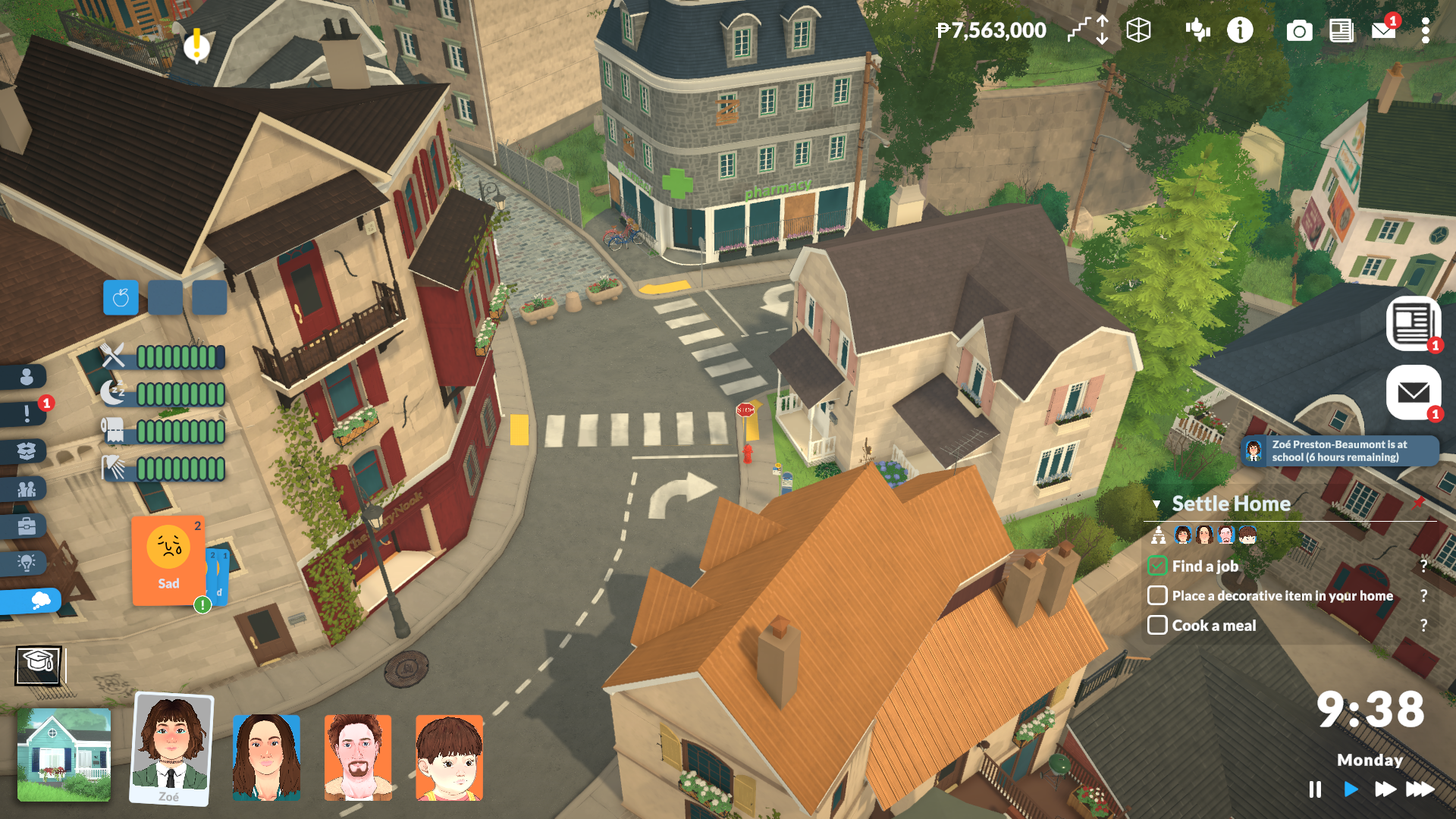
A day in Paralives
Explore the neighbourhood and manage your household in Paralives.
Resources covers household money and individual needs. Game Actions helps with home upkeep and work schedules. For character development, choose the skill or personality controls.
Install Bytonian Mods, open Paralives and select the game in the app. Follow the connection prompts, then choose the option that fits your current household.
Set the household balance or adjust a chosen need for one Para.
View resources →Set an available skill to an allowed level for the selected household Para.
View stat modifiers →Use household appliances during billing outages while normal bills and usage charges continue.
View rule modifiers →Hide simple Paramaker hover hints while editing a Para.
View presentation modifiers →Find actions for needs relief, repairs and cleaning, work schedules, active wants and Para recovery.
View all game actions →Prepare the selected character's next personality level-up.
View progression systems →Download the Windows app and follow the setup prompts.
Open Paralives and select it in Bytonian Mods. Follow the app’s connection prompts.
Review the available options in the app and choose the ones that suit how you play.