

Cash while you play
Set or add cash while My Mini Mart stays open, so you can choose your budget before the next shop purchase. The Cash card updates your balance without a reload.
Requires the Windows app and the Bytonian Mods browser extension for Chrome or Edge. Browser setup guide

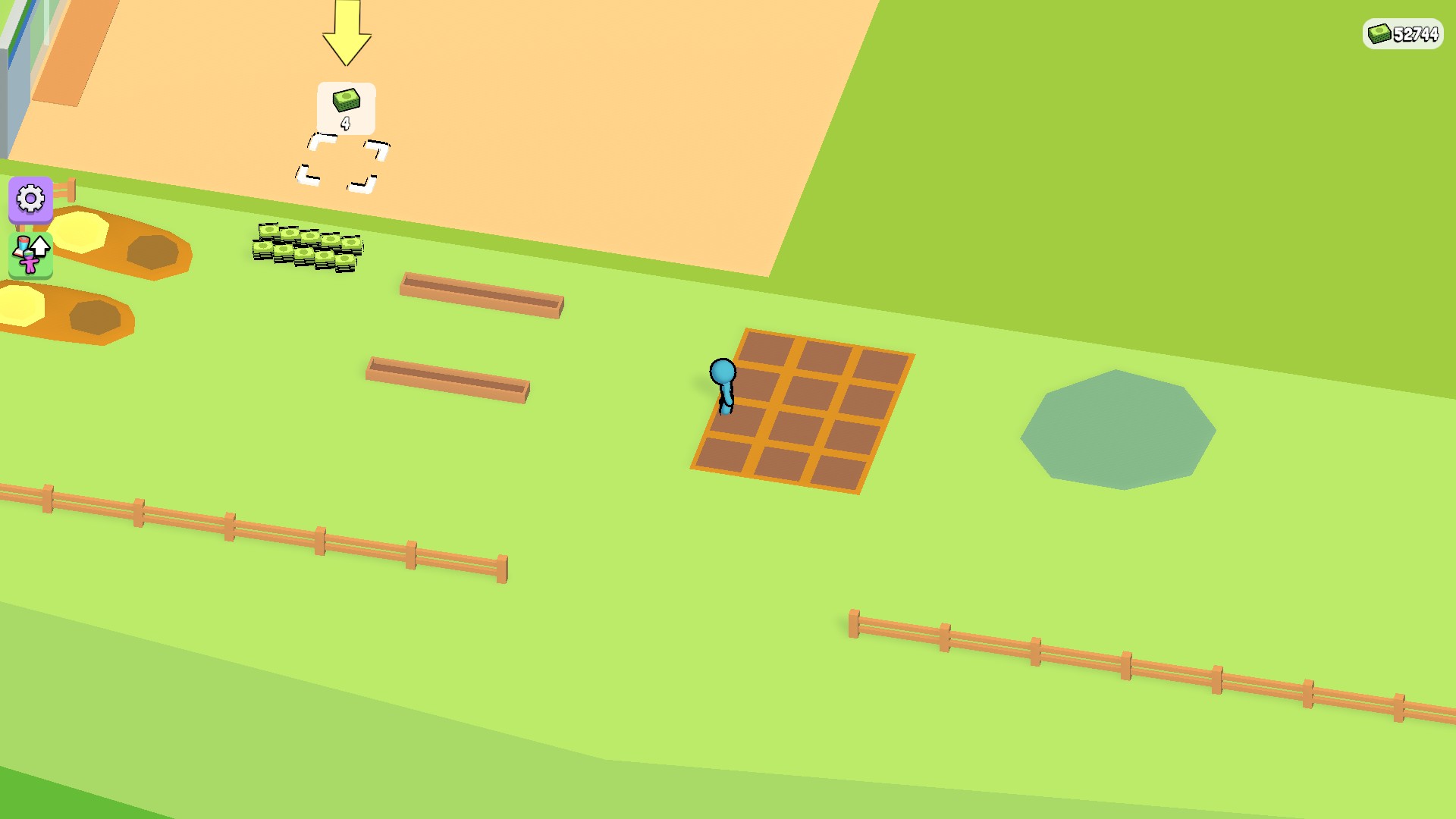
More cash for your mini mart
Choose your cash balance while you play with the free Cash control. This mart has 52,744 cash.
Set a balance or add a little more
Set replaces your balance with the number you choose. Add increases it by the amount you enter. Keep the total between 0 and 1,000,000. The counter updates in the game, and the change is kept when the game saves.
A budget, not unlimited cash
This control applies when you use it. It does not freeze your balance or refill it automatically, so ordinary spending and earnings can still change your cash.
Available resources
CashFree
Set your cash balance or add cash while you play.
Keep the resulting balance between 0 and 1,000,000.
This changes cash once when used; it does not freeze or automatically refill it.
More ways to customise My Mini Mart
- My Mini Mart stat modifiers
Adjust movement speed from normal to twice as fast.
- My Mini Mart customisation options
Pick your cash, then Apply & reload.
Questions about resources
- Will setting cash lower my balance?
- Yes, if you choose less than you currently have. Use Add when you only want to increase it.
Using these features
Choose the feature in the Windows app after connecting your game. Check its requirements before making a change.
Setup for My Mini Mart →