

Resources
1 optionSet or add cash without restarting the game.
View resources →Choose a cash balance for your next My Mini Mart shop purchase, or speed up trips between shelves and supply stations. Set cash before reloading or while the game stays open; use Movement speed when you want quicker travel through the current shop.
Requires the Windows app and the Bytonian Mods browser extension for Chrome or Edge. Browser setup guide
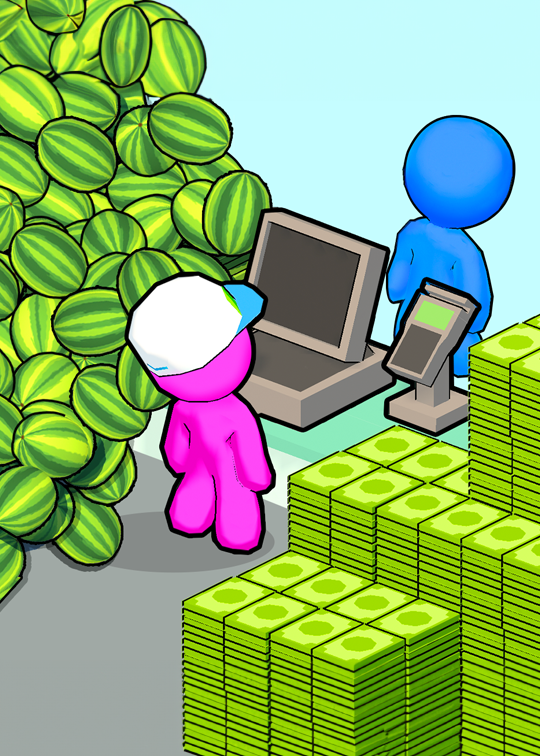
Start with free mods
Download Bytonian Mods for Windows and try these free features. Choose one to see how it works and any requirements.
Set your cash balance or add cash while you play.
Keep the resulting balance between 0 and 1,000,000.
This changes cash once when used; it does not freeze or automatically refill it.
Choose a cash balance from 0 to 1,000,000, then Apply & reload.
Choosing less than you currently have reduces your balance.
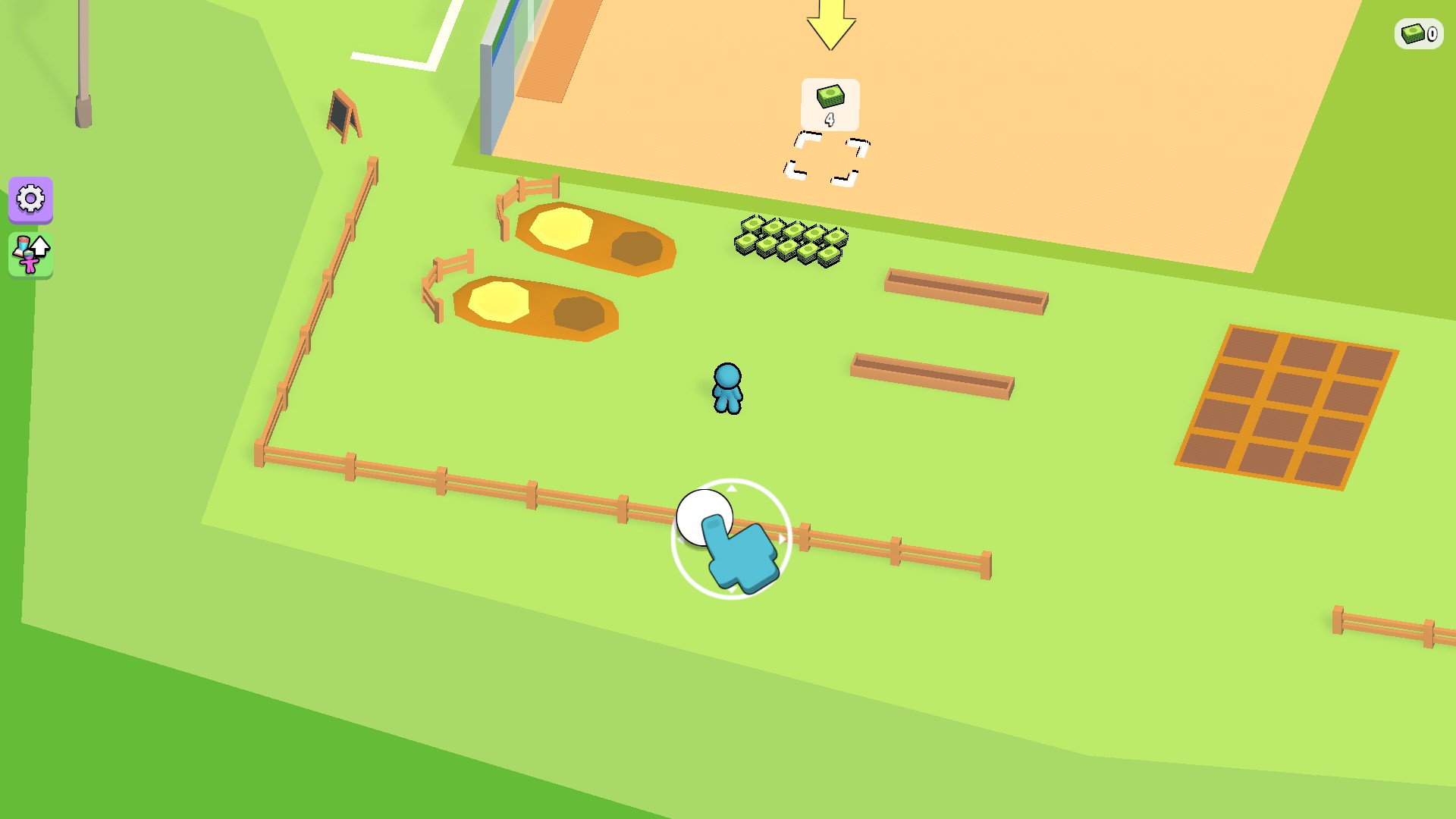
Start your own mini mart
Your mini mart starts small, with room to grow. Collect cash, build the shop and keep expanding in My Mini Mart.
Customize lets you choose your cash before returning to the game. Resources changes it while you play. Movement speed lives in Stats, so you can turn the boost on when you want quicker trips and off when you want normal movement.
Open My Mini Mart through the Bytonian Mods app, then pick the control you want to use. Cash is free. Movement speed requires Premium. These controls leave building and running your shop up to you.
Set or add cash without restarting the game.
View resources →Adjust movement speed from normal to twice as fast.
View stat modifiers →Pick your cash, then Apply & reload.
View customisation options →Download the Windows app and follow the setup prompts.
Set up the browser extension in Chrome or Edge, then open the supported YouTube Playable. Follow the connection guide if the game is already running.
Review the available options in the app and choose the ones that suit how you play.