
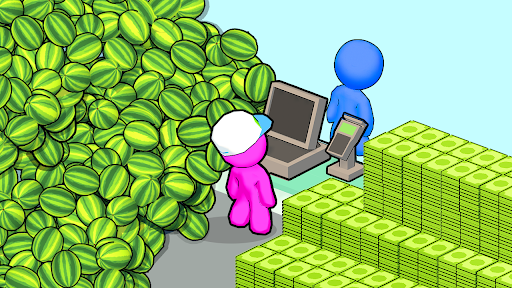
Choose your starting cash
Choose the cash balance you want before returning to your My Mini Mart shop. Enter an amount in Customize and use Apply & reload for your next visit.
Requires the Windows app and the Bytonian Mods browser extension for Chrome or Edge. Browser setup guide
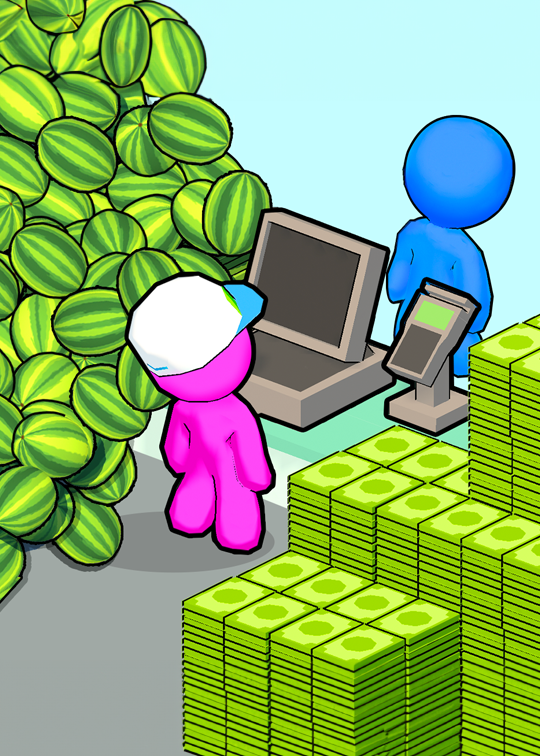
Start with the cash you choose
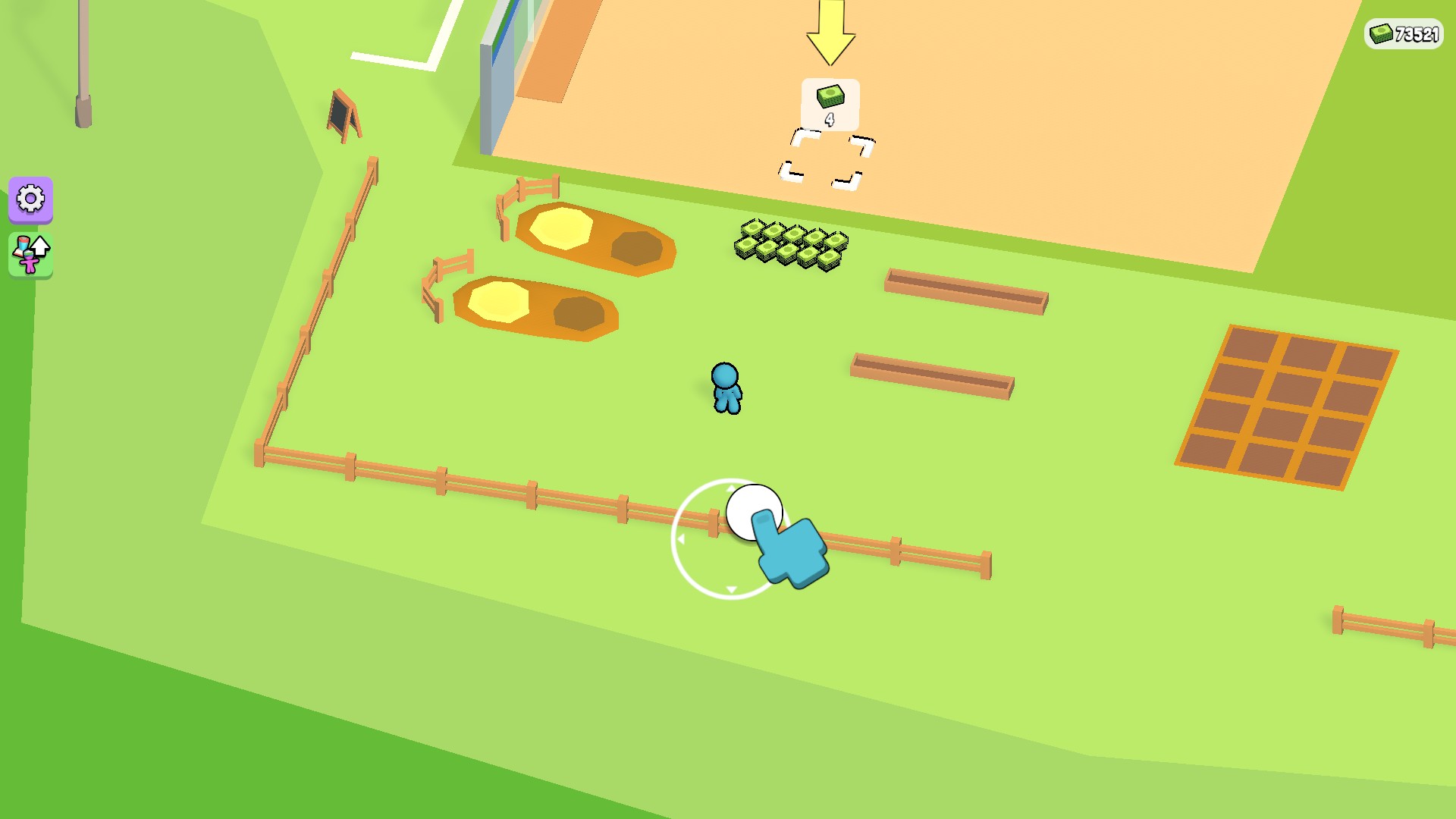
Choose a cash balance, then Apply & reload to get back to your mart. The cash counter here shows 73,521.
Pick a budget that suits your shop
Enter a whole number from 0 to 1,000,000. Apply & reload restarts the game with that balance. Choosing a lower number reduces your current cash, so check it before applying.
Want to change cash without reloading?
Use the Cash card in Resources instead. It changes your balance while the game is running.
Available customisation options
CashFree
Choose a cash balance from 0 to 1,000,000, then Apply & reload.
Choosing less than you currently have reduces your balance.
More ways to customise My Mini Mart
- My Mini Mart resources
Set or add cash without restarting the game.
- My Mini Mart stat modifiers
Adjust movement speed from normal to twice as fast.
Questions about customisation options
- Does Customize unlock the whole shop?
- No. This option changes your cash balance. You still choose what to build and progress through the shop yourself.
Using these features
Connect your game, then open Customise in the Windows app. Choose an option, check its available values and follow its instructions. Each option lists its own requirements and limits.
Setup for My Mini Mart →