
Add a minute or pause the countdown
Give your next shelf match more time with Add 60 Seconds, or hold the active level's countdown with Freeze Timer for 60 Seconds.
Requires the Windows app and the Bytonian Mods browser extension for Chrome or Edge. Browser setup guide

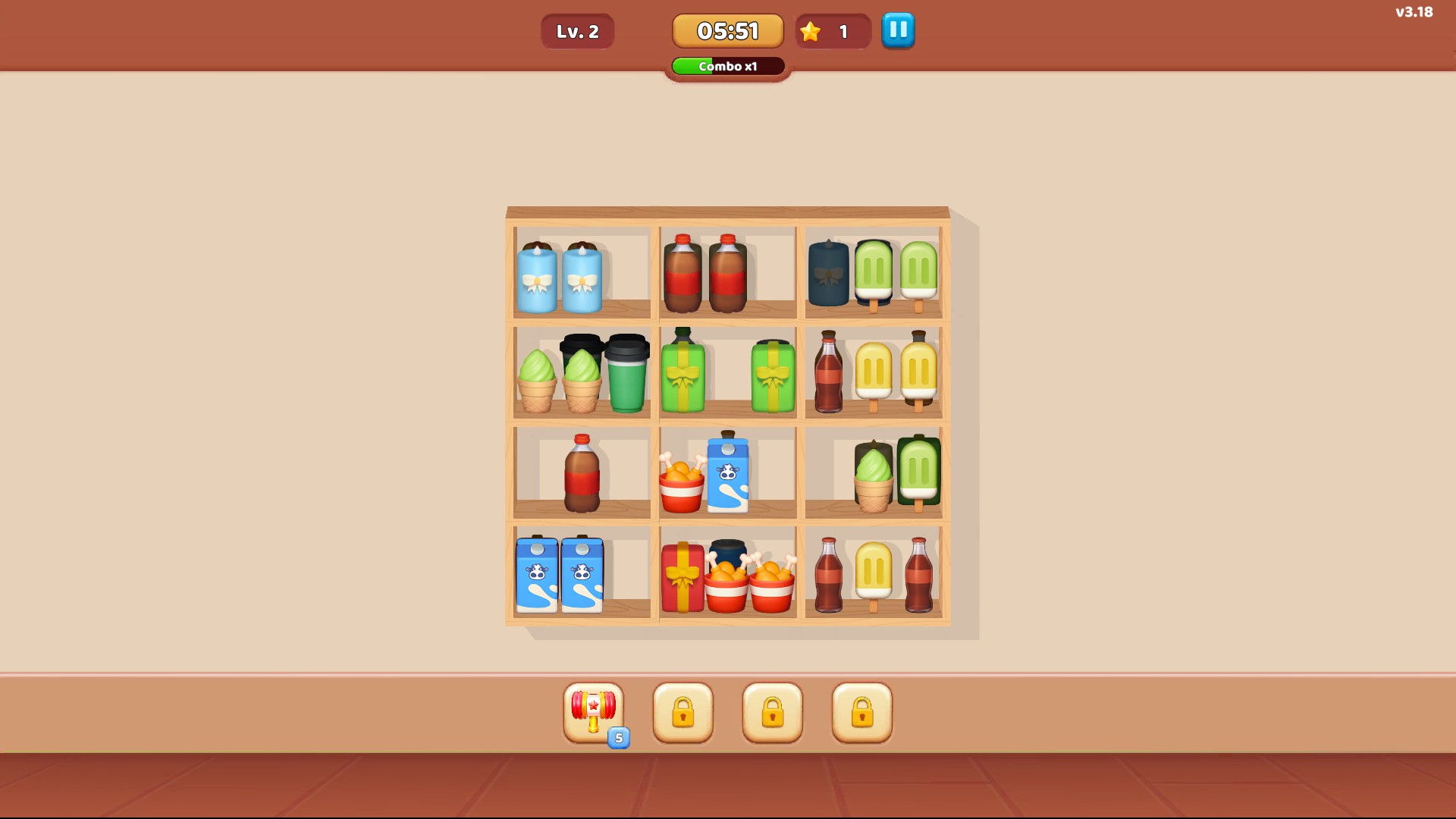
More time for the current puzzle
Give yourself another minute to sort the shelves. Start a level before using Add 60 Seconds.
Add time or take a brief pause
Use Add 60 Seconds to extend the current countdown by one minute. Freeze Timer for 60 Seconds holds the countdown while the game continues.
Start a level first. These actions have no target on the home or loading screen.
Available game actions
Add 60 SecondsFree
Add one minute to the current level countdown.
Enter a level and press the action when you want more time.
Start a level before using this action.
Freeze Timer for 60 SecondsPremium
Pause the active level's countdown for 60 seconds while you sort.
Enter a level before pressing the action.
Start a level before using this action.
More ways to customise Goods Puzzle: Sort Challenge
- Goods Puzzle: Sort Challenge customisation options
Choose Gold and Hearts before returning to your puzzle.
Using these features
Choose the feature in the Windows app after connecting your game. Check its requirements before making a change.
Setup for Goods Puzzle: Sort Challenge →