
Customise
2 optionsChoose Gold and Hearts before returning to your puzzle.
View customisation options →Add a minute to the shelf-sorting countdown or pause it while you find matching groups of three. Set your gold balance and choose 1 to 5 hearts before getting back to the shelves.
Requires the Windows app and the Bytonian Mods browser extension for Chrome or Edge. Browser setup guide
Start with free mods
Download Bytonian Mods for Windows and try these free features. Choose one to see how it works and any requirements.
Add one minute to the current level countdown.
Enter a level and press the action when you want more time.
Start a level before using this action.
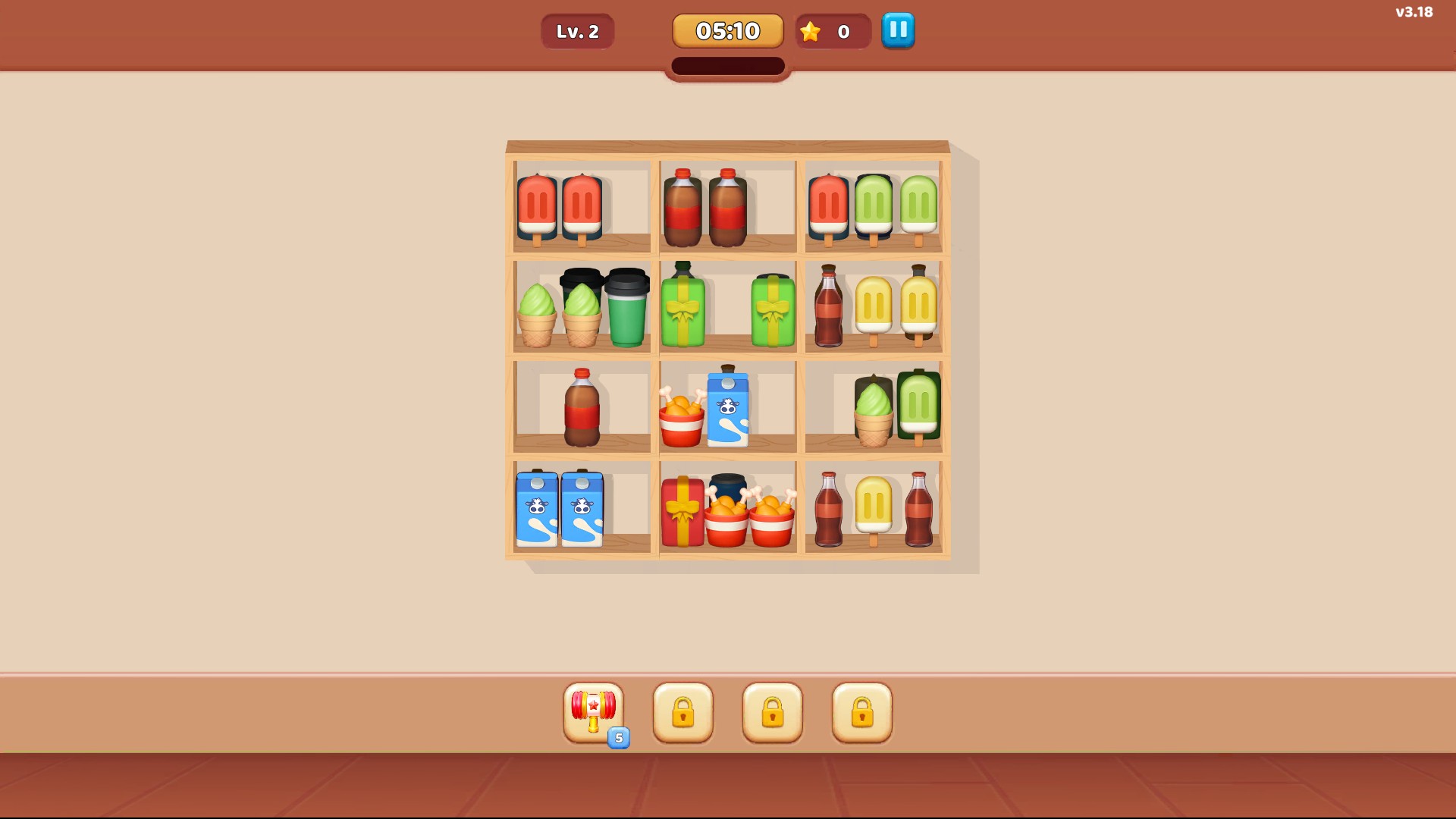
Sort matching goods on the shelves
Arrange three matching items together in a timed shelf-sorting puzzle.
Add 60 Seconds is free and gives the active level another minute. Freeze Timer for 60 Seconds pauses the level countdown temporarily. Enter a puzzle before pressing either action.
Use Customise to set Gold and Hearts together before returning to a puzzle. The timer actions work during an active level.
Choose Gold and Hearts before returning to your puzzle.
View customisation options →Give yourself another minute or pause the current level's countdown.
View game actions →Download the Windows app and follow the setup prompts.
Set up the browser extension in Chrome or Edge, then open the supported YouTube Playable. Follow the connection guide if the game is already running.
Review the available options in the app and choose the ones that suit how you play.