
Choose your gold balance and hearts
Set the gold balance you want on the home screen and choose a heart count from 1 to 5 before returning to your next shelf puzzle.
Requires the Windows app and the Bytonian Mods browser extension for Chrome or Edge. Browser setup guide
Choose your gold balance
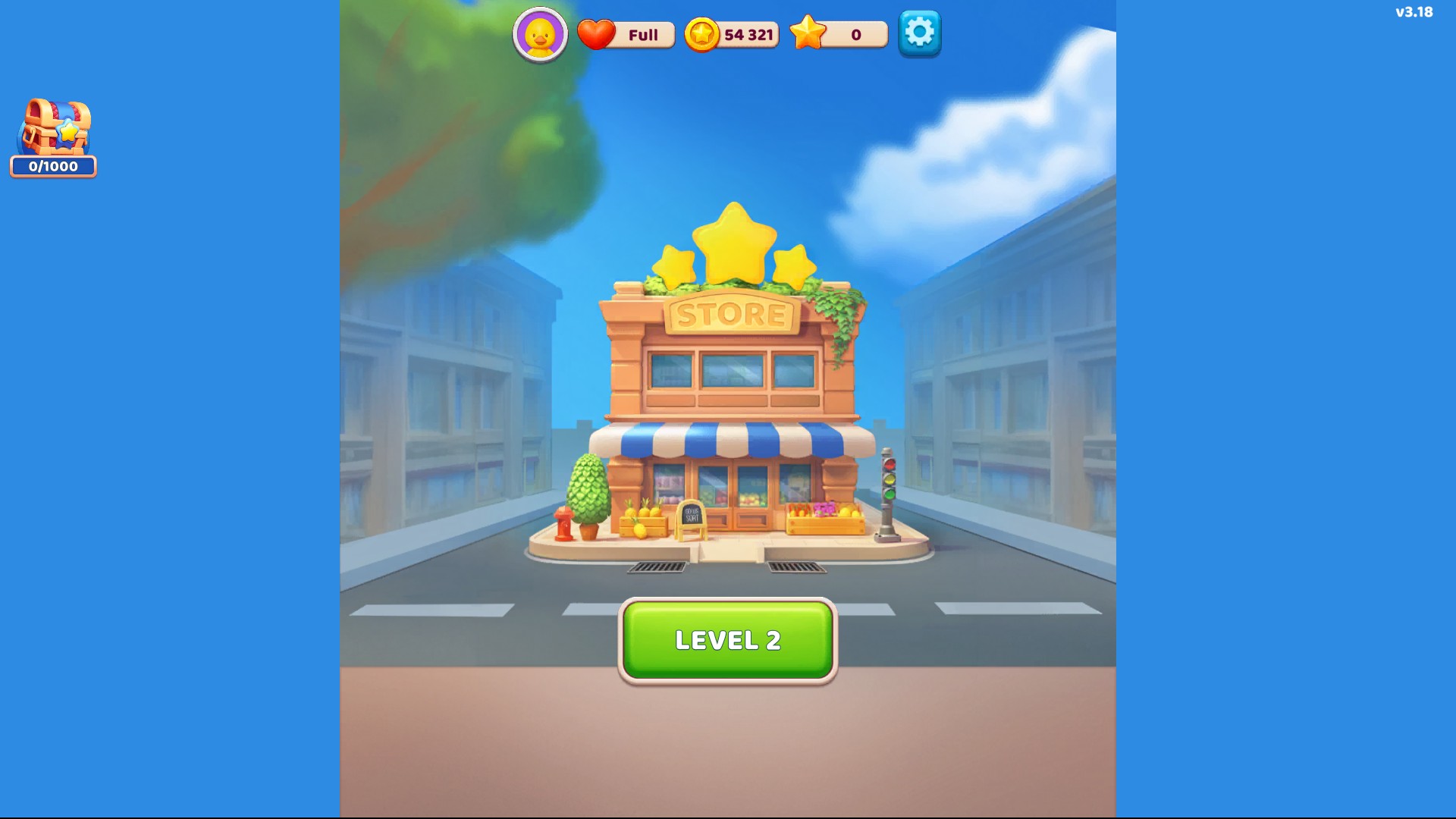
Choose a gold balance before returning to the home screen. This example shows 54,321 gold.
Check your changes after applying
Choose Gold and Hearts before applying the changes. Gold appears on the home screen; the Hearts display can show its regeneration timer rather than an exact heart count.
Review all the settings you want together before applying them. Applying a separate customization can return other settings to their earlier values.
Available customisation options
GoldPremium
Set your gold balance.
Choose a value and apply it to reload the game. Review your other customization settings before applying.
Review your other customization choices before applying.
HeartsPremium
Choose your heart count from 1 to 5.
Choose the count and apply to reload. Below full, the home screen displays a regeneration timer rather than a numeric count.
The display can show a regeneration timer rather than an exact heart count.
More ways to customise Goods Puzzle: Sort Challenge
- Goods Puzzle: Sort Challenge game actions
Give yourself another minute or pause the current level's countdown.
Using these features
Connect your game, then open Customise in the Windows app. Choose an option, check its available values and follow its instructions. Each option lists its own requirements and limits.
Setup for Goods Puzzle: Sort Challenge →