
Prepare your forest supplies
Set up the resources you want before heading away from camp. Adjust food and campfire fuel, choose your money balance or stock the wood shown in the Craft menu.
Requires the Windows app and the Bytonian Mods browser extension for Chrome or Edge. Browser setup guide
Food and campfire fuel
Top up your food before a trip or choose the fuel available to your campfire. These are starting adjustments: the meters continue to decrease as you play.
Wood at the crafting table
Choose your crafting wood, then walk to the table and open Craft to see the balance beside the recipe list. The menu includes walls, tents, shelves, fences and torches.
Your money balance
Choose the money balance you want to keep with your progress.
Available customisation options
FoodFree
Choose your food level before heading out from camp.
Food continues to decrease as you play.
MoneyPremium
Choose the money balance you want to keep with your progress.
Crafting woodPremium
Choose the wood available at your crafting table.
Walk up to the table and choose Craft to see your wood balance beside the recipes.
Campfire fuelPremium
Choose your campfire's fuel before heading back into the forest.
Fuel continues to decrease during ordinary play.
More ways to customise 92 Nights in the Forest 3D
- 92 Nights in the Forest 3D ability modifiers
Rise above camp and explore the forest with Fly.
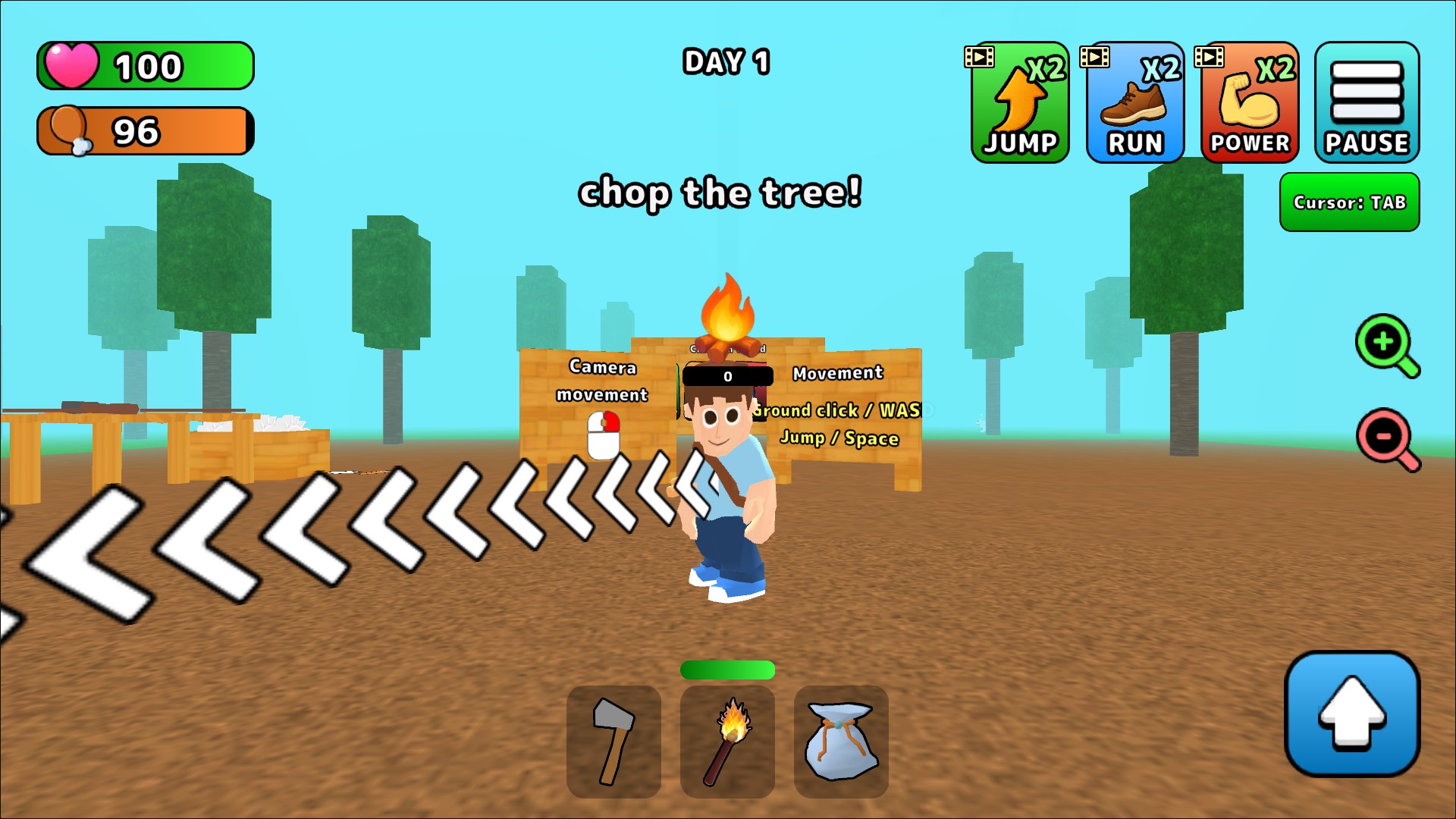
Top up your food
Choose your food level before heading out from camp.
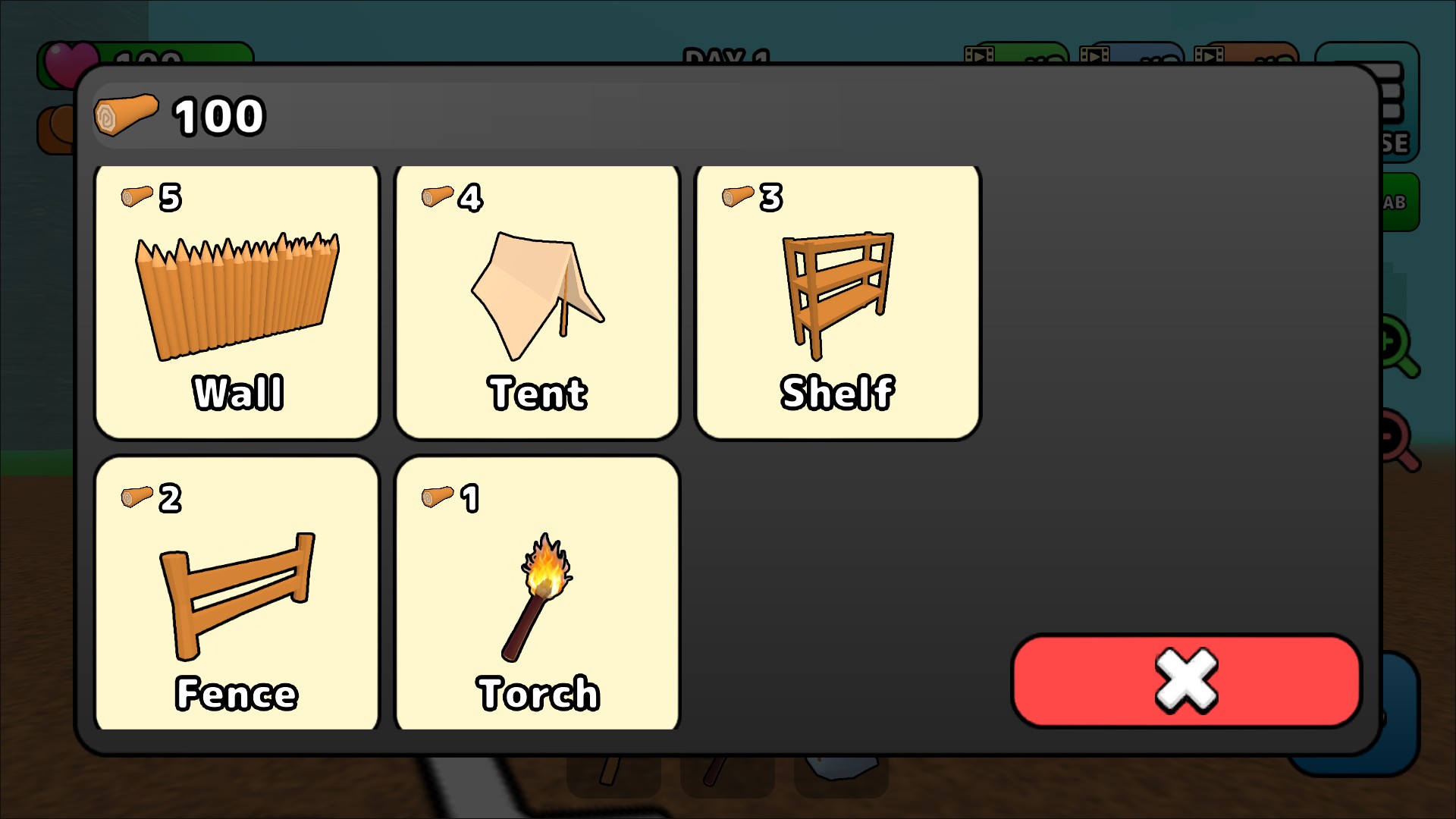
Stock your crafting table
Choose the wood available at your crafting table before planning your next build.
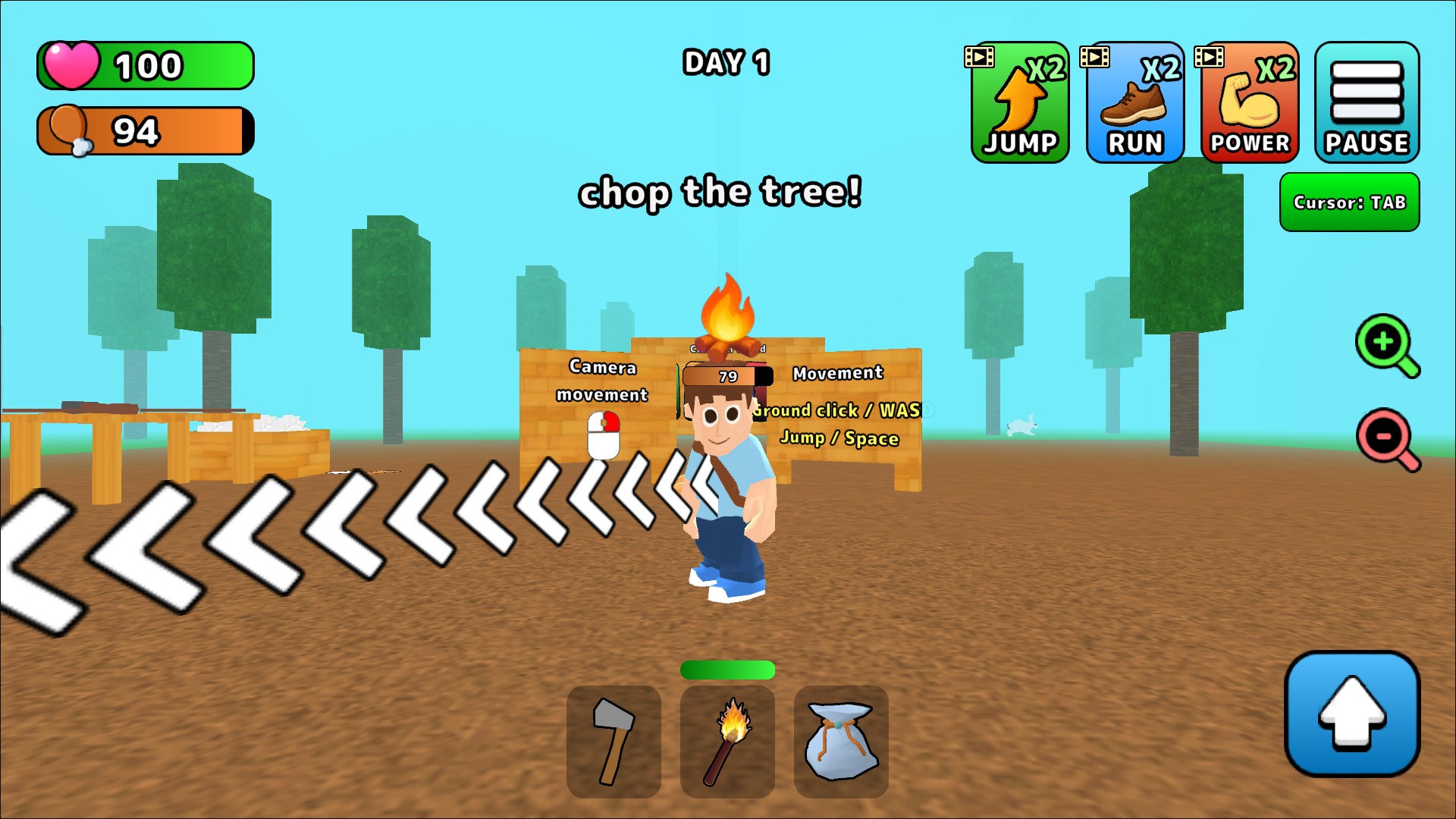
Fuel your campfire
Choose your campfire's fuel before heading back into the forest.
Questions about customisation options
- Does choosing food or fuel stop it running down?
- No. Food and campfire fuel continue to decrease during ordinary play.
Using these features
Connect your game, then open Customise in the Windows app. Choose an option, check its available values and follow its instructions. Each option lists its own requirements and limits.
Setup for 92 Nights in the Forest 3D →