
Fly above the forest
Lift off from camp and explore from a higher viewpoint. Fly gives you control over where you travel, with separate speeds for cruising and moving faster.
Requires the Windows app and the Bytonian Mods browser extension for Chrome or Edge. Browser setup guide
Flight controls
The default toggle is V. Use W, A, S and D to move, Space to rise and Ctrl to descend. Hold Shift for the faster flight speed. You can adjust the speeds and key bindings in the Fly card.
Available ability modifiers
FlyFree
Fly above camp and travel through the forest at your own pace.
Turn on Fly, then use the movement controls to travel, rise or descend. Adjust cruising and faster flight speeds in the card.
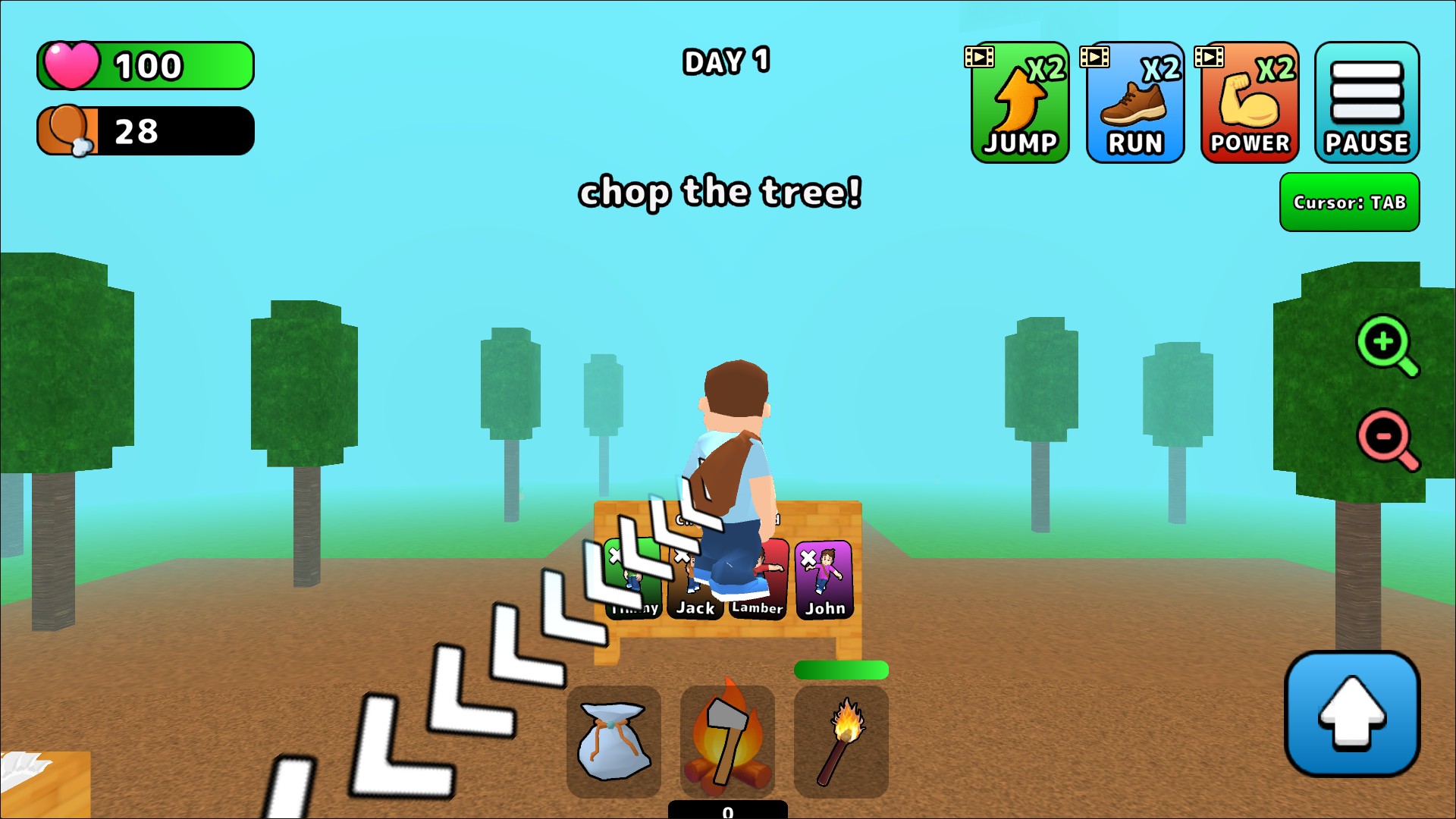
Fly above camp
Rise above the camp and travel through the forest with Fly.
More ways to customise 92 Nights in the Forest 3D
- 92 Nights in the Forest 3D customisation options
Choose food, money, crafting wood and campfire fuel.
Questions about ability modifiers
- How do I stop flying?
- Turn off the Fly card or use its toggle key. The default toggle is V.
Using these features
Choose the feature in the Windows app after connecting your game. Check its requirements before making a change.
Setup for 92 Nights in the Forest 3D →