

Prepare your wardrobe and next run
Choose what you want to replenish before playing. Coins pay for worm looks in the wardrobe, Speed potions give a temporary boost when activated, and Energy pays for Treasure Hunter entries.
Requires the Windows app and the Bytonian Mods browser extension for Chrome or Edge. Browser setup guide

Coins for worm looks
Choose a coin balance and visit the wardrobe to buy a look, then select it. If Coins is unavailable, collect coins during a round and return to the menu first.
Speed potions during a run
Choose your Speed potion stock, then press the Speed button during a run. Each use consumes a potion and the effect is temporary. If the stock is unavailable, finish a round and claim the first-play gift first.
Energy for Treasure Hunter
Refill up to the normal cap of 20 Energy. Treasure Hunter costs five Energy per entry and opens a five-minute treasure run. Energy is spent normally when you choose that mode.
Available customisation options
CoinsPremium
Choose coins for buying worm looks in the wardrobe.
Set your balance, apply it, then buy and select a look in the wardrobe.
If unavailable, collect coins during a round and return to the menu first.
Speed boostsFree
Choose your stock of Speed potions for temporary boosts during a run.
Set the stock, apply it, then press the Speed button during a run.
Each activation consumes a potion. If unavailable, finish a round and claim the first-play gift first.
EnergyPremium
Refill up to 20 Energy for Treasure Hunter entries.
Set your Energy, apply it, then choose Treasure Hunter from the battle menu. Each entry costs five Energy.
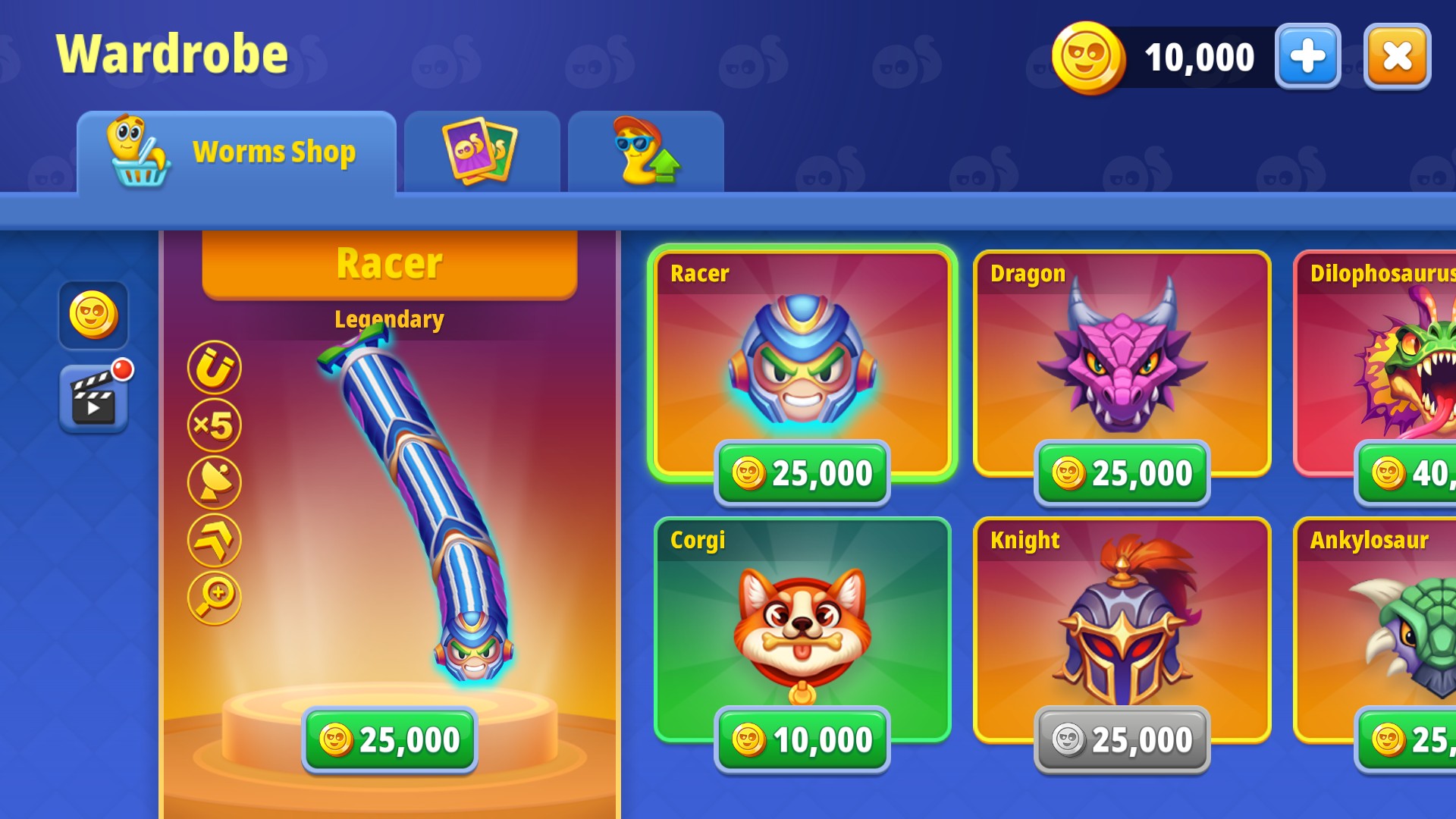
Coins for the worm wardrobe
Choose your coin balance before shopping for a new worm look.
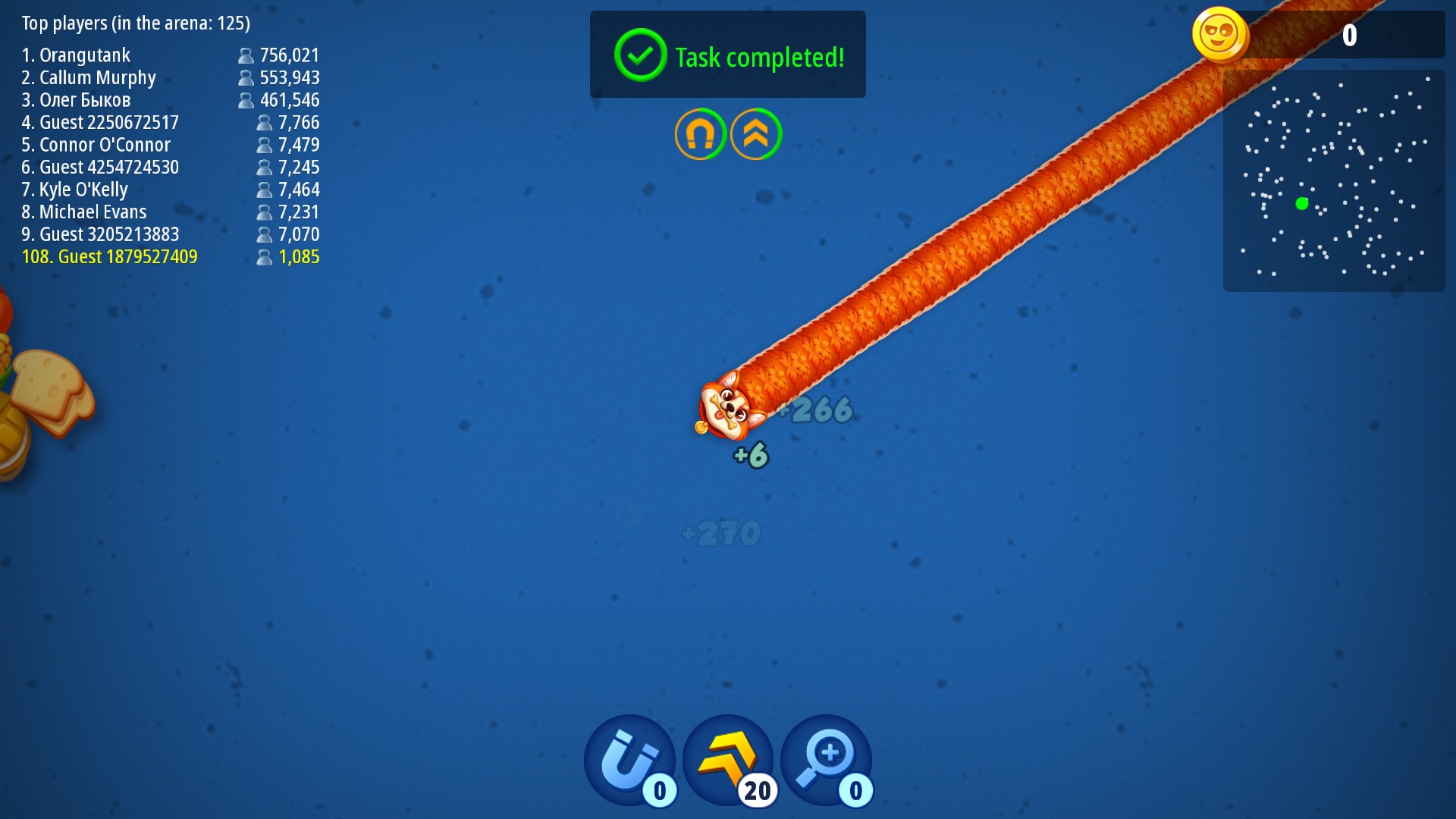
Speed potions ready to use
Choose your potion stock, then activate a speed boost during a run.
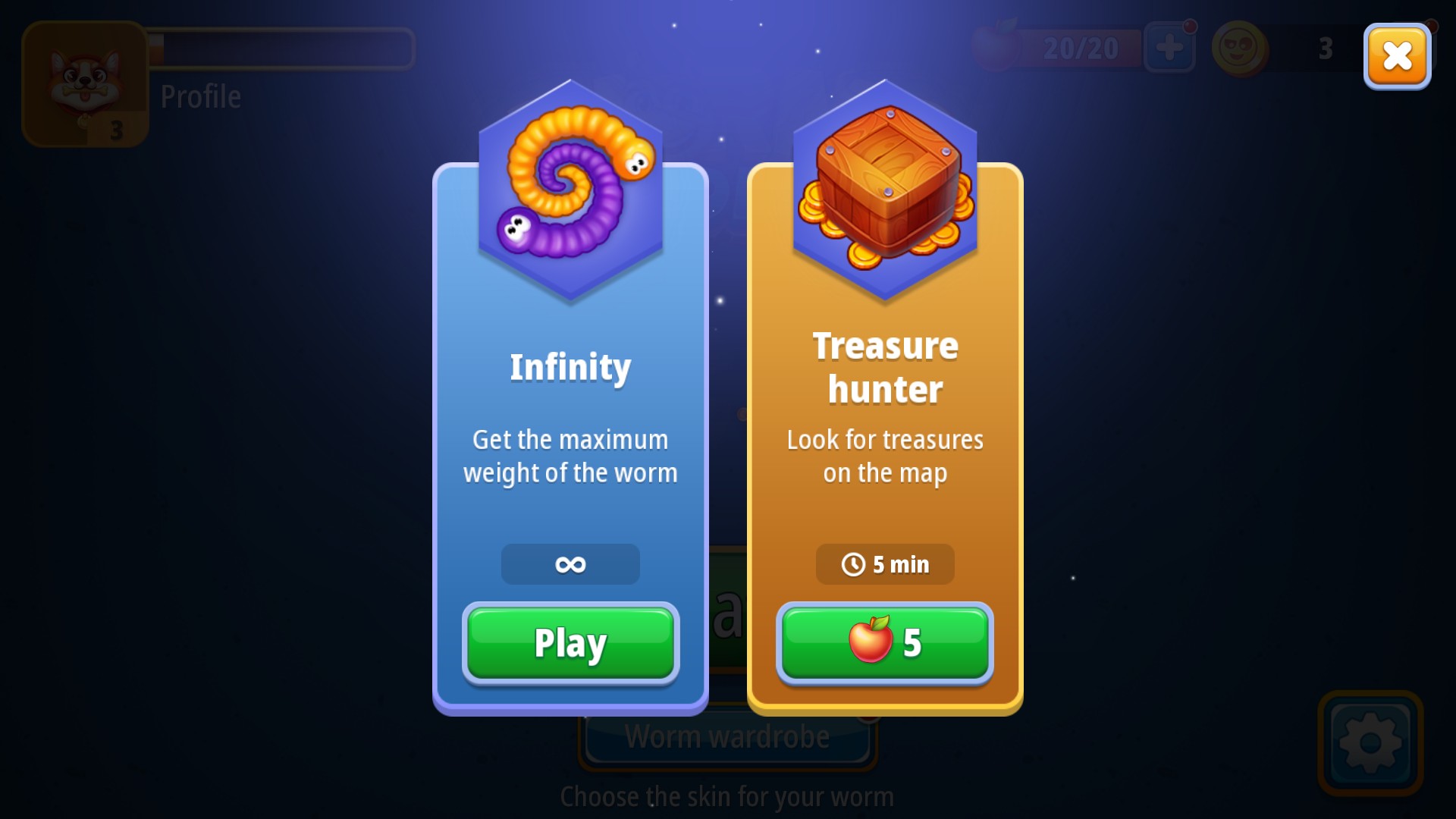
Energy for Treasure Hunter
Refill up to 20 energy before choosing a five-energy Treasure Hunter run.
Questions about customisation options
- Does setting Speed potions make every run permanently faster?
- The control changes your potion stock. Activate a potion during a run to use its temporary Speed effect.
Using these features
Connect your game, then open Customise in the Windows app. Choose an option, check its available values and follow its instructions. Each option lists its own requirements and limits.
Setup for Worms Zone .io - Hungry Snake →