

Find a walking pace that suits you
Move through the rooms at your preferred pace. Walking Speed lets you choose a percentage, adjust it while enabled and return to normal by switching the control off.
Requires the Windows app and the Bytonian Mods browser extension for Chrome or Edge. Browser setup guide

Choose your pace
Enter active exploration before enabling Walking Speed. A setting of 100% is normal; choose a lower or higher value to suit how you want to move. Room entrances and combat keep their usual rules.
Available stat modifiers
Walking speedPremium
Choose a comfortable walking speed while exploring. Switch off to return to normal.
Enter active exploration, set your preferred percentage and enable Walking Speed.
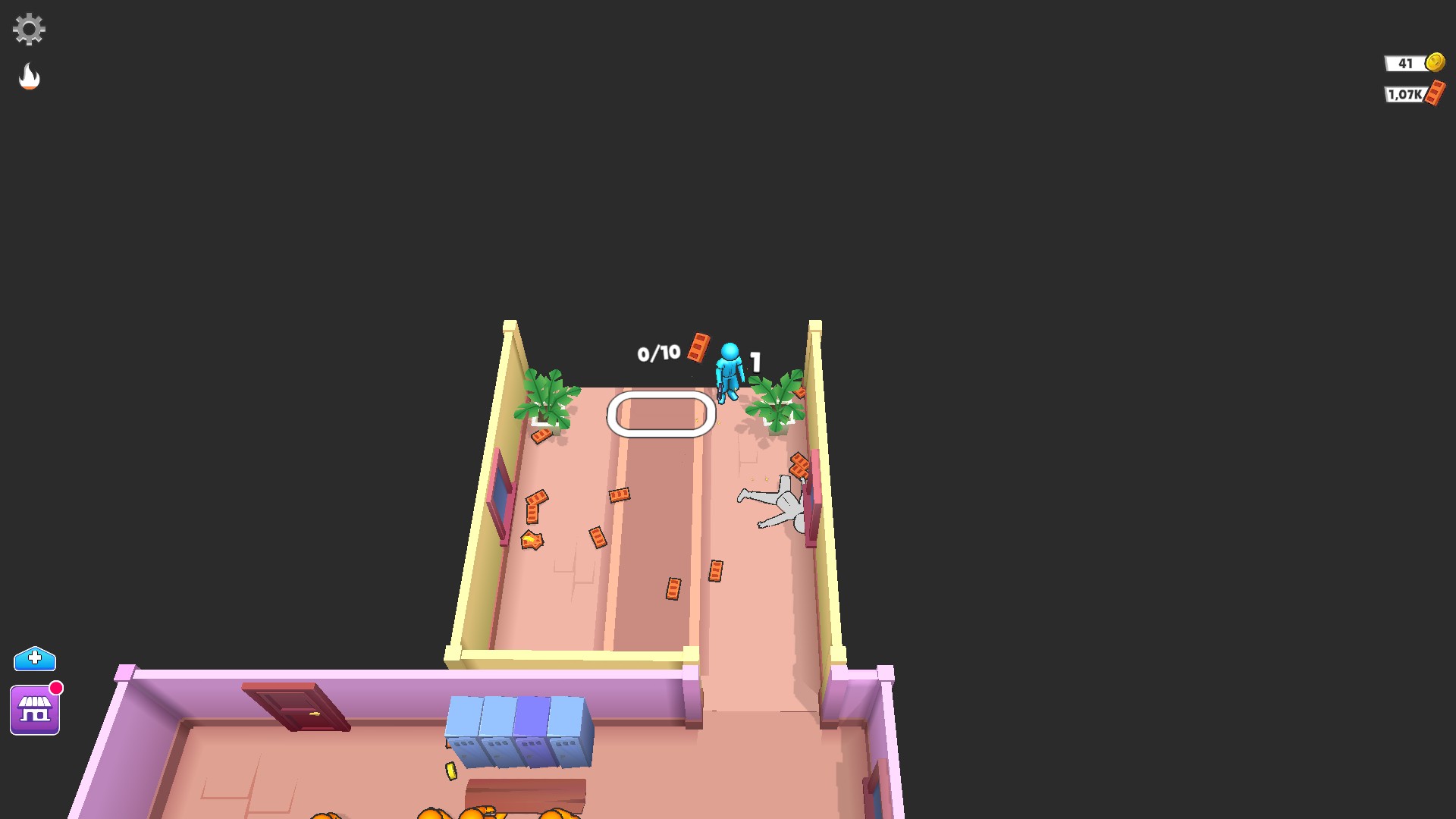
Explore at your own pace
Adjust your walking speed as you move through the rooms, then switch off to return to normal.
More ways to customise Walkers Attack
- Walkers Attack customisation options
Choose coins and bricks for workshop upgrades and room entrances.
Using these features
Choose the feature in the Windows app after connecting your game. Check its requirements before making a change.
Setup for Walkers Attack →