

Stock up for upgrades and new rooms
Put your supplies toward the next step in your run. Choose a coin balance for the workshop or a brick balance for the contribution areas that open available rooms.
Requires the Windows app and the Bytonian Mods browser extension for Chrome or Edge. Browser setup guide

Spend coins at the workshop
Use Coins to buy available Power upgrades. The workshop still controls which upgrades you can buy, including level requirements for Range and Spread.
Bring bricks to the next doorway
Choose your Bricks amount, then walk into an available room's contribution area to build the route forward. Some entrances also ask for other supplies.
Available customisation options
CoinsFree
Choose your coin balance for buying available Power upgrades at the workshop.
Set an amount and apply your changes, then visit the workshop to spend your coins.
Upgrade level requirements still apply, and purchases spend your coins.
BricksPremium
Choose a brick balance to contribute toward opening available rooms.
Apply your chosen amount, then walk into a room's contribution area.
Some entrances also require other supplies. Bricks are spent as you contribute.
More ways to customise Walkers Attack
- Walkers Attack stat modifiers
Adjust your walking pace and return to normal whenever you switch off.
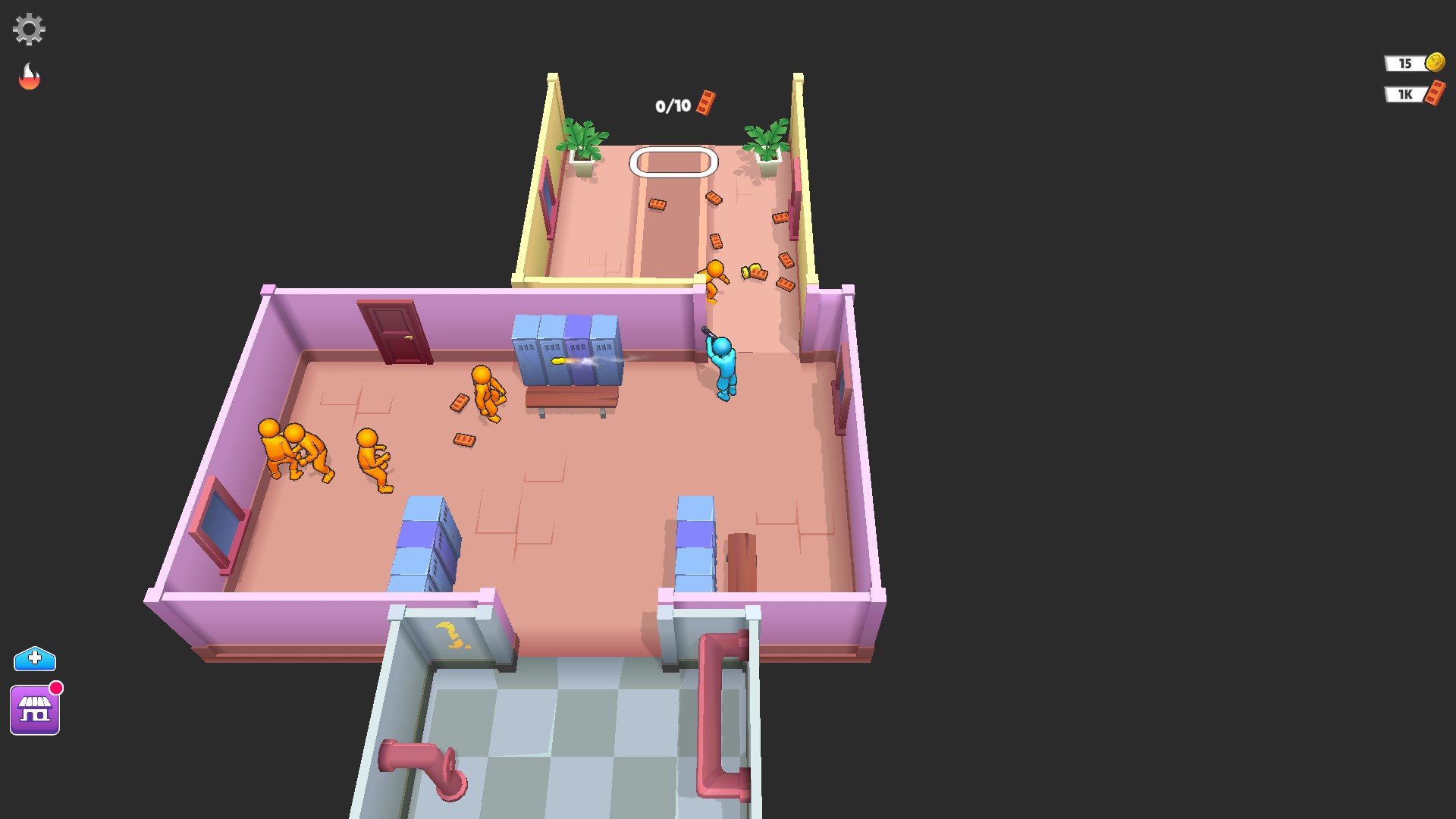
Open the next room
Stock up on bricks and use the room's contribution area to open a new route.
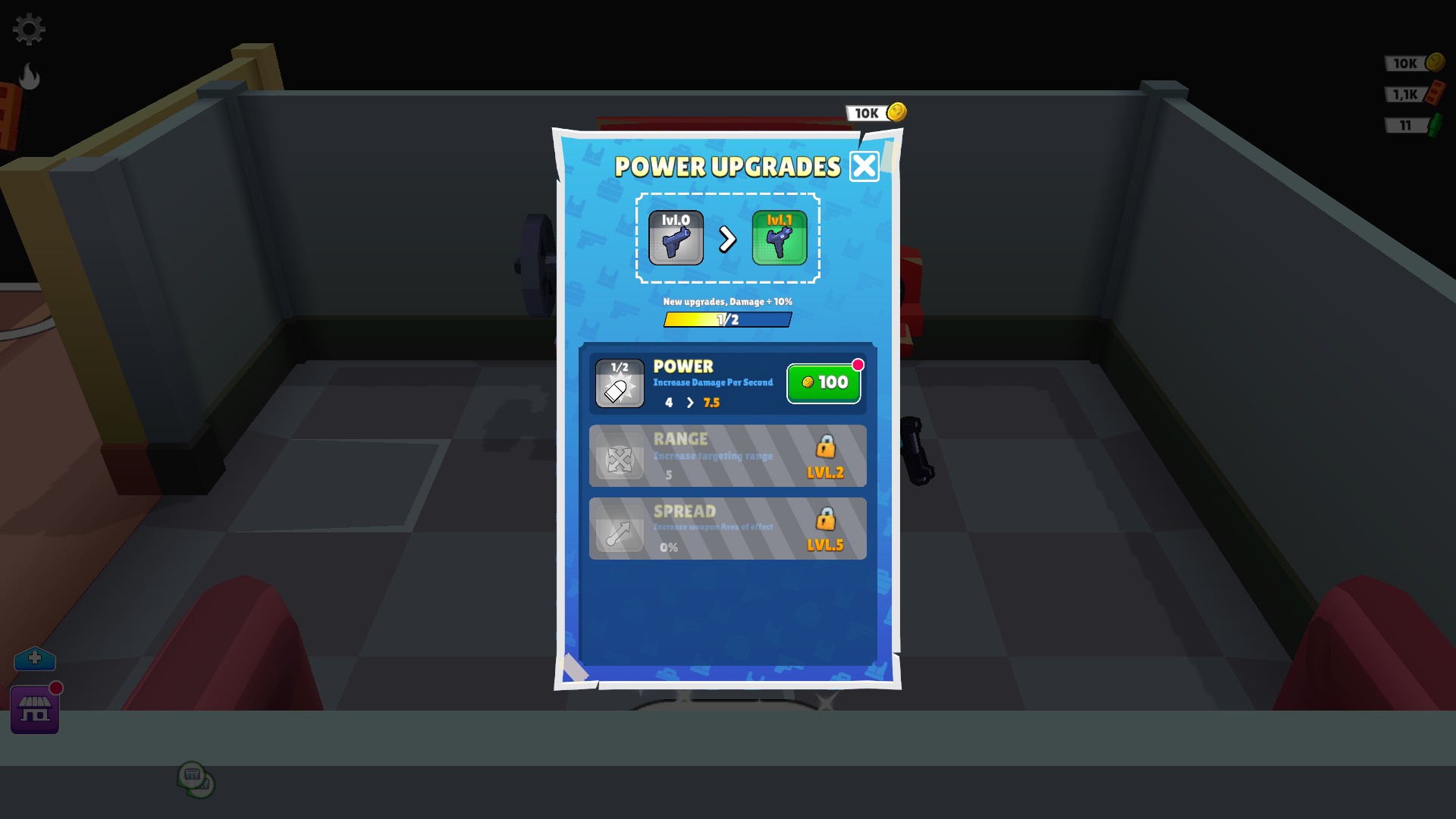
Power up for the next room
Choose your coin balance and spend it on available Power upgrades at the workshop.
Using these features
Connect your game, then open Customise in the Windows app. Choose an option, check its available values and follow its instructions. Each option lists its own requirements and limits.
Setup for Walkers Attack →