
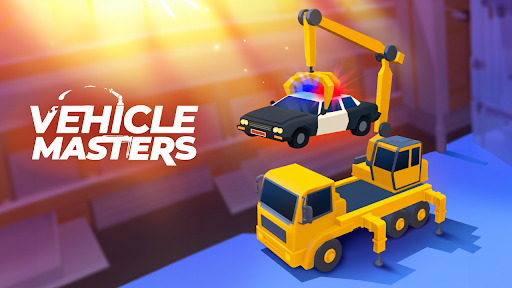
Drive faster with Speed Boost
Speed Boost makes the active road vehicle drive about 1.8 times faster during supported driving stages.
Requires the Windows app and the Bytonian Mods browser extension for Chrome or Edge. Browser setup guide

When it works
Enable Speed Boost during a driving level, then switch it off to return to normal speed. Vehicle-free mini-games do not have a driver vehicle to boost.
After an interrupted session
Use on driving stages. If a previous session closed unexpectedly while boosted, reload the game before using the normal-speed setting.
Available stat modifiers
Speed boostFree
Drive about 1.8 times faster during supported vehicle stages.
Turn it on during a driving level and switch it off to restore normal speed.
Use on driving stages; vehicle-free mini-games are unaffected.
More ways to customise Vehicle Masters
- Vehicle Masters customisation options
Choose balances and select a level without changing unrelated settings.
Questions about stat modifiers
- Will Speed Boost stack if I leave it enabled?
- No. Speed Boost holds one intended increase while enabled; it does not keep multiplying speed.
Using these features
Choose the feature in the Windows app after connecting your game. Check its requirements before making a change.
Setup for Vehicle Masters →