
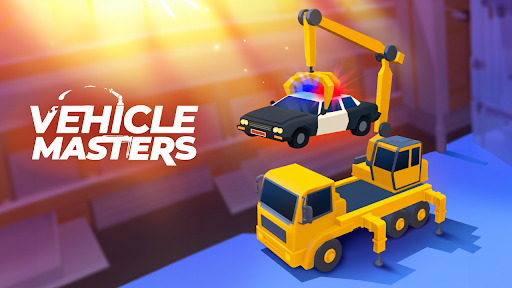
Choose Coins, Gears and your next Vehicle Masters level
Choose your saved Coins and Gears, or select which level should load next. Each control is independent, so you can change only the part of your progress that matters to you.
Requires the Windows app and the Bytonian Mods browser extension for Chrome or Edge. Browser setup guide

Coins and Gears
Coins are a free option, while Gears are Premium. Their counters appear later in garage and customization progression rather than on early driving screens.
Level Select
Choose 0 for the first level; higher numbers load later challenges. Use Level Select to move to a different driving challenge, such as a later crane route.
Available customisation options
CoinsFree
Choose your saved coin balance.
Use Coins when you want a different balance for later progression.
The coin counter is not shown on early driving screens.
GearsPremium
Choose your saved gear balance.
Use Gears for later garage and customization progression.
The gear counter is not shown on early driving screens.
LevelPremium
Choose which level loads next.
Enter 0 for the first level or a later number for a later challenge.
Choose 0 for the first level; the control accepts values through 299.
More ways to customise Vehicle Masters
- Vehicle Masters stat modifiers
Reach road-stage goals sooner with an optional speed increase.
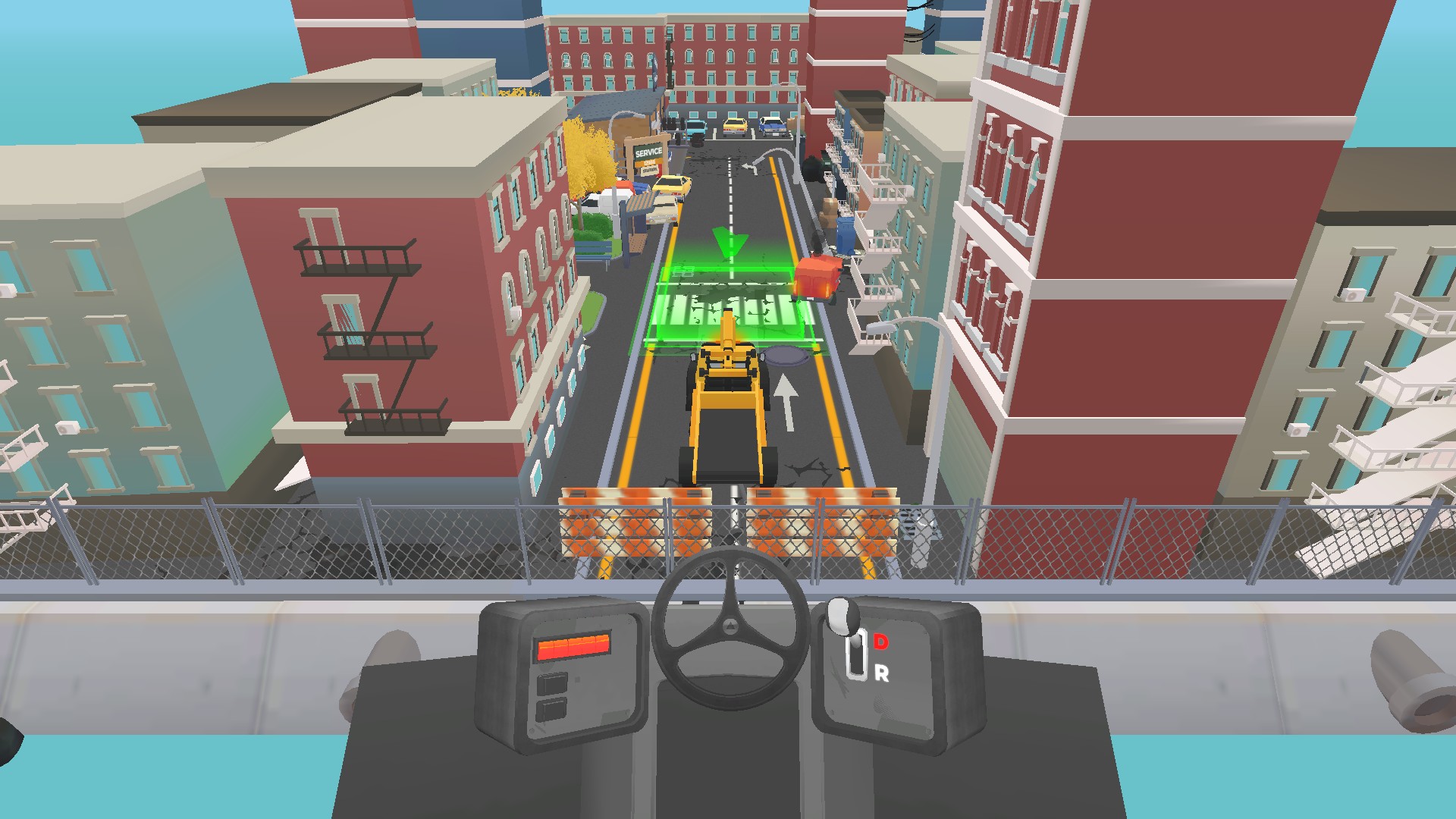
Choose a later driving challenge
Level Select can load a later Vehicle Masters challenge, including this crane route through the city.
Questions about customisation options
- Why can’t I see Coins or Gears during an early drive?
- Those balances are not shown on the early driving HUD. They become relevant in later garage and customization progression.
- What number selects the first level?
- Choose 0 for the first level.
Using these features
Connect your game, then open Customise in the Windows app. Choose an option, check its available values and follow its instructions. Each option lists its own requirements and limits.
Setup for Vehicle Masters →