

Adjust your souls wallet
Choose the souls you want in your wallet during a run or in the hub.

Changing your balance
Refresh before editing a balance that has changed, then set an amount or add and remove souls. Positive additions also increase the game's lifetime-earned total. Reducing your wallet does not reduce that total.
Available resources
SoulsPremium
Set, add or remove souls from your wallet in a run or the hub.
Refresh your balance, then enter the amount you want. Positive additions also increase the game's lifetime-earned total; lowering the wallet does not lower that total.
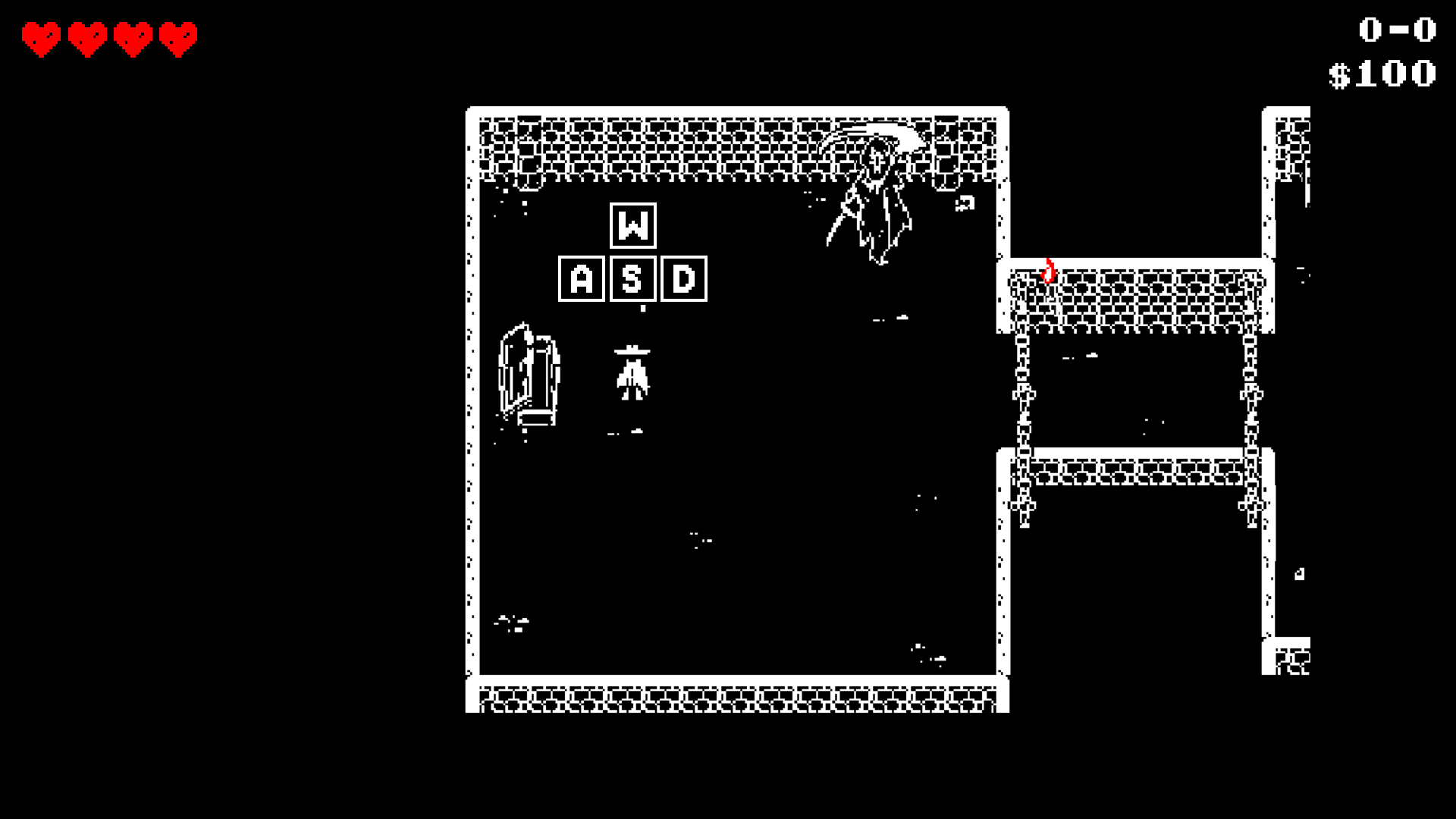
Set your souls balance
Set the souls in your wallet while playing. This example shows a balance of 100.
More ways to customise Undead West
- Undead West stat modifiers
Adjust enemy projectile speed and skip reload waits.
- Undead West ability modifiers
Explore through walls with editable movement controls.
Using these features
Choose the feature in the Windows app after connecting your game. Check its requirements before making a change.
Setup for Undead West →