
Explore with Noclip
Move through map walls and obstacles with configurable 2D movement.

Movement controls
Press V to toggle Noclip and use WASD to move. Hold Shift for faster movement. Space and Ctrl provide alternative up and down controls. Change the bindings and speeds to suit you.
Turning Noclip off
Normal collisions and interactions are disabled while Noclip is on. Return to open space before turning it off. Movement stays on the 2D map, and normal camera bounds still apply.
Available ability modifiers
NoclipPremium
Move through walls and obstacles to explore the map.
Press V to toggle Noclip. Move with WASD, hold Shift for faster movement, or use Space and Ctrl as up and down alternatives. You can change the bindings and movement speeds. Normal collisions and interactions are disabled while Noclip is on. Return to open space before turning it off. Movement stays on the 2D map, and normal camera bounds still apply.
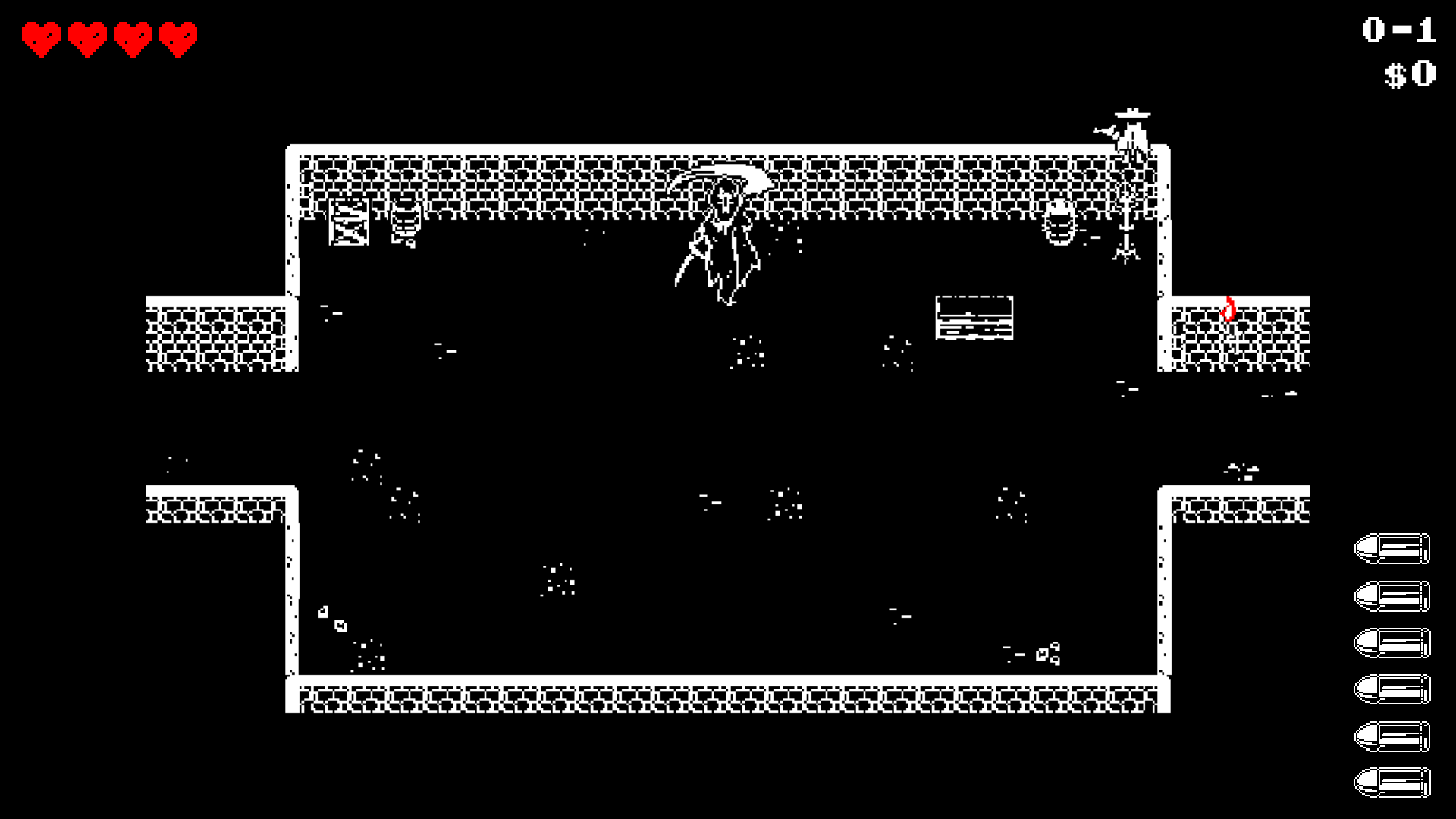
Move through map obstacles
Use Noclip to move through walls and other map obstacles. Return to open space before turning it off to restore normal collision and interactions.
More ways to customise Undead West
- Undead West resources
Refresh, set, add or remove souls.
- Undead West stat modifiers
Adjust enemy projectile speed and skip reload waits.
Using these features
Choose the feature in the Windows app after connecting your game. Check its requirements before making a change.
Setup for Undead West →