

Resources
1 optionRefresh, set, add or remove souls.
View resources →Give yourself more room to dodge in Undead West, or change how you explore its rooms. Choose enemy projectile speed, adjust your souls wallet, remove reload waits or move through obstacles with Noclip.

Start with free mods
Download Bytonian Mods for Windows and try these free features. Choose one to see how it works and any requirements.
Slow enemy projectiles for more time to dodge, or speed them up for a faster challenge.
Choose from 25% to 200%, with 100% matching normal speed. Patterned shots use the new setting when fired; shots already in flight keep their fired speed.
Enemy Projectile Speed is free and lets you slow incoming shots or turn up their speed for a different challenge. Souls, Instant Reload and Noclip are separate Premium controls, so you can choose the changes you want.
Launch Undead West through Bytonian Mods and enter your run. Open the mod you want, adjust its settings and turn it on. Use the Souls refresh control before changing a balance.
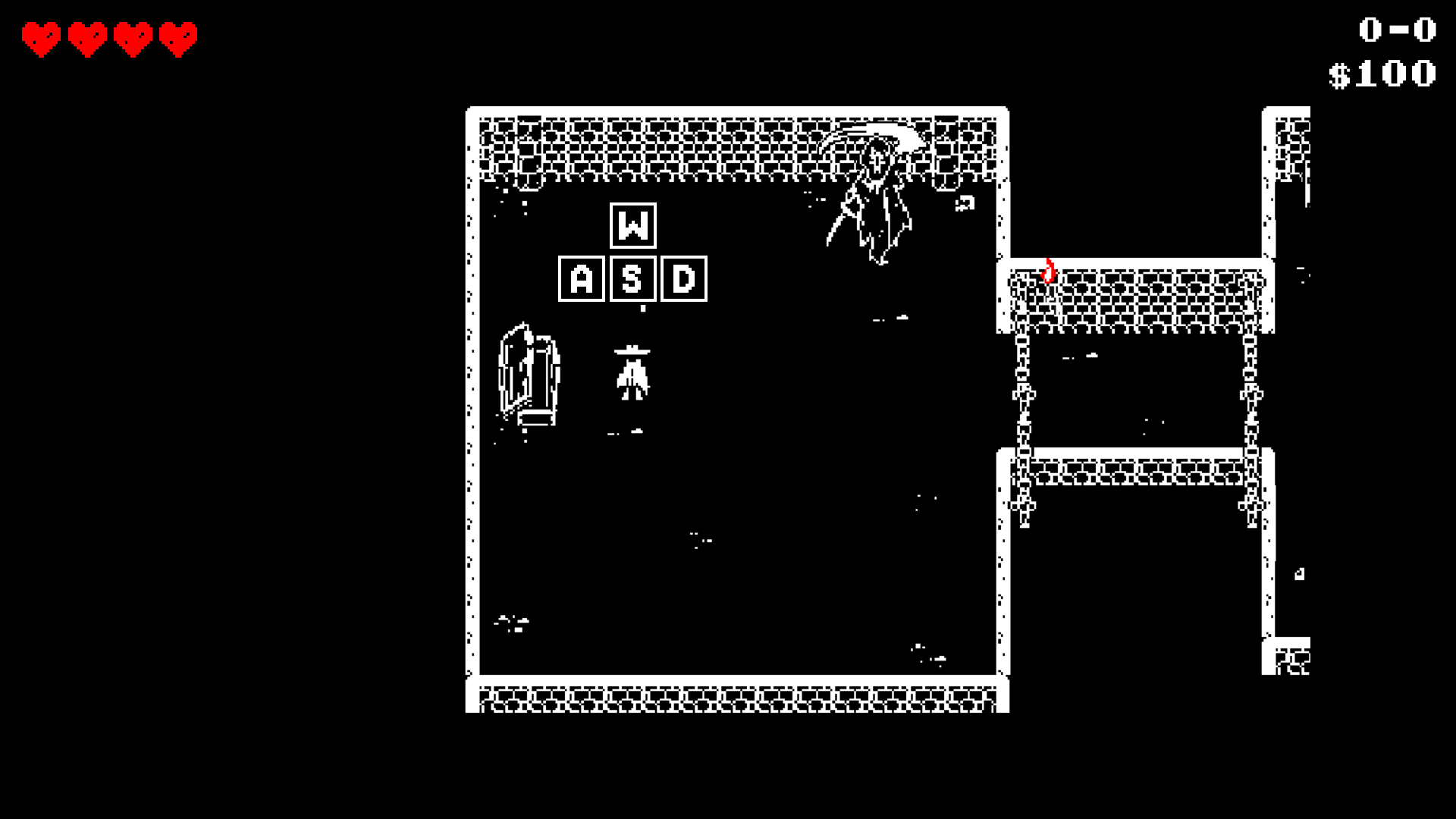
Undead West gameplay
The tutorial room, shown with the souls wallet set to 100.
Refresh, set, add or remove souls.
View resources →Adjust enemy projectile speed and skip reload waits.
View stat modifiers →Explore through walls with editable movement controls.
View ability modifiers →Browse the Steam achievement names and descriptions for Undead West. Choose and unlock achievements for free with Bytonian Mods in the Windows app.
View all achievements →Download the Windows app and follow the setup prompts.
Open Undead West and select it in Bytonian Mods. Follow the app’s connection prompts.
Review the available options in the app and choose the ones that suit how you play.