

Give your demolition a different challenge
A softer tower can turn a well-placed shot into a satisfying collapse. A stronger one gives you a tougher target. The free Building strength control lets you choose how resilient the next loaded structure should be.
Requires the Windows app and the Bytonian Mods browser extension for Chrome or Edge. Browser setup guide

Choose your strength setting
Use a lower percentage for easier demolition or a higher percentage for a tougher structure. The control starts at 25%, with a range from 10% to 400%.
Apply it to a fresh structure
Choose your setting before loading or restarting the map. Existing structures keep their current strength, including when you switch the control off. Restart the map to build a fresh target with the current setting.
Available world modifiers
Building strengthFree
Make structures easier to demolish or give yourself a tougher target.
Choose a strength percentage, then load or restart the map.
Structures already in the scene keep their initialized strength. Load or restart the map after changing the setting or switching this control off.
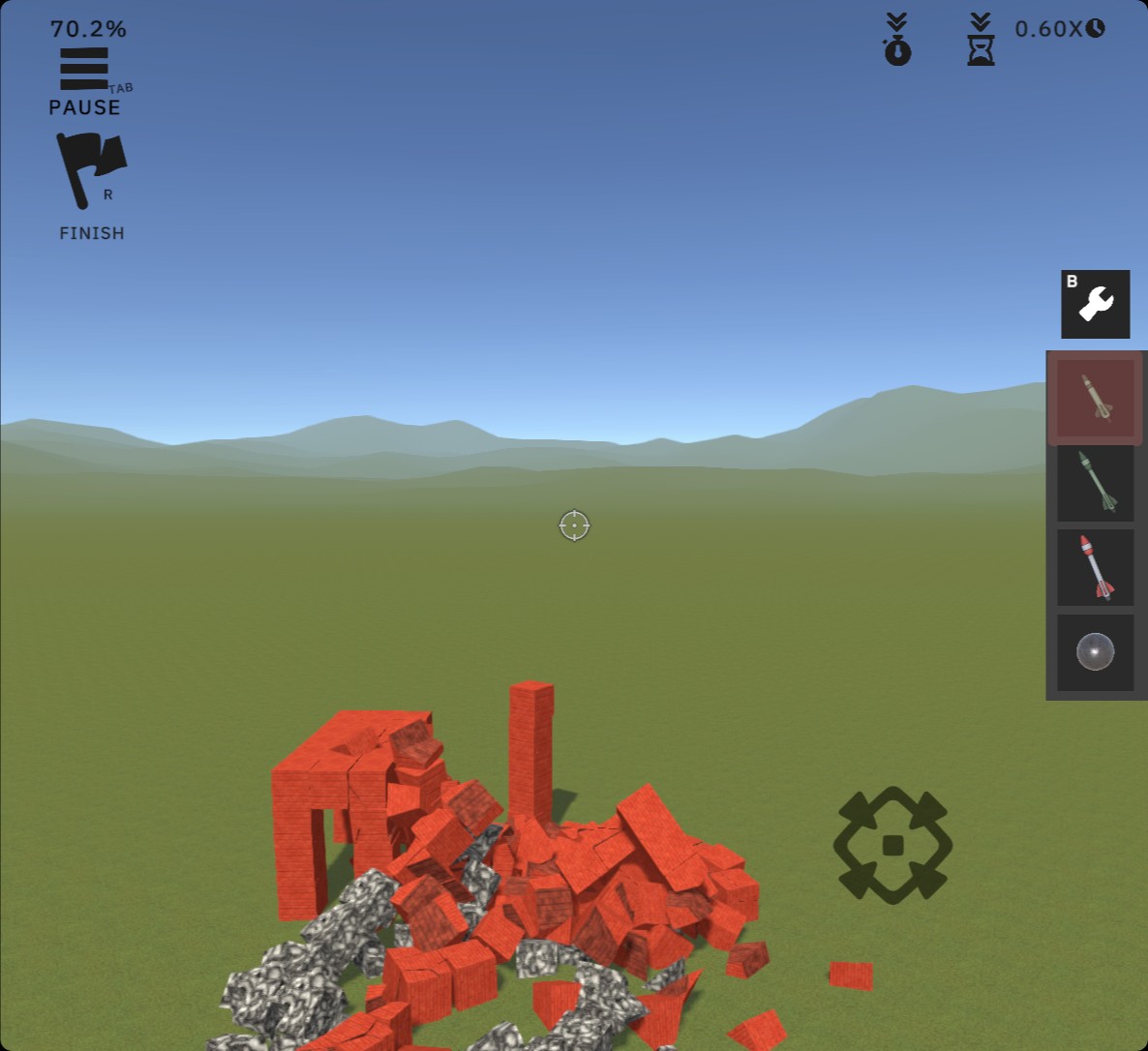
Make structures easier to demolish
Lower building strength for satisfying collapses, or raise it for a tougher demolition challenge. Load or restart the map after changing the setting.
More ways to customise Ultimate Destruction Simulator
- Ultimate Destruction Simulator stat modifiers
Choose a faster camera pace for getting around the demolition scene.
Questions about world modifiers
- Does changing strength repair damaged structures?
- Load or restart the map for a fresh structure. The strength control changes resilience; it does not rebuild the rubble already in the scene.
Using these features
Choose the feature in the Windows app after connecting your game. Check its requirements before making a change.
Setup for Ultimate Destruction Simulator →