

Stat Modifiers
1 optionChoose a faster camera pace for getting around the demolition scene.
View stat modifiers →Make your next structure easier to knock down or choose a tougher target in Ultimate Destruction Simulator. Set the building strength before loading a structure, then move around the scene more quickly with the free camera speed control.
Requires the Windows app and the Bytonian Mods browser extension for Chrome or Edge. Browser setup guide

Start with free mods
Download Bytonian Mods for Windows and try these free features. Choose one to see how it works and any requirements.
Make structures easier to demolish or give yourself a tougher target.
Choose a strength percentage, then load or restart the map.
Structures already in the scene keep their initialized strength. Load or restart the map after changing the setting or switching this control off.
Lower Building strength when you want structures to give way more easily. Raise it when you want to work harder for the collapse. Load or restart the map after changing the setting so the structure uses your choice.
Camera speed helps you cover the demolition scene more quickly using the game's normal movement controls. Choose the pace you want from the card's percentage setting.
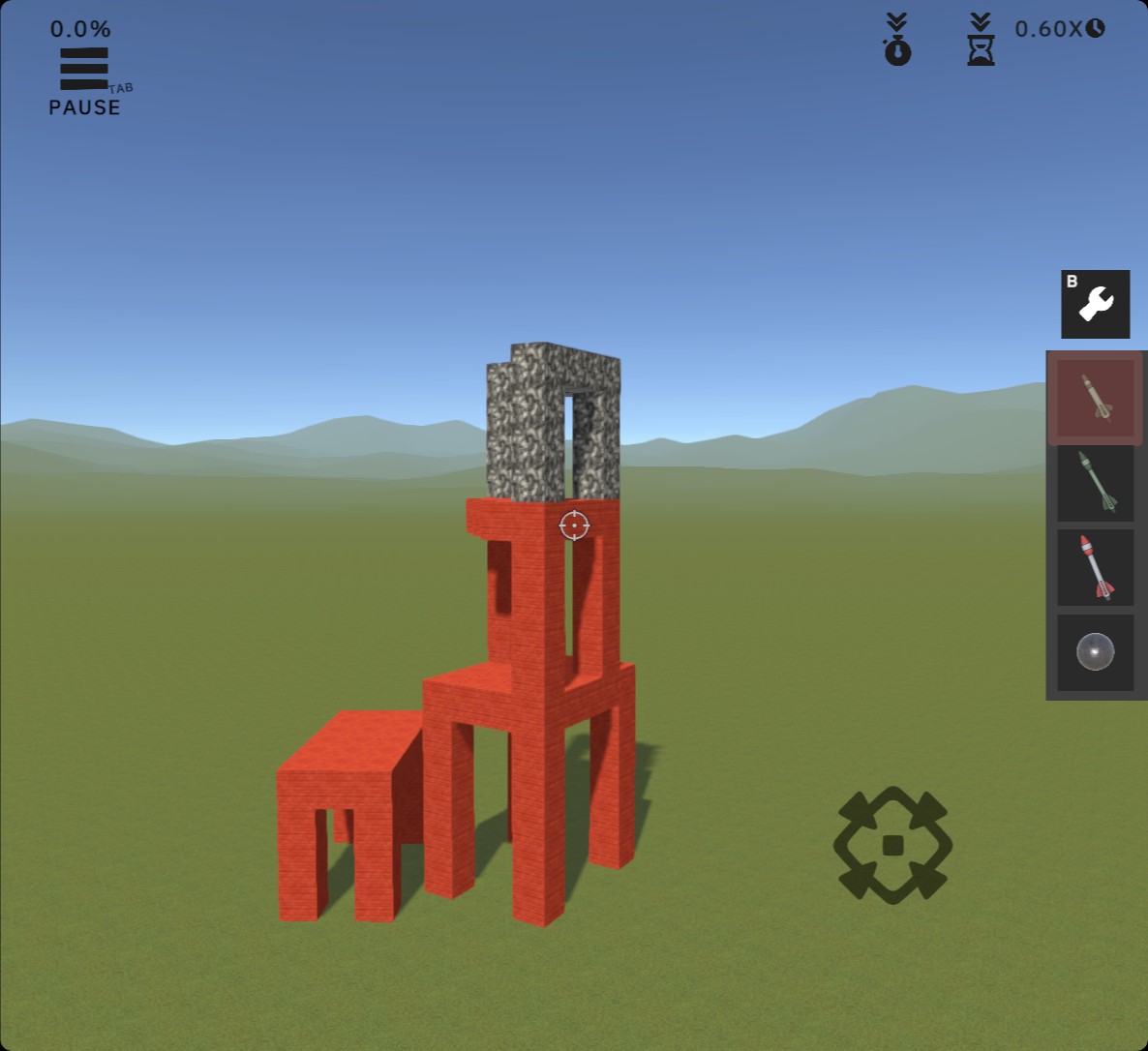
Build it up, bring it down
Choose a structure, line up your shot and turn towers into piles of rubble.
Choose a faster camera pace for getting around the demolition scene.
View stat modifiers →Adjust building strength, then load or restart the map to take on your next target.
View world modifiers →Download the Windows app and follow the setup prompts.
Set up the browser extension in Chrome or Edge, then open the supported YouTube Playable. Follow the connection guide if the game is already running.
Review the available options in the app and choose the ones that suit how you play.