
More cash and more carrying room
Plan your next upgrade with the Cash card, or make room for a larger paper load with Truck capacity. Each has its own control so you can choose the change you want.
Requires the Windows app and the Bytonian Mods browser extension for Chrome or Edge. Browser setup guide
Choose your upgrade funds
Refresh the Cash card, set your balance and apply it. Open the game's Character & Truck menu to buy an upgrade with that cash.
Bring back a bigger load
Choose a carrying limit in the Truck capacity card and apply it before collecting more paper. Keep driving through the yard to fill the extra space. Unload before lowering the limit below the paper already aboard.
Available resources
CashFree
Choose the cash you want for your next Character & Truck upgrade.
Refresh the Cash card, set a balance and apply it. Buy upgrades through the game's menu.
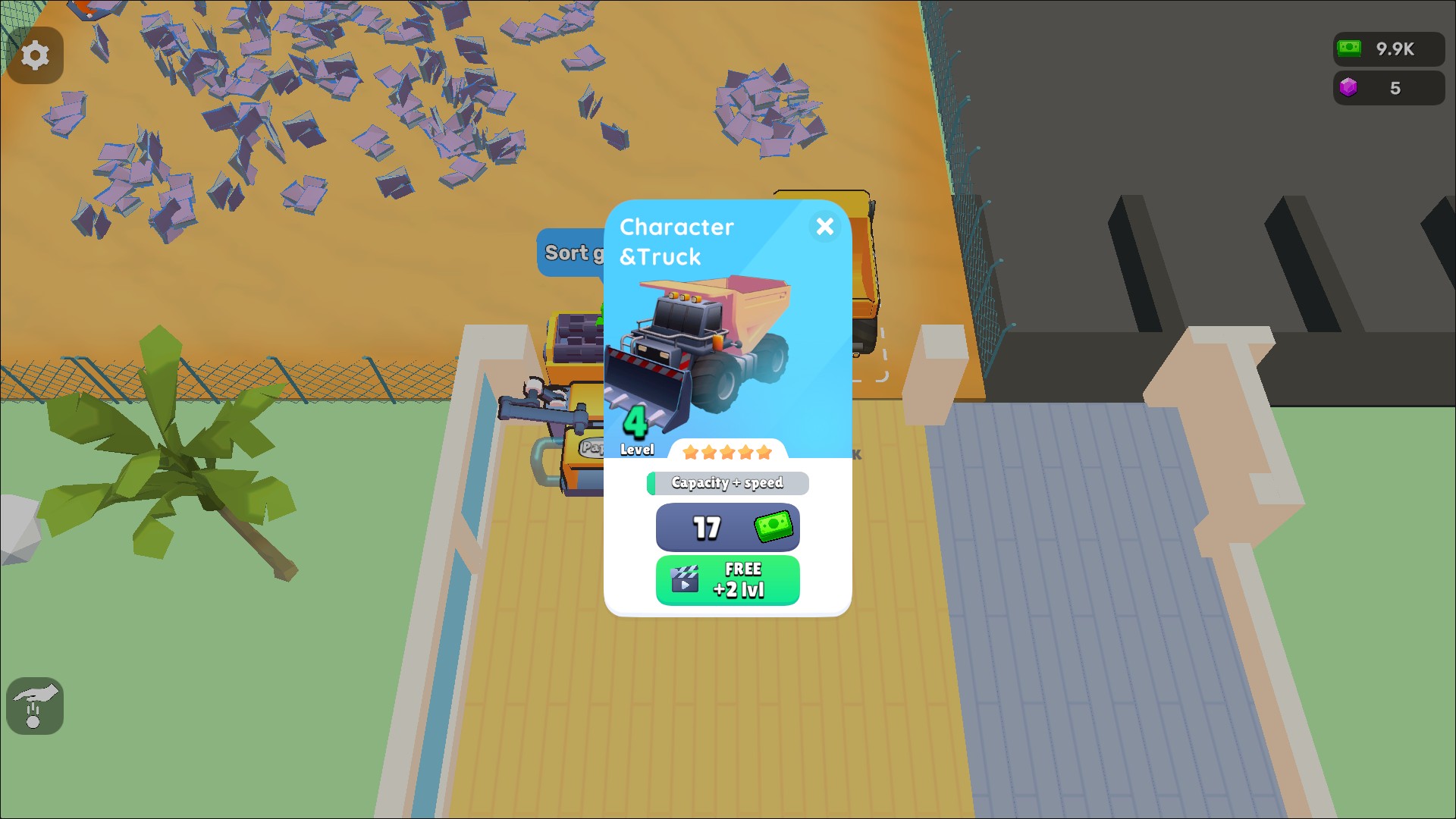
Cash for your next upgrade
Choose your cash balance and put it toward your recycling yard. The Character & Truck upgrade menu lets you improve carrying capacity and speed.
Truck capacityPremium
Choose how much paper your current truck can carry.
Set a carrying limit and apply it before collecting more paper.
Unload before lowering capacity below the load already in the truck.
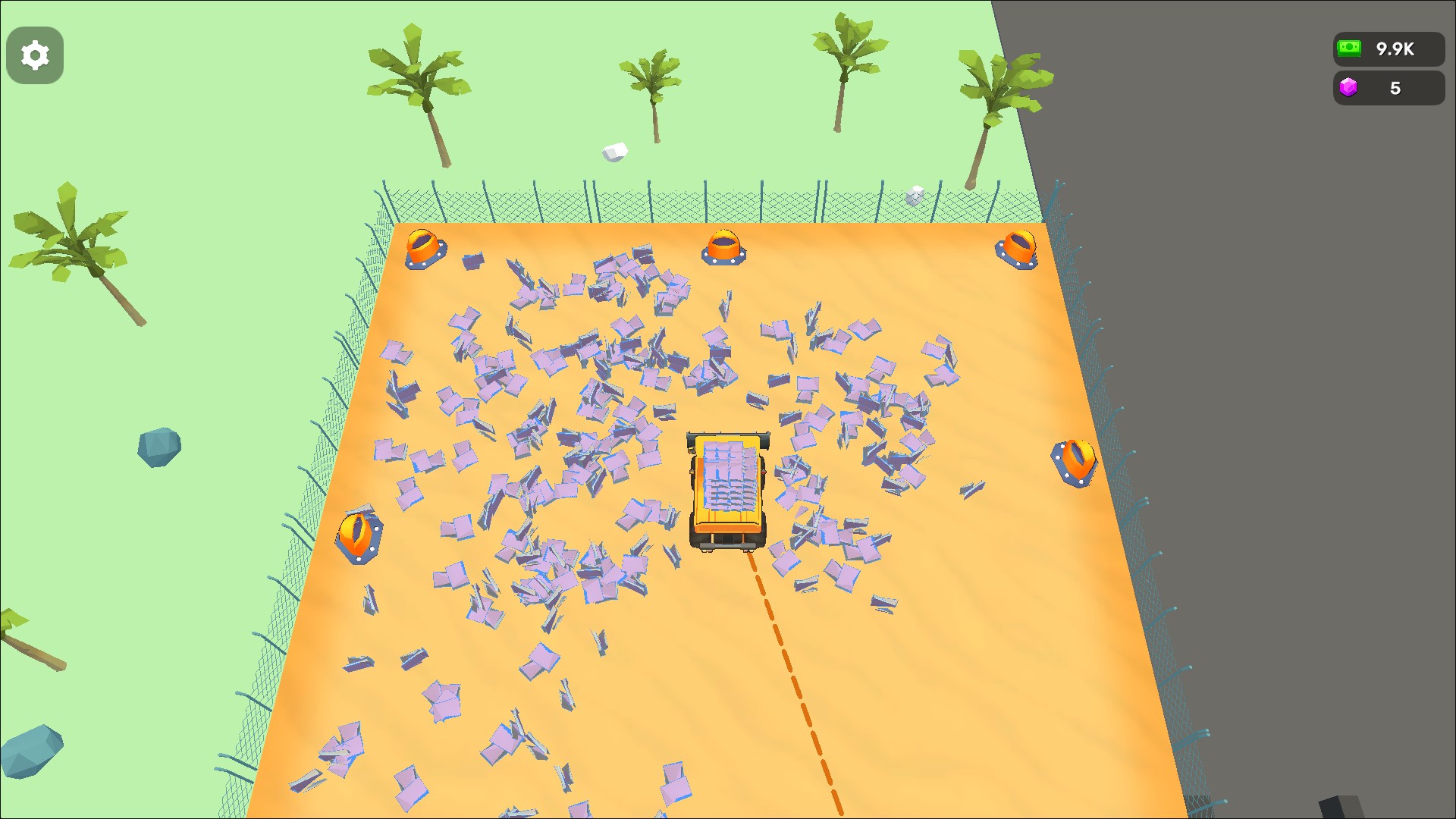
Room for a bigger paper load
Give your truck more carrying room and collect a larger load of paper as you drive through the yard. Unload before choosing a capacity smaller than the load you're carrying.
More ways to customise Trash Master
- Trash Master stat modifiers
Press Apply to cycle through normal, faster and fastest driving.
Questions about resources
- Does raising capacity add paper?
- It gives the truck more room. You still collect paper by driving through the yard.
Using these features
Choose the feature in the Windows app after connecting your game. Check its requirements before making a change.
Setup for Trash Master →