
Resources
2 optionsSet the cash you want and choose how much paper your current truck can carry.
View resources →Set cash for upgrades, carry more paper per load or switch to a faster truck setting. Collect paper and bring your haul back to the yard.
Requires the Windows app and the Bytonian Mods browser extension for Chrome or Edge. Browser setup guide
Start with free mods
Download Bytonian Mods for Windows and try these free features. Choose one to see how it works and any requirements.
Choose the cash you want for your next Character & Truck upgrade.
Refresh the Cash card, set a balance and apply it. Buy upgrades through the game's menu.
Choose a cash balance, then use the game's upgrade menu to improve your Character & Truck. The Cash control is free.
Cycle through three driving paces when you want to change the feel of the truck. Increase its carrying capacity when you want to gather more paper before returning to the yard.
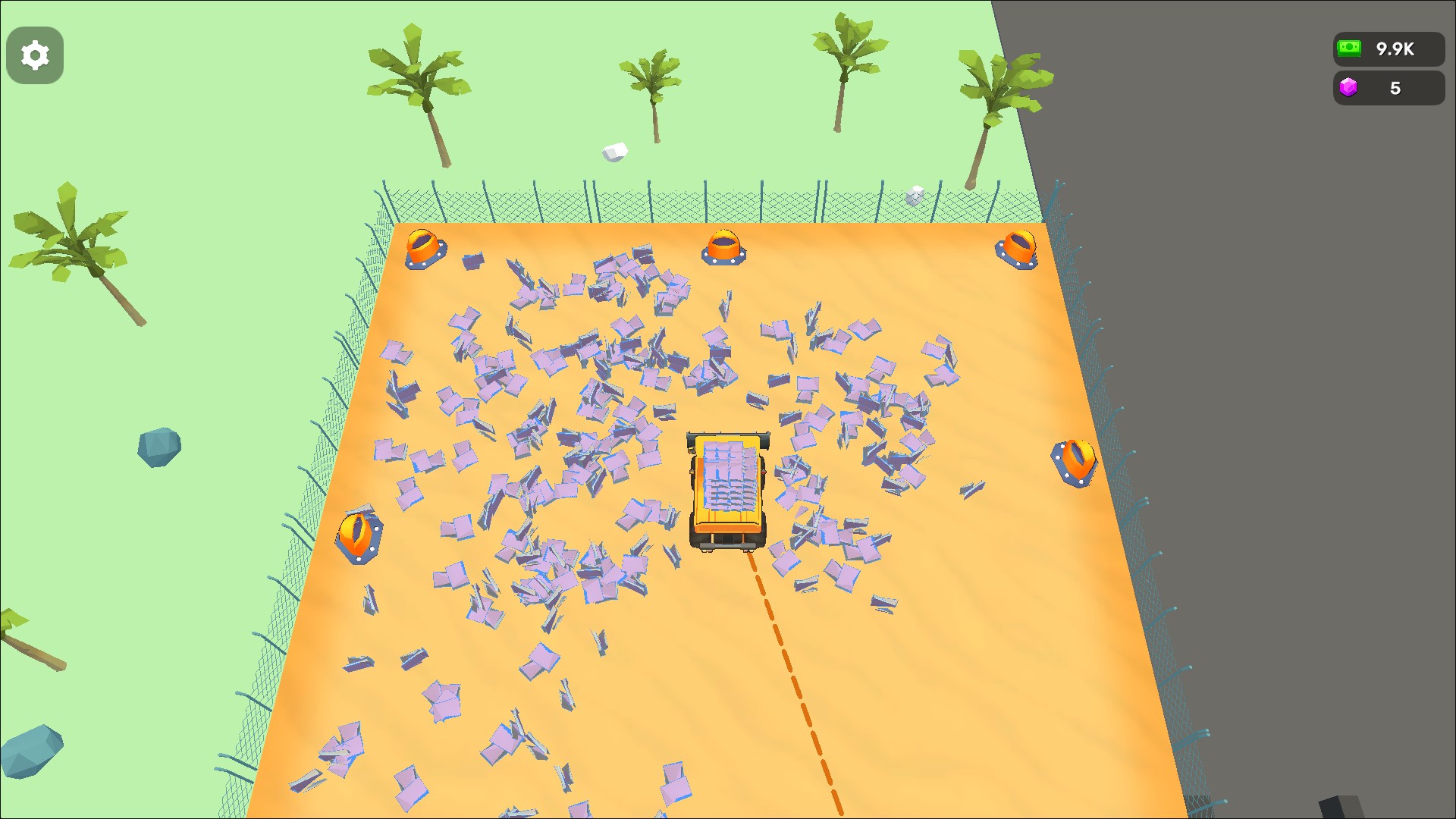
Turn a messy yard into your next project
Drive through the paper piles, collect a load and bring it back to your recycling yard. Cash and truck controls help you shape the way you play.
Set the cash you want and choose how much paper your current truck can carry.
View resources →Press Apply to cycle through normal, faster and fastest driving.
View stat modifiers →Download the Windows app and follow the setup prompts.
Set up the browser extension in Chrome or Edge, then open the supported YouTube Playable. Follow the connection guide if the game is already running.
Review the available options in the app and choose the ones that suit how you play.