
Choose a Thief Puzzle level
Return to a scene you want to try again or move ahead within the first ten Thief Puzzle levels. Choose puzzle level opens your selected scene; you still solve its obstacles yourself.
Requires the Windows app and the Bytonian Mods browser extension for Chrome or Edge. Browser setup guide
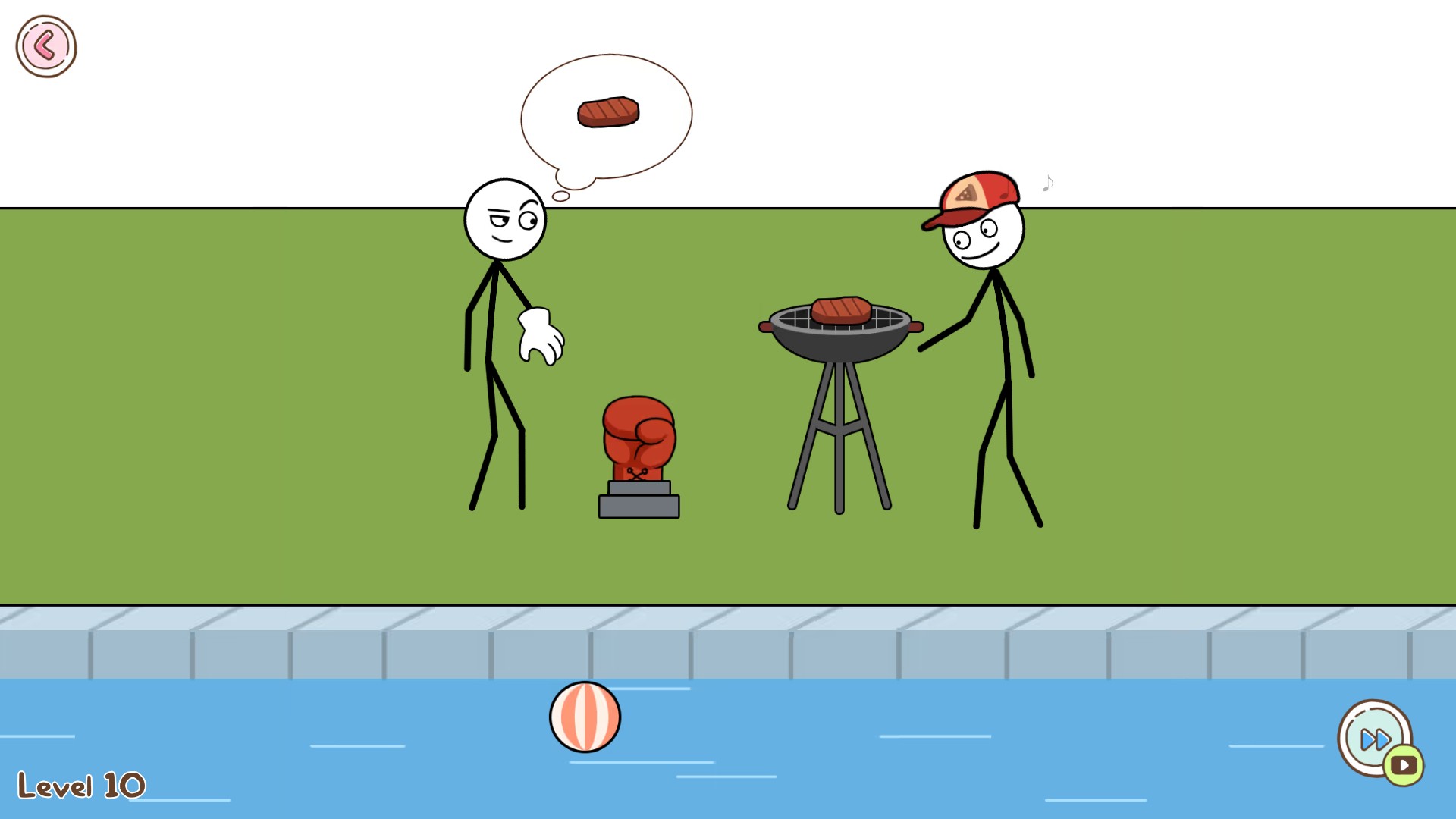
Jump to the barbecue puzzle
Choose level 10 to open the barbecue puzzle, then find a way around its obstacles yourself.
Choose from the first ten puzzles
Choose a puzzle from 1 to 10. Level 10 opens the barbecue puzzle shown here. You still solve the selected puzzle yourself.
Applying your choice
Enter a whole number from 1 to 10 and apply it. The game reopens with your selection; press Play to enter the puzzle. See the overview for setup instructions.
Available customisation options
Choose puzzle levelFree
Open an early puzzle by choosing its level from 1 to 10.
Apply your choice and press Play after the game reopens.
Choose from the first ten puzzles. Selecting a puzzle does not complete it.
Using these features
Connect your game, then open Customise in the Windows app. Choose an option, check its available values and follow its instructions. Each option lists its own requirements and limits.
Setup for Thief Puzzle →