
Fly above and beside the course
Fly above or beside the course with editable keyboard controls.
Requires the Windows app and the Bytonian Mods browser extension for Chrome or Edge. Browser setup guide
Default Fly controls
V toggles Fly. W/A/S/D move, Space rises, Ctrl descends and Shift moves faster. You can change the bindings in the package.
Move back near the track before turning Fly off. Game collisions and animations may continue; turn Fly off before the normal finish sequence.
Available ability modifiers
FlyPremium
Fly above or beside the track with editable movement keys.
V toggles; W/A/S/D move, Space rises, Ctrl descends and Shift moves faster.
Return near the track before turning it off; collisions and animations may continue.
Supported movement styles: Fly
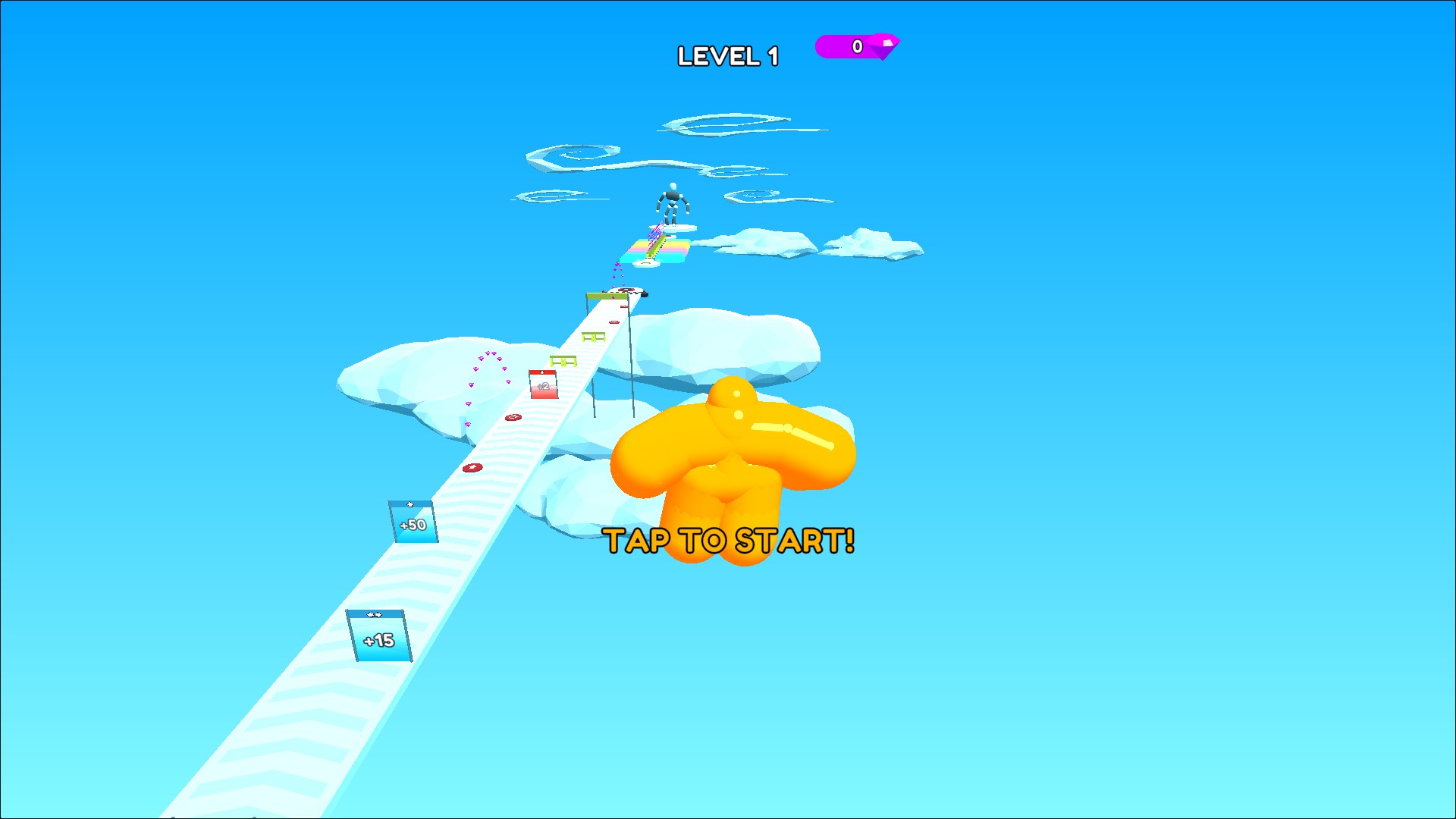
Fly beyond the edge of the course
This grown runner is flying beside the track. Return near the course before turning Fly off.
More ways to customise Tall Man Run
- Tall Man Run resources
Set, add or subtract Tall Man Run gems with the free Gems mod.
- Tall Man Run stat modifiers
Grow taller or wider with Character Growth, or try adjustable speed from 25% to 300% for the current Tall Man Run runner.
- Tall Man Run rule modifiers
Protect your runner's height and width from bombs.
Using these features
Choose the feature in the Windows app after connecting your game. Check its requirements before making a change.
Setup for Tall Man Run →