
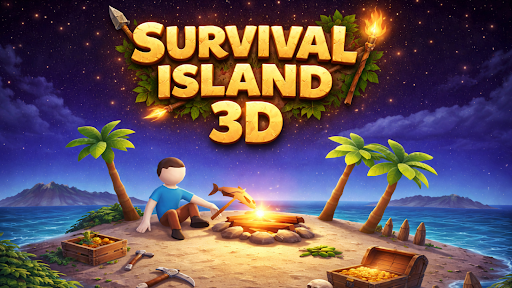
More backpack space and your choice of running speed
Make room for longer supply trips and set a running pace that feels comfortable. Backpack capacity and Movement speed offer separate controls for carrying and exploring.
Requires the Windows app and the Bytonian Mods browser extension for Chrome or Edge. Browser setup guide
Expand your backpack
Choose your slot count and apply it while on the island. Your carried supplies stay with you. The backpack counter refreshes on the next normal inventory change, such as gathering or selling a supply.
Set your running pace
Choose a running-speed percentage, then apply it before moving. The usual setting is 100%. Apply your choice again when starting a new run or after an upgrade that resets the setting.
Available stat modifiers
Backpack capacityPremium
Increase your backpack capacity while keeping your carried supplies.
Choose the backpack slot count and apply it on the island. The counter refreshes after your next normal inventory change.
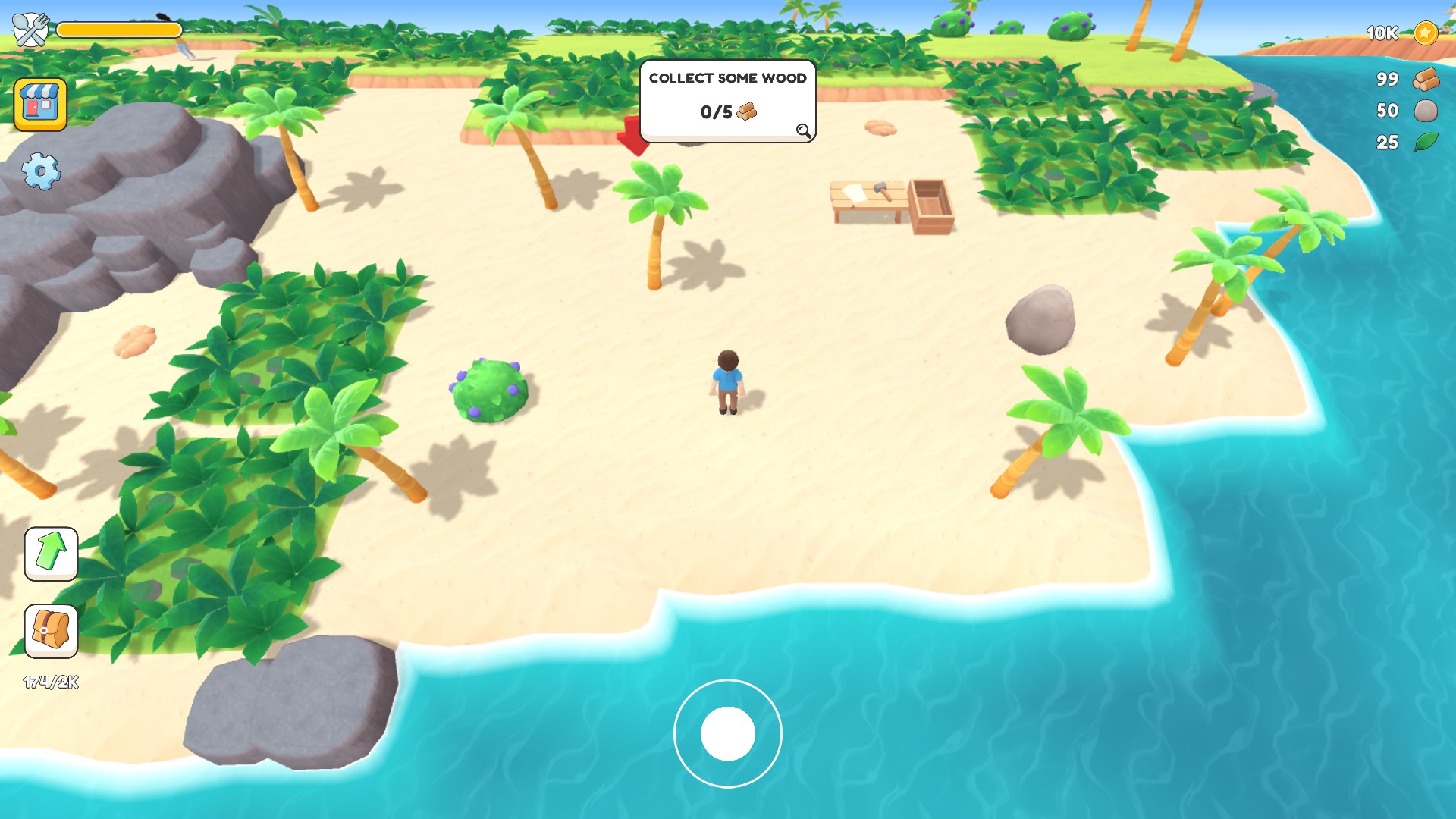
More room for island supplies
Expand your backpack to carry more on each trip. This island bag has room for 2,000 supplies, with 174 slots in use.
Movement speedPremium
Choose a running pace for exploring the island.
Choose a running-speed percentage and apply it on the island. Use 100% for the usual pace.
More ways to customise Survival Island 3D
- Survival Island 3D resources
Independent balances for coins, wood, stone and fiber.
Questions about stat modifiers
- Why does the backpack counter still show its previous size?
- The counter catches up after your next normal inventory change. Gathering or selling a supply refreshes the displayed capacity.
Using these features
Choose the feature in the Windows app after connecting your game. Check its requirements before making a change.
Setup for Survival Island 3D →