
Resources
4 optionsIndependent balances for coins, wood, stone and fiber.
View all resources →Carry more wood and stone per trip, set your material supplies or choose a different running pace. Gather materials as you explore the island and work on your next project.
Requires the Windows app and the Bytonian Mods browser extension for Chrome or Edge. Browser setup guide
Start with free mods
Download Bytonian Mods for Windows and try these free features. Choose one to see how it works and any requirements.
Stock your backpack with the wood you want to carry. This control is free.
Refresh the balance, enter your chosen amount and use the resource control to apply it.
Gathering tasks still progress through normal harvesting.
Choose how much wood you carry, then return to your island projects. Coins, stone and fiber have their own controls, so you can adjust one supply without changing the others. Gathering objectives still progress through normal harvesting.
Set a backpack size that suits your plans and carry more supplies between visits. For exploring the island, choose a running speed and apply it before setting off.
Make room for your island adventure
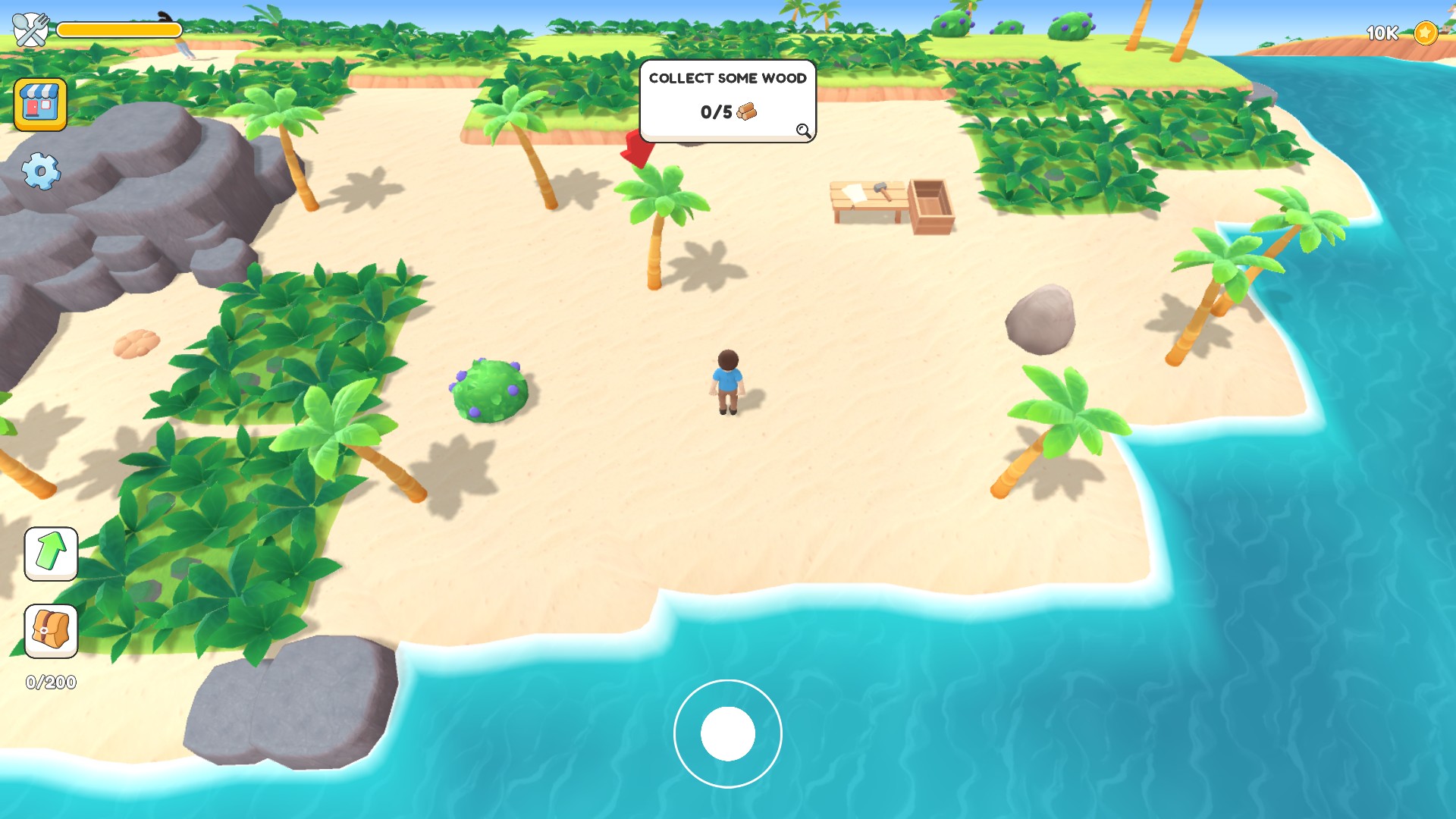
Explore the shores of Survival Island 3D with controls for coins, building supplies, backpack space and running speed.
Independent balances for coins, wood, stone and fiber.
View all resources →Choose backpack capacity and running speed while on the island.
View stat modifiers →Download the Windows app and follow the setup prompts.
Set up the browser extension in Chrome or Edge, then open the supported YouTube Playable. Follow the connection guide if the game is already running.
Review the available options in the app and choose the ones that suit how you play.