
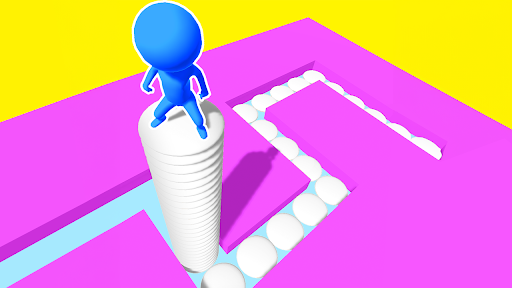
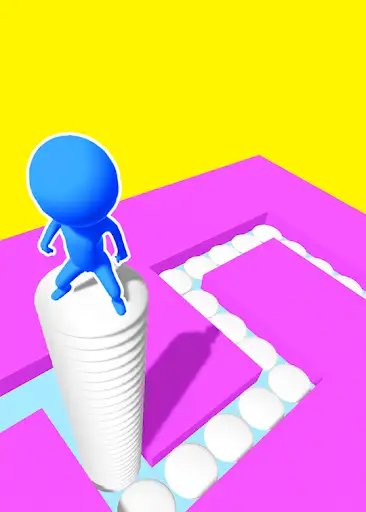
Retry a route or finish the current level
Restart Level returns the current puzzle to its start. Win Level opens the completion screen so you can use Next to continue.
Requires the Windows app and the Bytonian Mods browser extension for Chrome or Edge. Browser setup guide
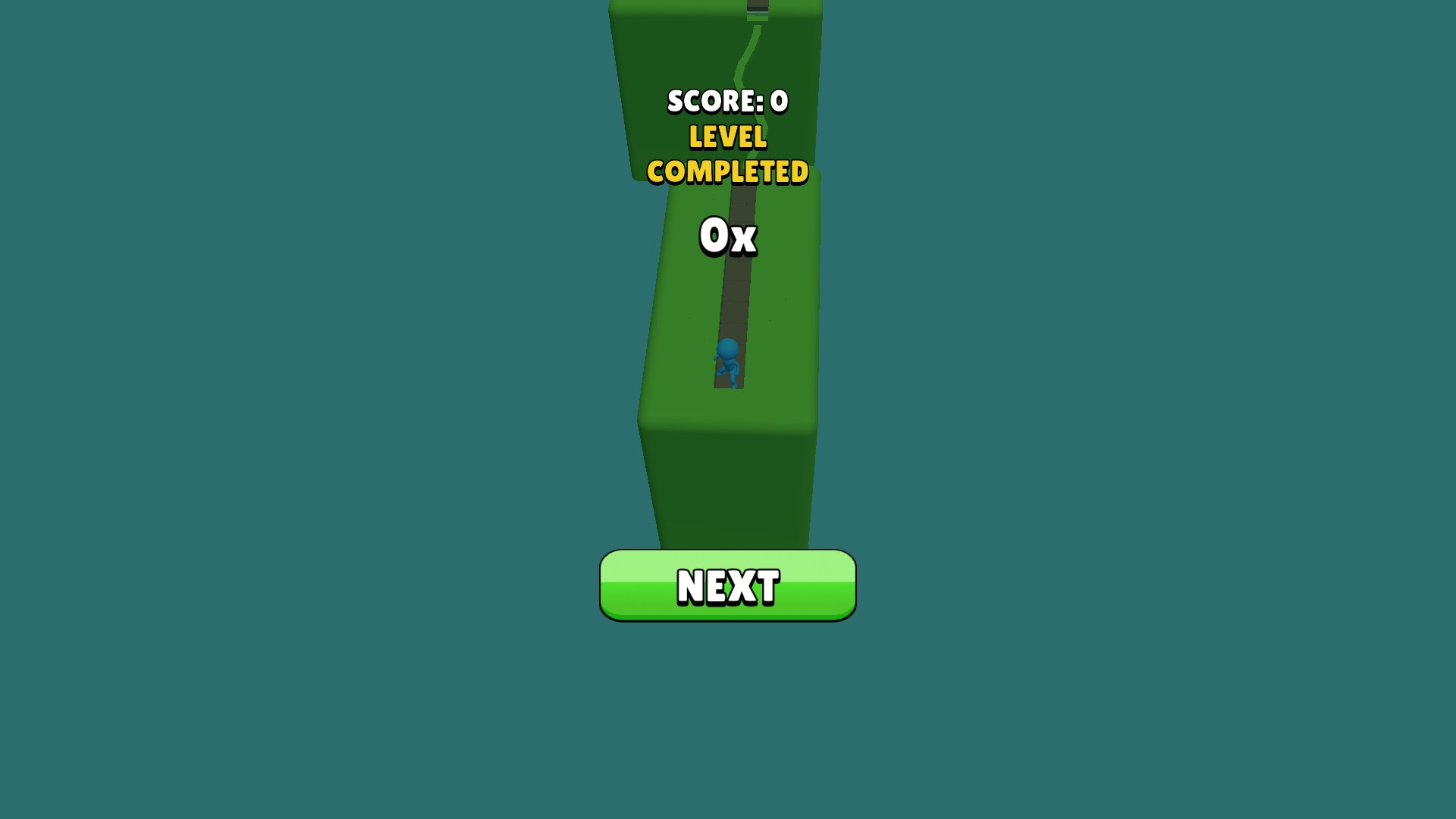
Level completed
The completion screen opens with Next. This example shows zero score and no bonus multiplier.
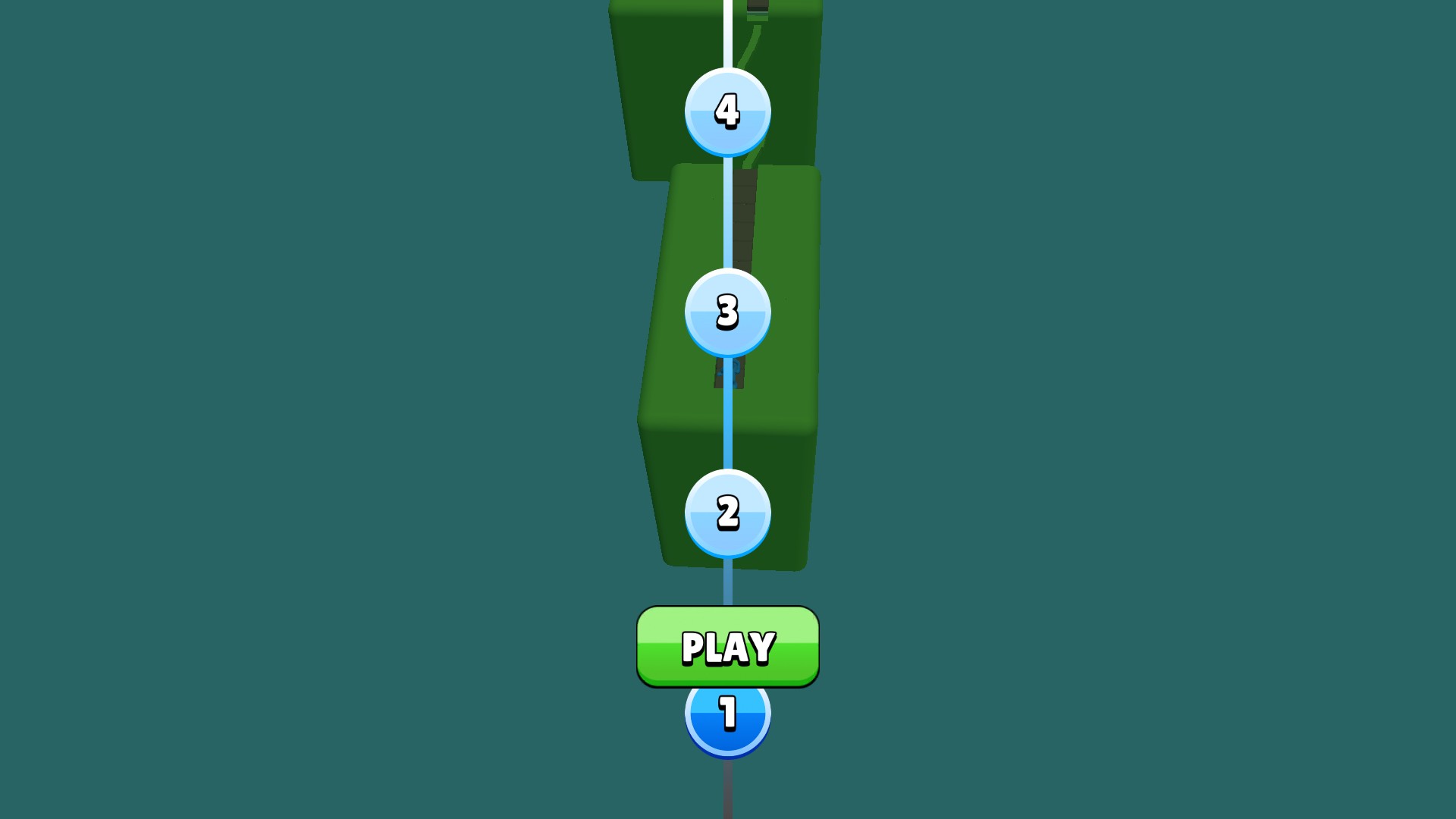
Back at the level map
The map and Play button return after restarting the current puzzle.
Restart Level
Press Restart Level during a puzzle to return to the level map. Press Play to start that same puzzle again with an empty carried stack.
Win Level
Press Win Level to open the Level Completed screen. Use Next to load the following course. The action does not add a bonus payout.
Available game actions
Restart LevelFree
Restart the current puzzle from its start.
Press Restart Level, then use Play from the returned map.
Clears the current run's carried tile stack.
Win LevelPremium
Complete the current level and open its normal completion flow.
Press Win Level, then use Next to continue.
Opens the completion screen; use Next to continue.
More ways to customise Stacky Dash
- Stacky Dash resources
A manual 50-tile grant for the current run.
- Stacky Dash stat modifiers
A temporary speed toggle for normal ground slides.
Using these features
Choose the feature in the Windows app after connecting your game. Check its requirements before making a change.
Setup for Stacky Dash →