
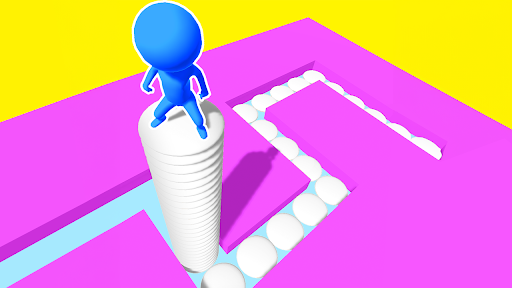
Resources
1 optionA manual 50-tile grant for the current run.
View resources →Add 50 tiles to your carried stack for the bridges ahead, finish the current level or restart the same puzzle for another attempt. Faster Ground Slides lets you move more quickly across normal ground while you swipe through the maze.
Requires the Windows app and the Bytonian Mods browser extension for Chrome or Edge. Browser setup guide
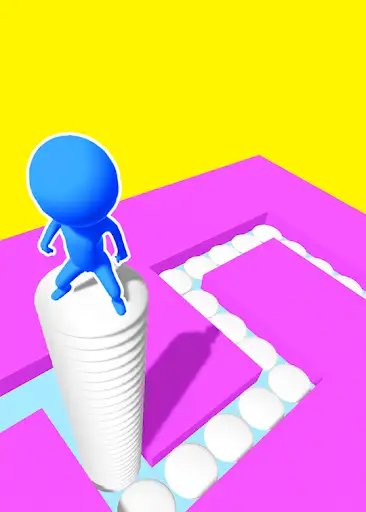
Start with free mods
Download Bytonian Mods for Windows and try these free features. Choose one to see how it works and any requirements.
Restart the current puzzle from its start.
Press Restart Level, then use Play from the returned map.
Clears the current run's carried tile stack.
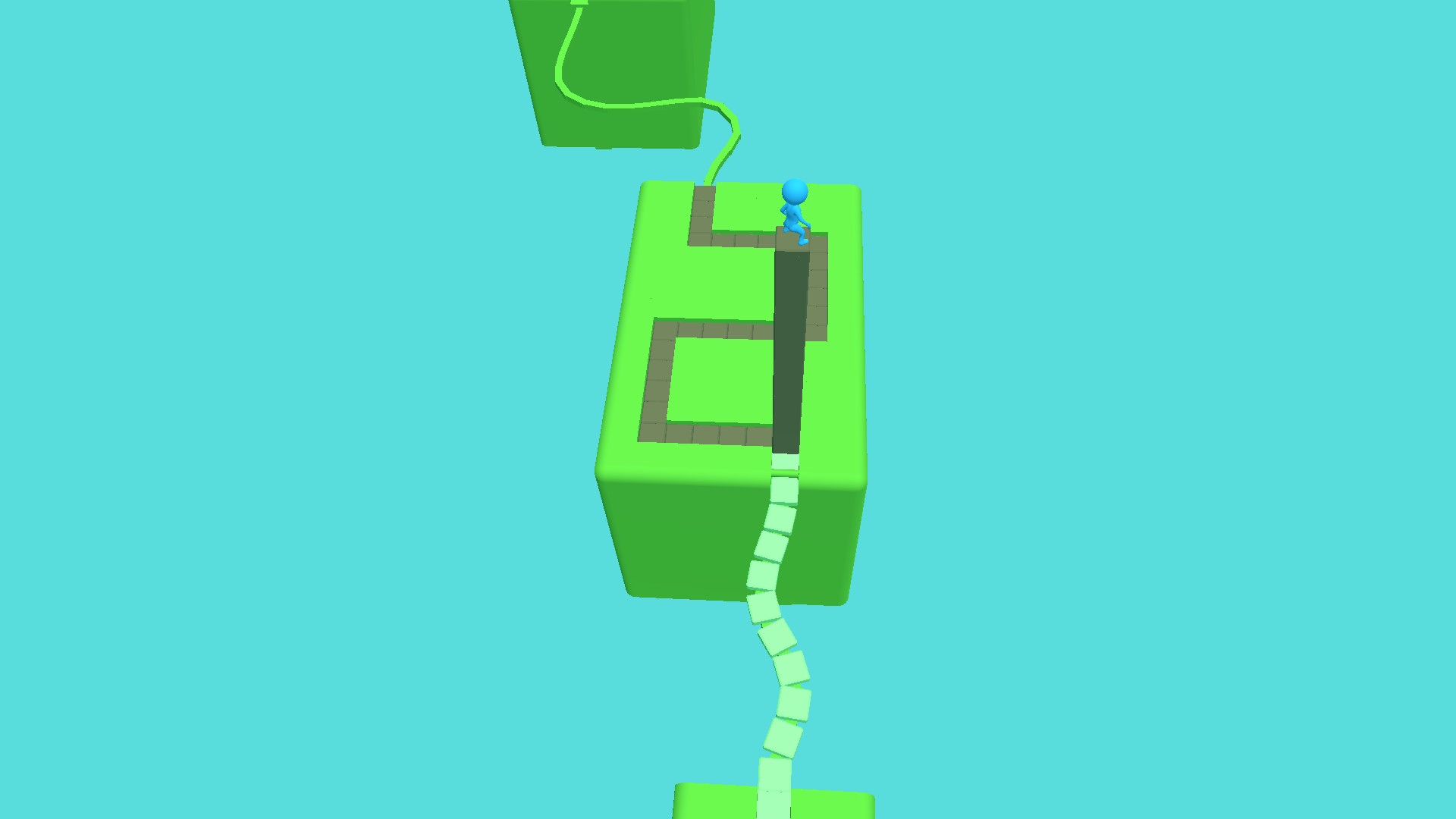
Stacky Dash with a tall tile stack
The player carries a tall tile column onto the winding platform after crossing a bridge.
Extra tiles give you a larger carried stack. Win Level opens the completion screen, while the free Restart Level control returns you to the current puzzle's start. Faster Ground Slides raises normal ground-slide speed until you turn it off.
A manual 50-tile grant for the current run.
View resources →A temporary speed toggle for normal ground slides.
View stat modifiers →Free puzzle retries and a separate level-completion control.
View game actions →Download the Windows app and follow the setup prompts.
Set up the browser extension in Chrome or Edge, then open the supported YouTube Playable. Follow the connection guide if the game is already running.
Review the available options in the app and choose the ones that suit how you play.