
Customize your Sort Works save
Choose the coins, booster charges and hearts you want, apply your changes and return to the game. Your puzzle rules and normal shop controls still work as usual.
Requires the Windows app and the Bytonian Mods browser extension for Chrome or Edge. Browser setup guide
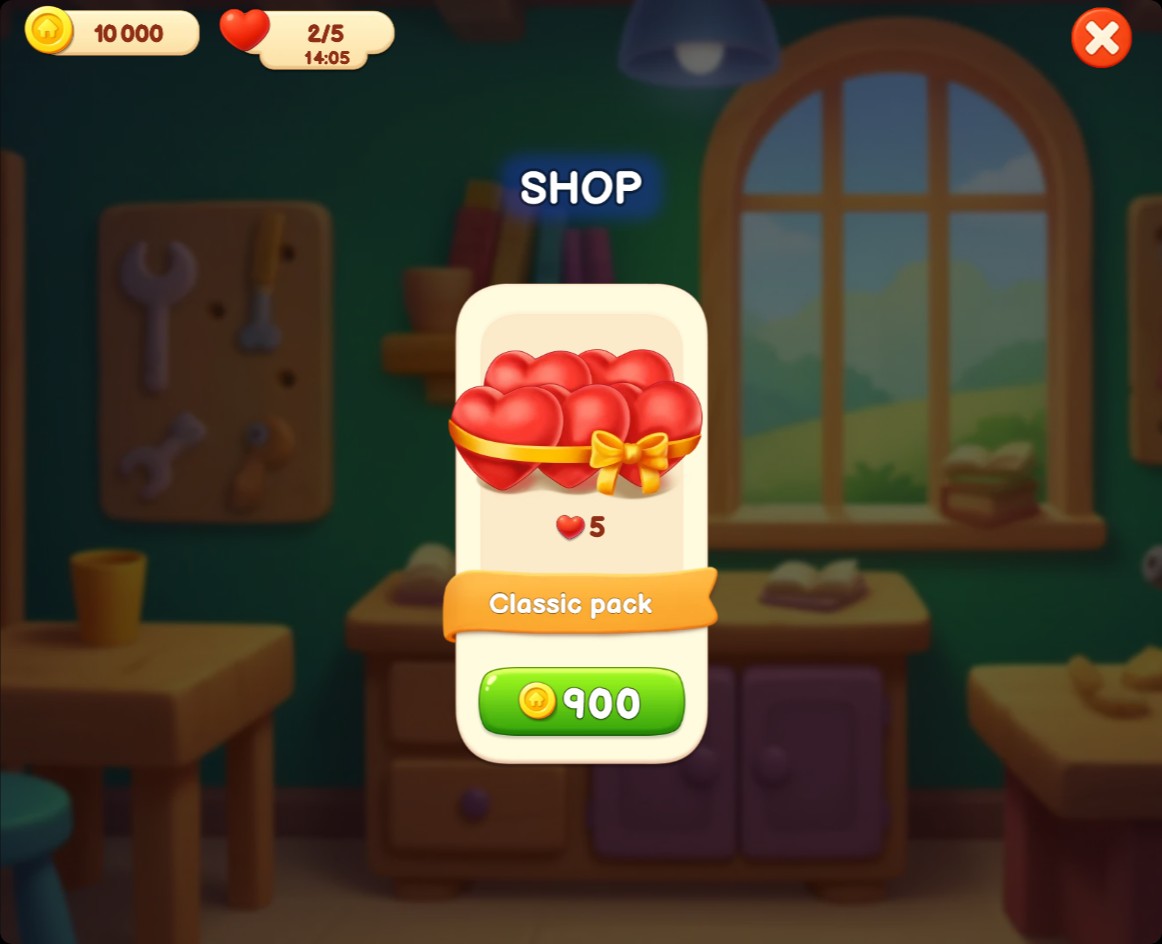
Coins for heart packs
Set your coins and buy five-heart packs from the normal shop to keep playing.
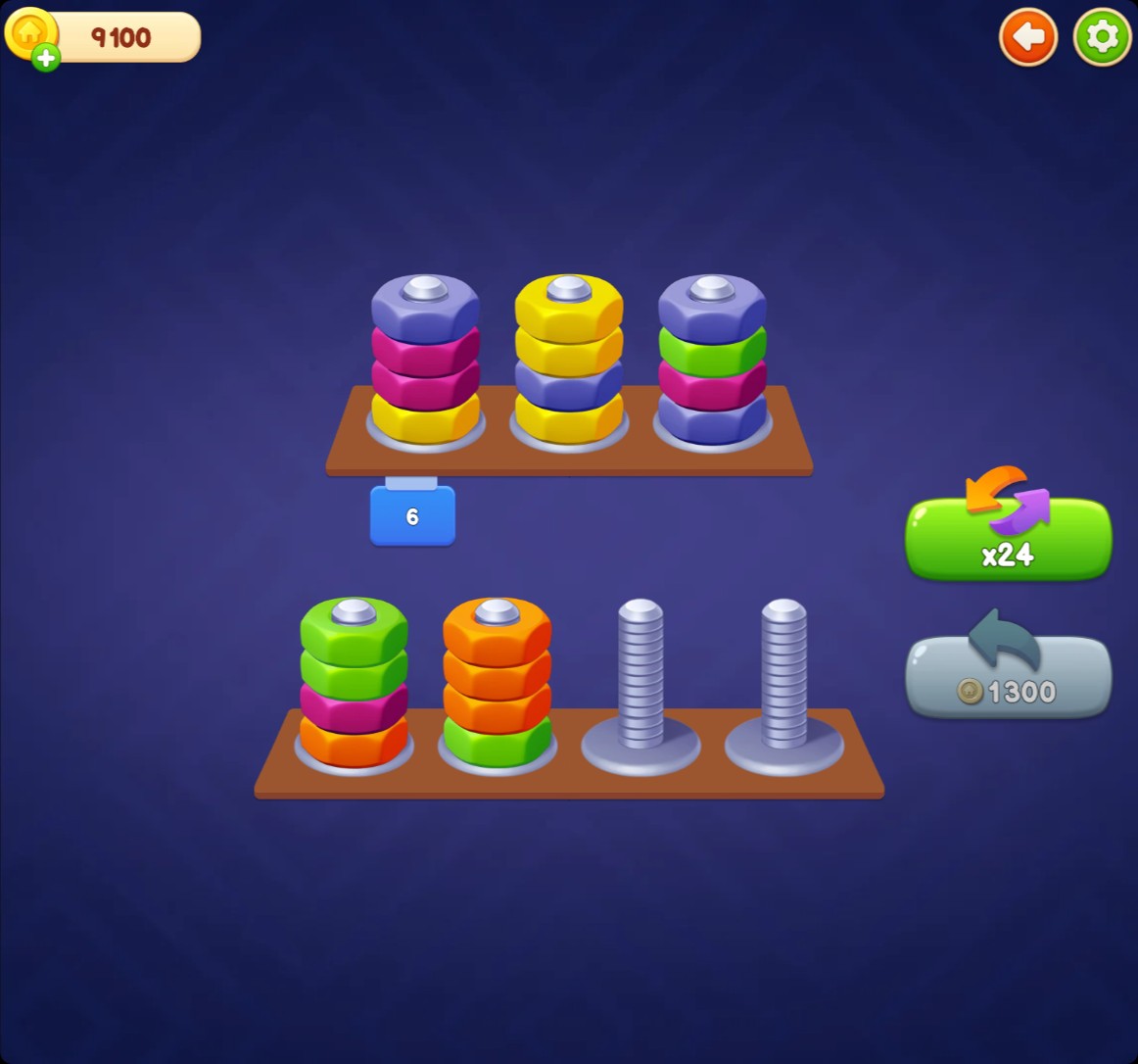
Swap the top two nuts
Add Swap charges, then exchange a mixed bolt's top two nuts to open up your next move.
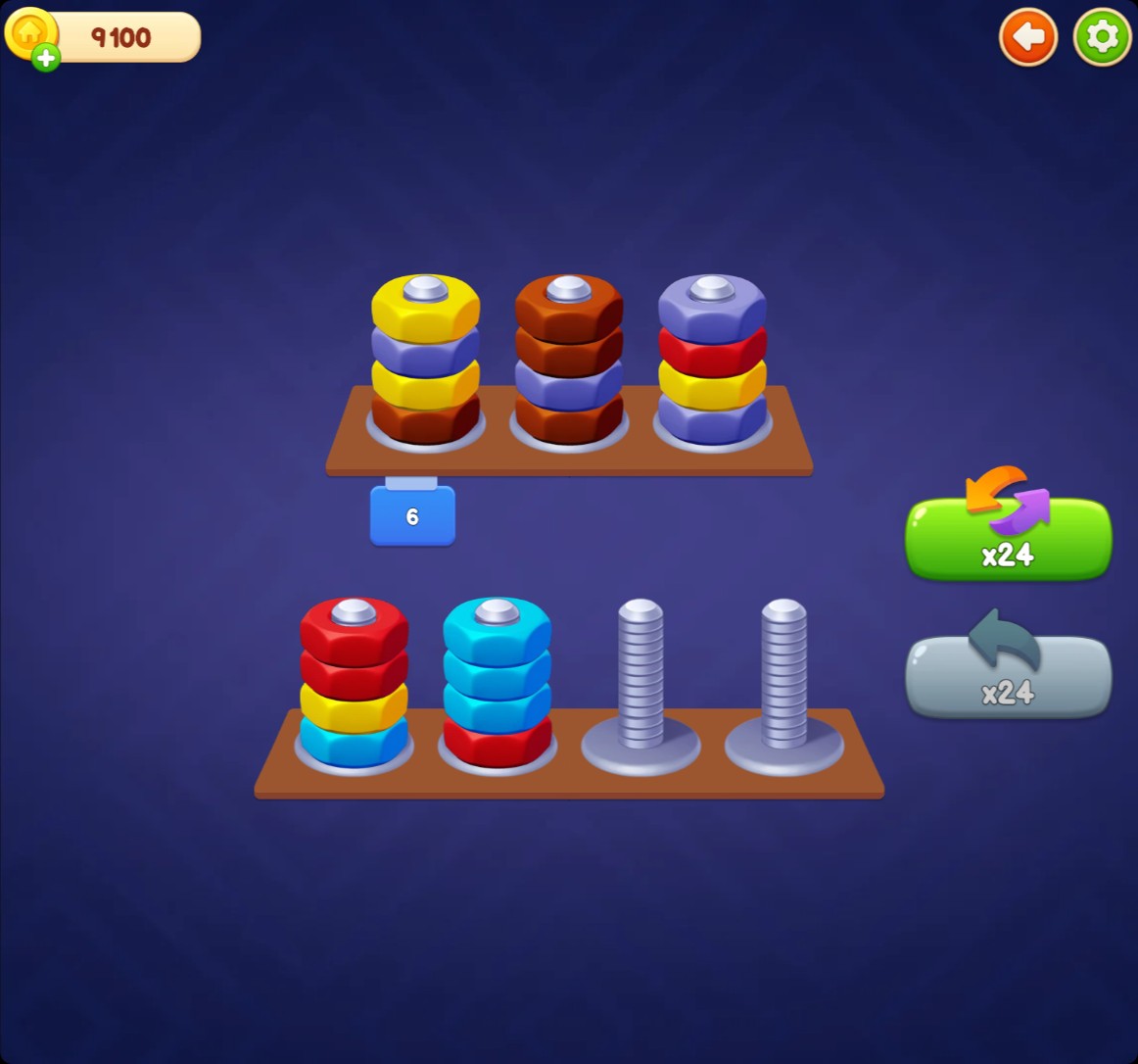
Take back a move
Add Undo charges and return moved nuts to their previous bolt when you want to try another route.
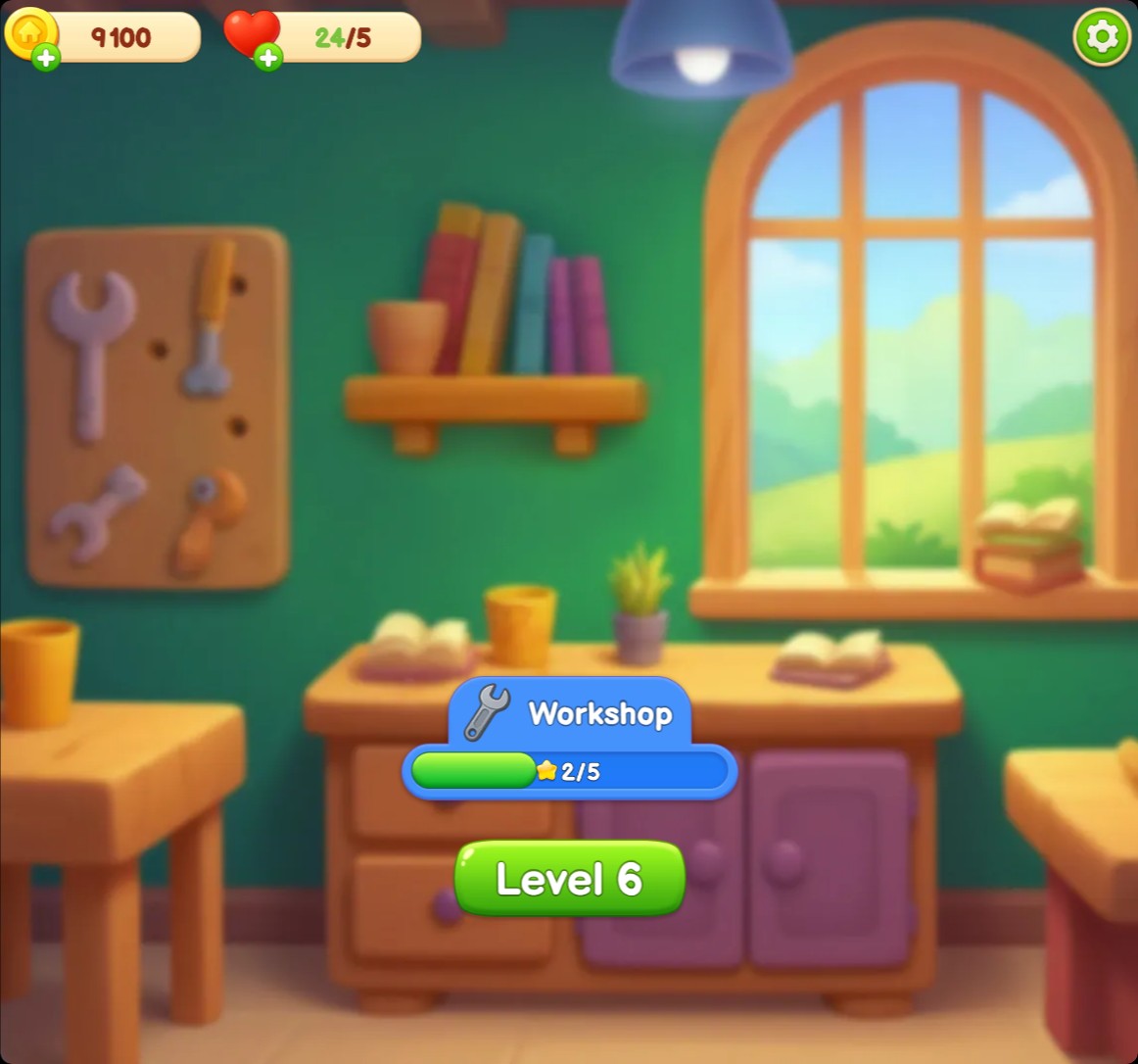
Hearts for more attempts
Set a reserve of hearts and keep trying your puzzle. Each attempt still uses hearts normally.
Coins and hearts for more attempts
Set your coins and open the hearts shop using the plus button beside your lives. The Classic pack costs 900 coins and gives five hearts after you claim the reward.
You can also set your saved hearts directly. Hearts above five stay as a reserve for more attempts, and each attempt still spends a heart normally.
Swap and Undo charges
Set Swap charges, press Swap in a puzzle and choose a mixed bolt to exchange its top two nuts.
Set Undo charges, make a move and press Undo to return the moved nuts to their previous bolt. The button needs a move to take back, and both boosters spend charges normally.
Apply before starting your next attempt
Applying a save change reloads the game. Make your changes between attempts, then enter your level from the menu.
Available customisation options
CoinsFree
Set your coins for normal shop purchases, including five-heart packs.
Apply your coin amount, return to the menu and open the hearts shop with its plus button. Buy the Classic pack and tap to claim its reward.
Swap ChargesPremium
Set Swap charges to exchange a mixed bolt's top two nuts.
From Level 4, press Swap in a puzzle and select an eligible mixed bolt. Each use spends a charge.
Undo ChargesPremium
Set Undo charges to take back a nut transfer.
From Level 6, make a move and press Undo to return the moved nuts to their previous bolt. Each use spends a charge.
LivesPremium
Set your saved hearts as a reserve for more puzzle attempts.
Apply your heart amount before starting a level. Extra hearts can remain above five, and attempts still spend hearts normally.
Questions about customisation options
- Are these unlimited boosters or lives?
- No. You set saved amounts, and the game spends charges and hearts normally.
- Why is Undo greyed out?
- Undo unlocks at Level 6 and needs a move in the current puzzle. Make a transfer first, then use the button.
- Can I hold more than five hearts?
- Yes. Extra hearts can stay above the five-heart regeneration limit as a reserve for more attempts.
Using these features
Connect your game, then open Customise in the Windows app. Choose an option, check its available values and follow its instructions. Each option lists its own requirements and limits.
Setup for Sort Works: Nuts & Order →