
Customise
4 optionsCoins are Free. Swap charges, Undo charges and Lives are Premium controls. Swap becomes available at Level 4, and Undo at Level 6.
View all customisation options →Stock up on swaps, undo charges or hearts for another attempt. Use empty bolts to untangle mixed stacks and gather each colour onto its own bolt.
Requires the Windows app and the Bytonian Mods browser extension for Chrome or Edge. Browser setup guide
Start with free mods
Download Bytonian Mods for Windows and try these free features. Choose one to see how it works and any requirements.
Set your coins for normal shop purchases, including five-heart packs.
Apply your coin amount, return to the menu and open the hearts shop with its plus button. Buy the Classic pack and tap to claim its reward.
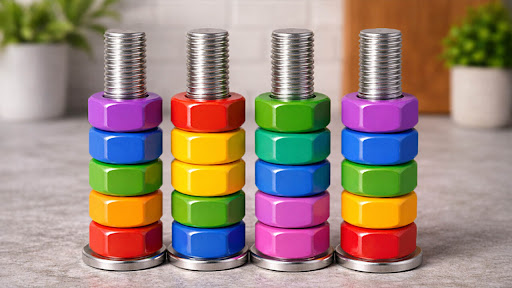
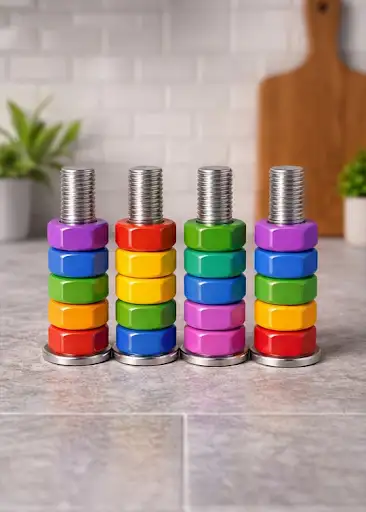
Move the top nuts between bolts and collect matching colours together. Use spare bolts to separate a mixed stack, then bring the matching nuts back together to finish the board.
Swap exchanges a mixed bolt's top two nuts. Undo takes back a move so you can reconsider your next transfer. Hearts provide attempts when you leave an unfinished puzzle and try again.
Coins are Free. Swap charges, Undo charges and Lives are Premium controls. Swap becomes available at Level 4, and Undo at Level 6.
View all customisation options →Download the Windows app and follow the setup prompts.
Set up the browser extension in Chrome or Edge, then open the supported YouTube Playable. Follow the connection guide if the game is already running.
Open Customise in Bytonian Mods, choose an option and follow its instructions. Check the available values and any limits before making your change.