

Choose your coin and gem balances
Set the coin and gem amounts you want before settling in with your slime collection. Both balances have their own controls, so you can choose them together.
Requires the Windows app and the Bytonian Mods browser extension for Chrome or Edge. Browser setup guide

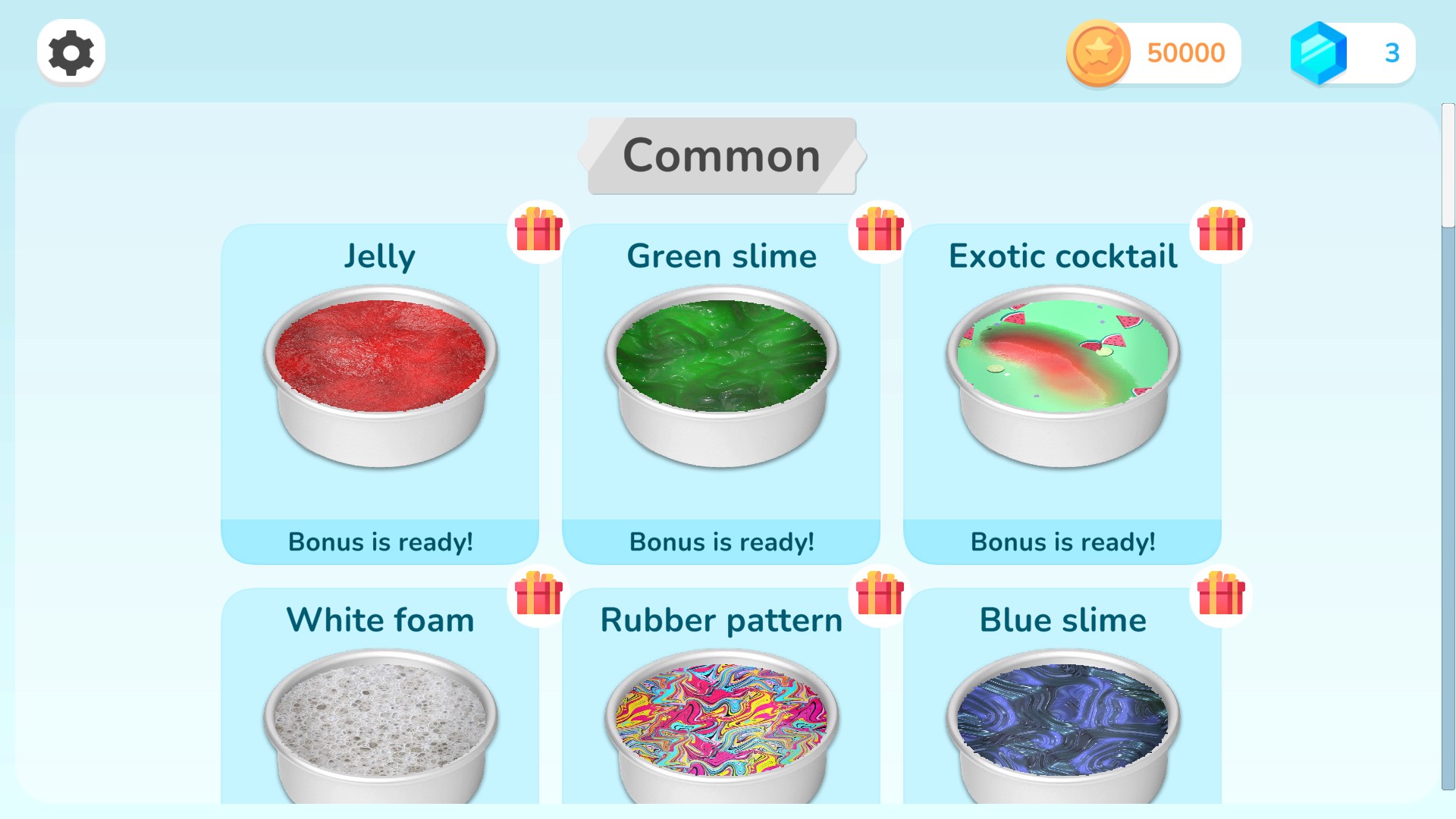
Choose your coin balance
Set your coin balance in Slime Simulator.
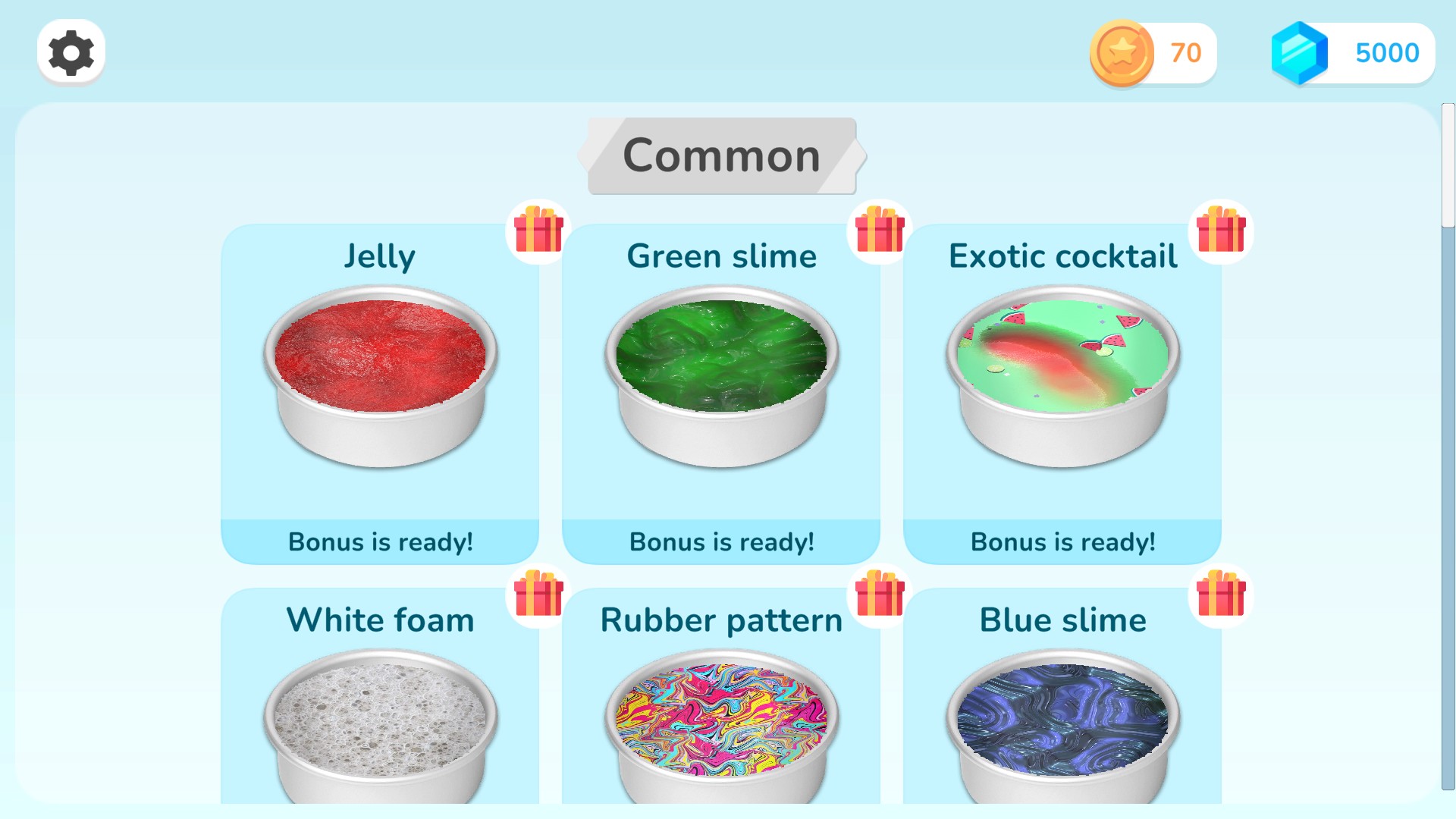
Set your gem balance
Choose your gem balance before settling in with your favorite slime.
Start with your chosen balances
Apply both balances together each time you start playing.
Available customisation options
CoinsPremium
Choose the coin balance displayed above your slime collection.
Set your desired coins and gems together when you start playing.
GemsPremium
Choose the gem balance displayed above your slime collection.
Set your desired gems and coins together when you start playing.
More ways to customise Slime Simulator
- Slime Simulator unlocks
Open the Uncommon collection and choose a new texture.
- Slime Simulator stat modifiers
Personalize how your current slime presses, stretches and settles.
Using these features
Connect your game, then open Customise in the Windows app. Choose an option, check its available values and follow its instructions. Each option lists its own requirements and limits.
Setup for Slime Simulator →