

Unlocks
1 optionOpen the Uncommon collection and choose a new texture.
View unlocks →Adjust how your slime presses, stretches and settles, choose coin and gem balances, or open Uncommon textures. Press and drag colorful slimes in Slime Simulator to find the feel you enjoy.
Requires the Windows app and the Bytonian Mods browser extension for Chrome or Edge. Browser setup guide
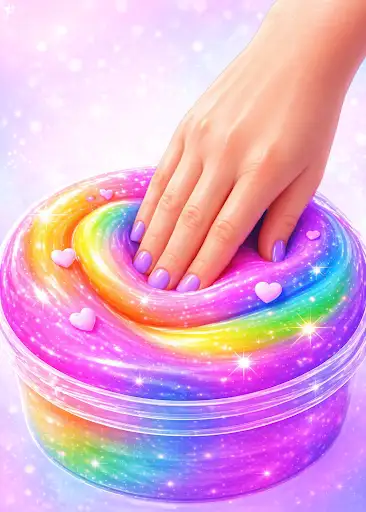
Start with free mods
Download Bytonian Mods for Windows and try these free features. Choose one to see how it works and any requirements.
Personalize how deeply your current slime presses, how much it stretches and how quickly it settles.
Open a slime before switching on. Switch off to restore its original feel; after choosing another slime, switch off and on again.
Try the free Slime feel control to personalize touch response. Premium controls let you choose coin and gem balances or open the Uncommon collection.
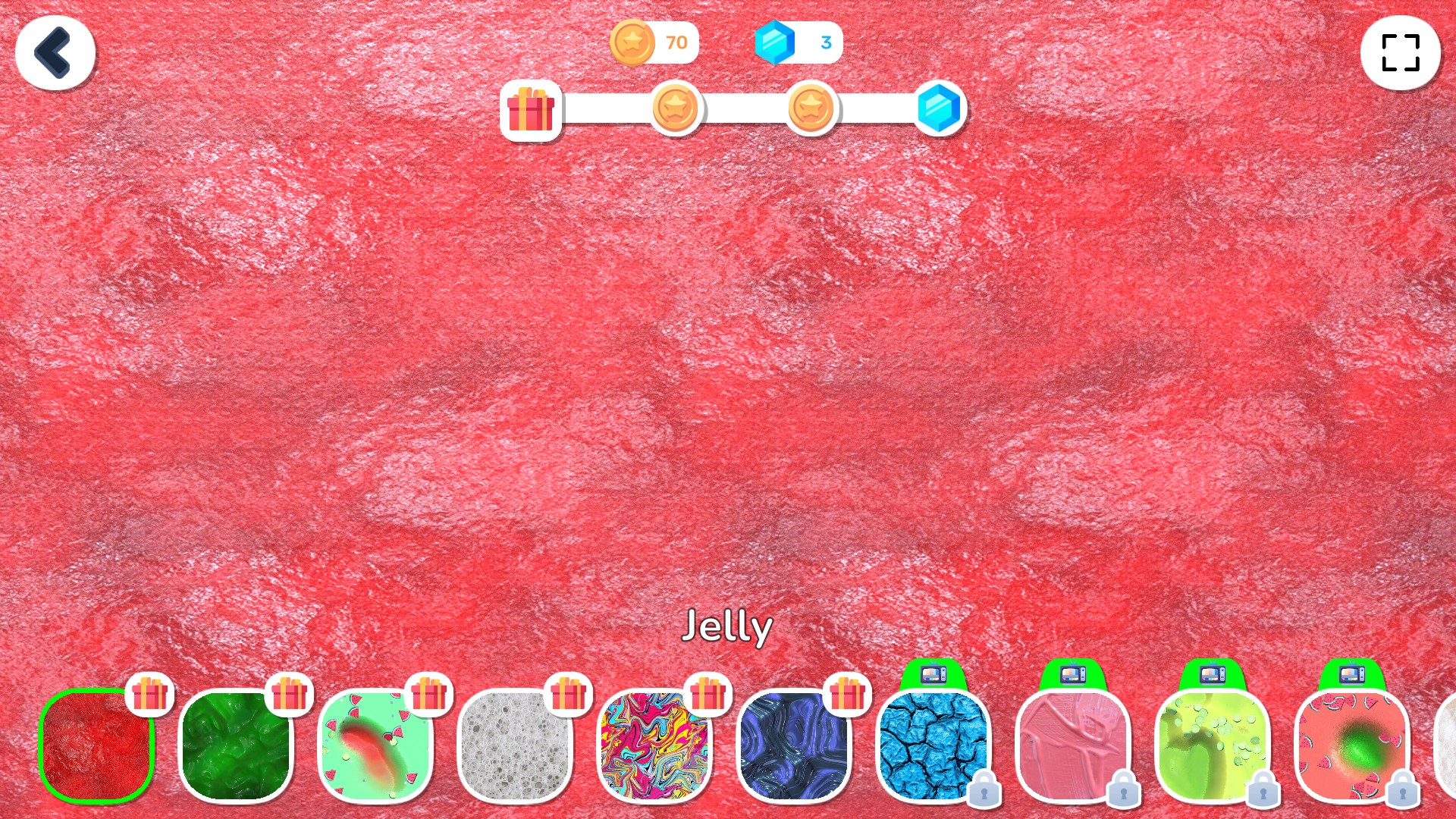
Make time for a little slime
Explore colorful textures and settle into Slime Simulator's hands-on slime play.
Open the Uncommon collection and choose a new texture.
View unlocks →Personalize how your current slime presses, stretches and settles.
View stat modifiers →Set your preferred coin and gem amounts.
View customisation options →Download the Windows app and follow the setup prompts.
Set up the browser extension in Chrome or Edge, then open the supported YouTube Playable. Follow the connection guide if the game is already running.
Review the available options in the app and choose the ones that suit how you play.