
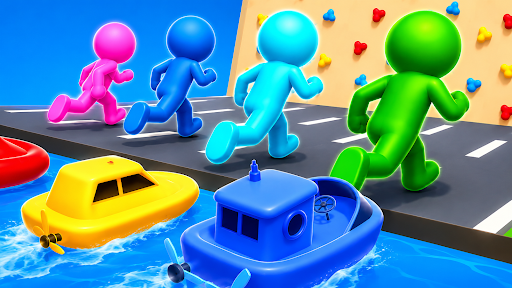
Choose Level 1 or Level 2
Pick an early level for your next race, then choose the vehicle that suits each section of the course.
Requires the Windows app and the Bytonian Mods browser extension for Chrome or Edge. Browser setup guide
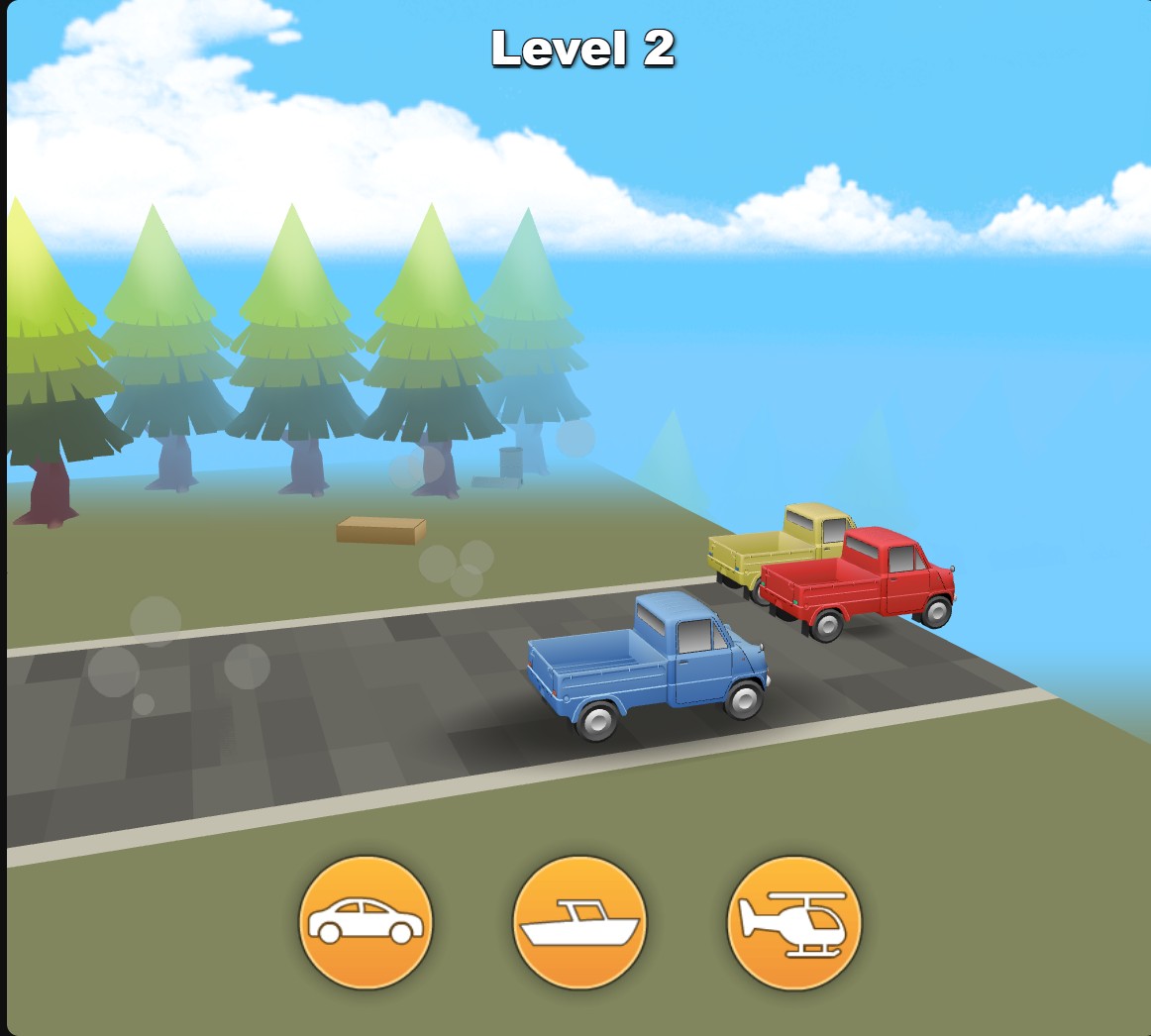
Start at Level 2
Choose an early level, then start the race and switch vehicles through the normal controls.
Starting the selected level
Choose Level 1 or Level 2, then press Play when the selected level appears. Use the car, boat and helicopter buttons as the terrain changes.
Courses contain random sections, so choosing the same level can produce a different route.
Available customisation options
LevelFree
Choose Level 1 or Level 2 for your next race.
Select 1 or 2, then press Play and use the normal vehicle buttons.
Routes contain random sections and can change between races.
Questions about customisation options
- How do I start the selected level?
- Choose 1 or 2, then use the normal Play button when that level appears.
Using these features
Connect your game, then open Customise in the Windows app. Choose an option, check its available values and follow its instructions. Each option lists its own requirements and limits.
Setup for Shift Shapes Car →