
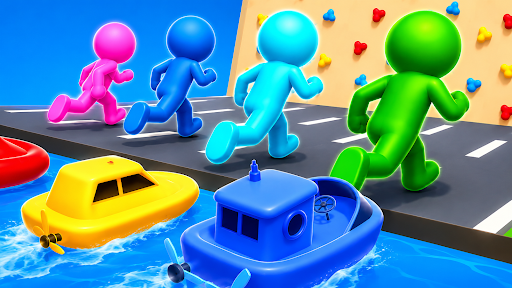
Customise
1 optionStart your race at either of the first two levels.
View customisation options →Choose Level 1 or Level 2 for your next race against two local AI opponents. Switch among the car, boat and helicopter as the course moves across roads, water and raised sections.
Requires the Windows app and the Bytonian Mods browser extension for Chrome or Edge. Browser setup guide
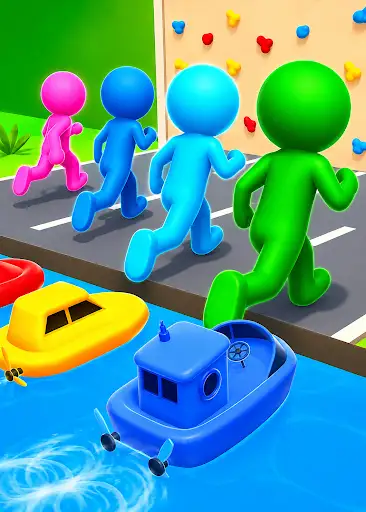
Start with free mods
Download Bytonian Mods for Windows and try these free features. Choose one to see how it works and any requirements.
Choose Level 1 or Level 2 for your next race.
Select 1 or 2, then press Play and use the normal vehicle buttons.
Routes contain random sections and can change between races.
Select Level 1 or Level 2, then press Play and use the normal vehicle buttons. Courses include random sections, so the route can change between races.
Start your race at either of the first two levels.
View customisation options →Download the Windows app and follow the setup prompts.
Set up the browser extension in Chrome or Edge, then open the supported YouTube Playable. Follow the connection guide if the game is already running.
Open Customise in Bytonian Mods, choose an option and follow its instructions. Check the available values and any limits before making your change.